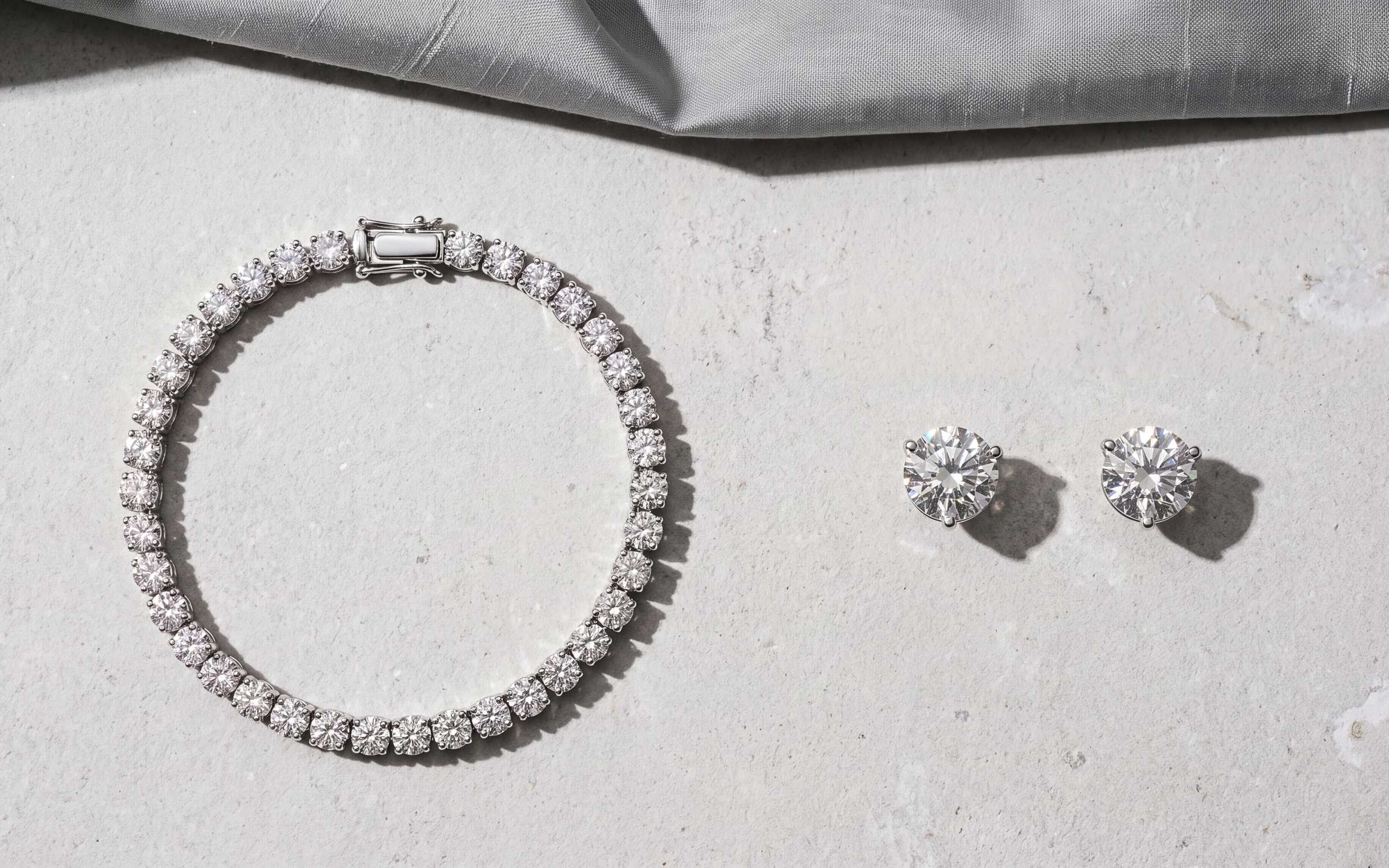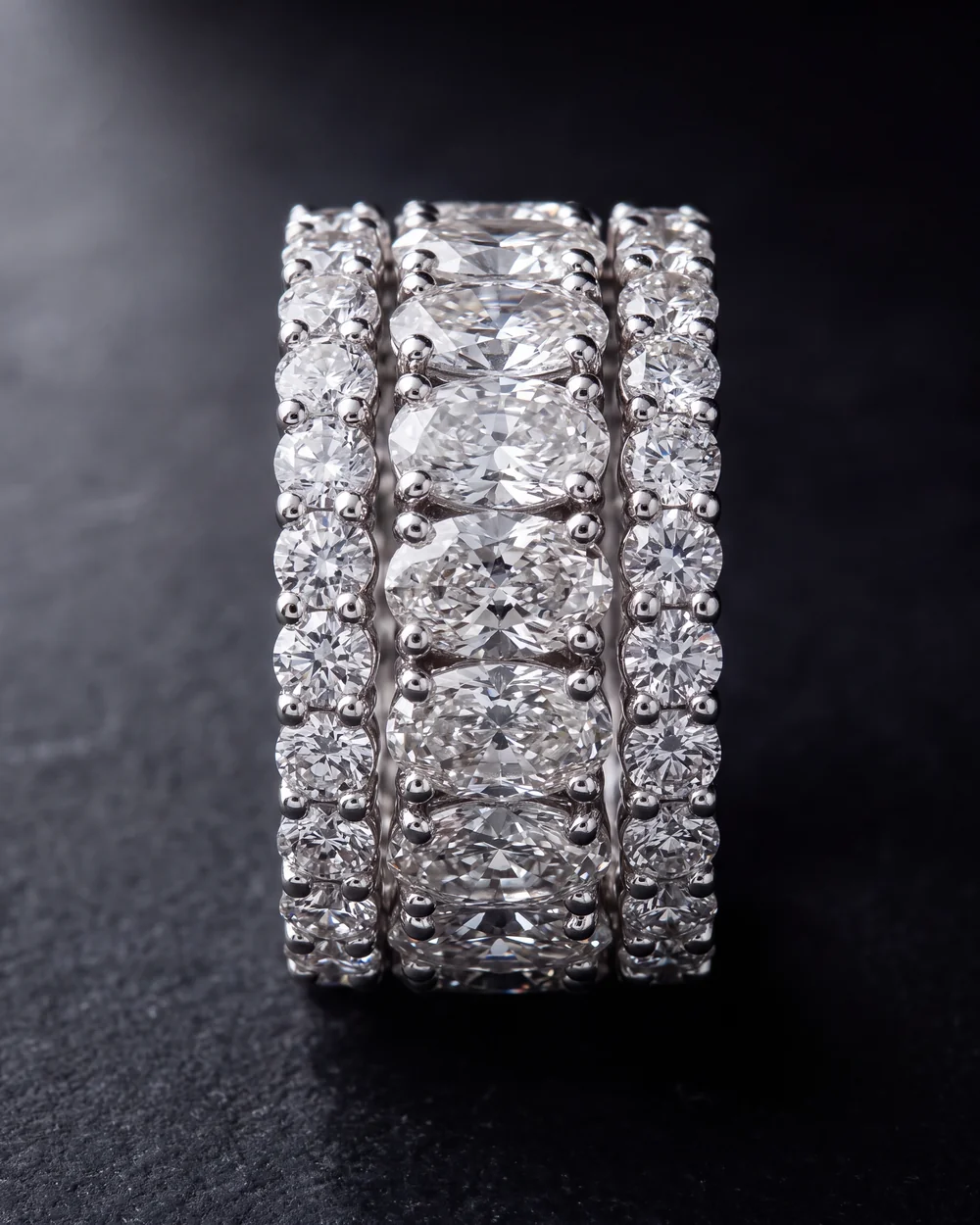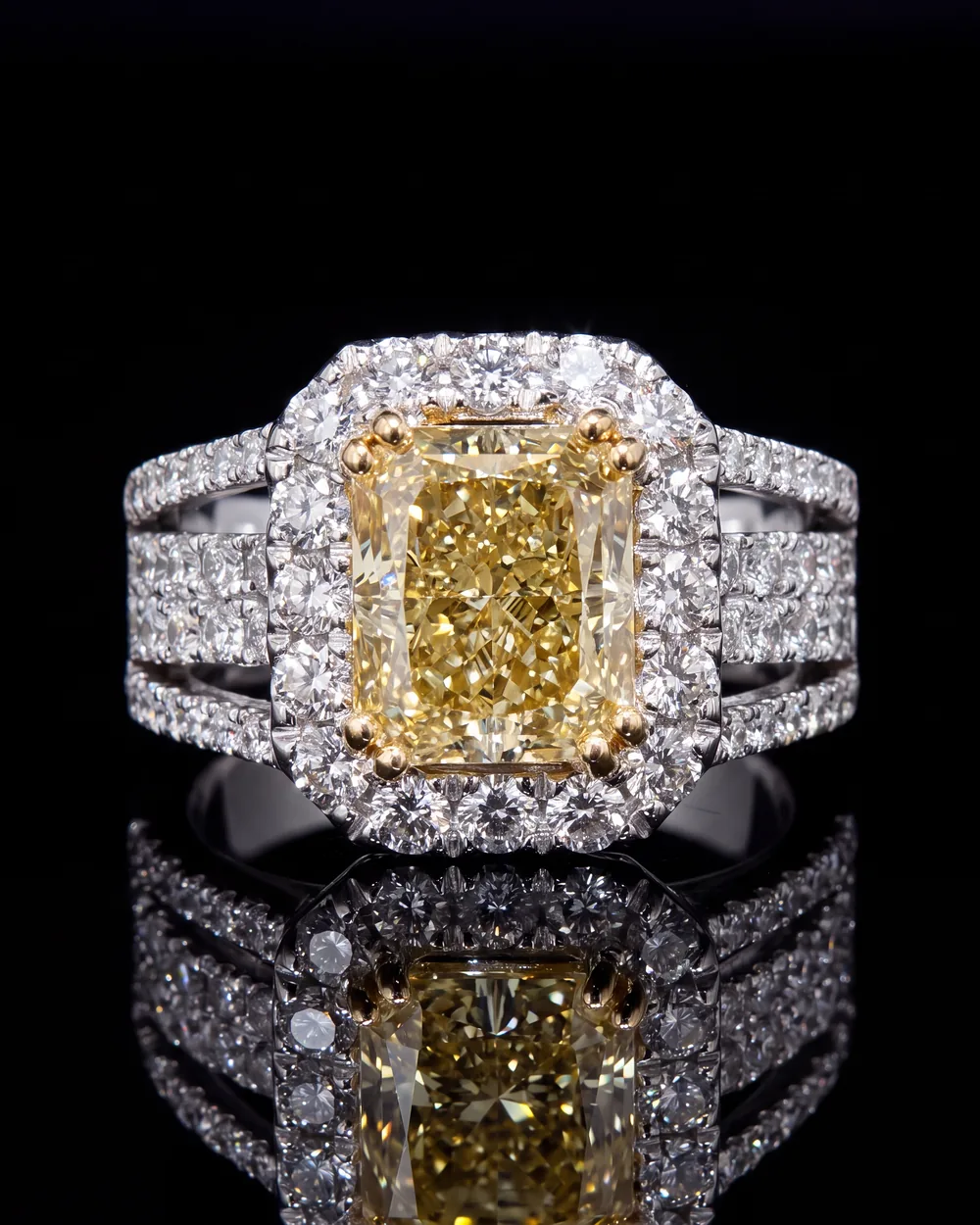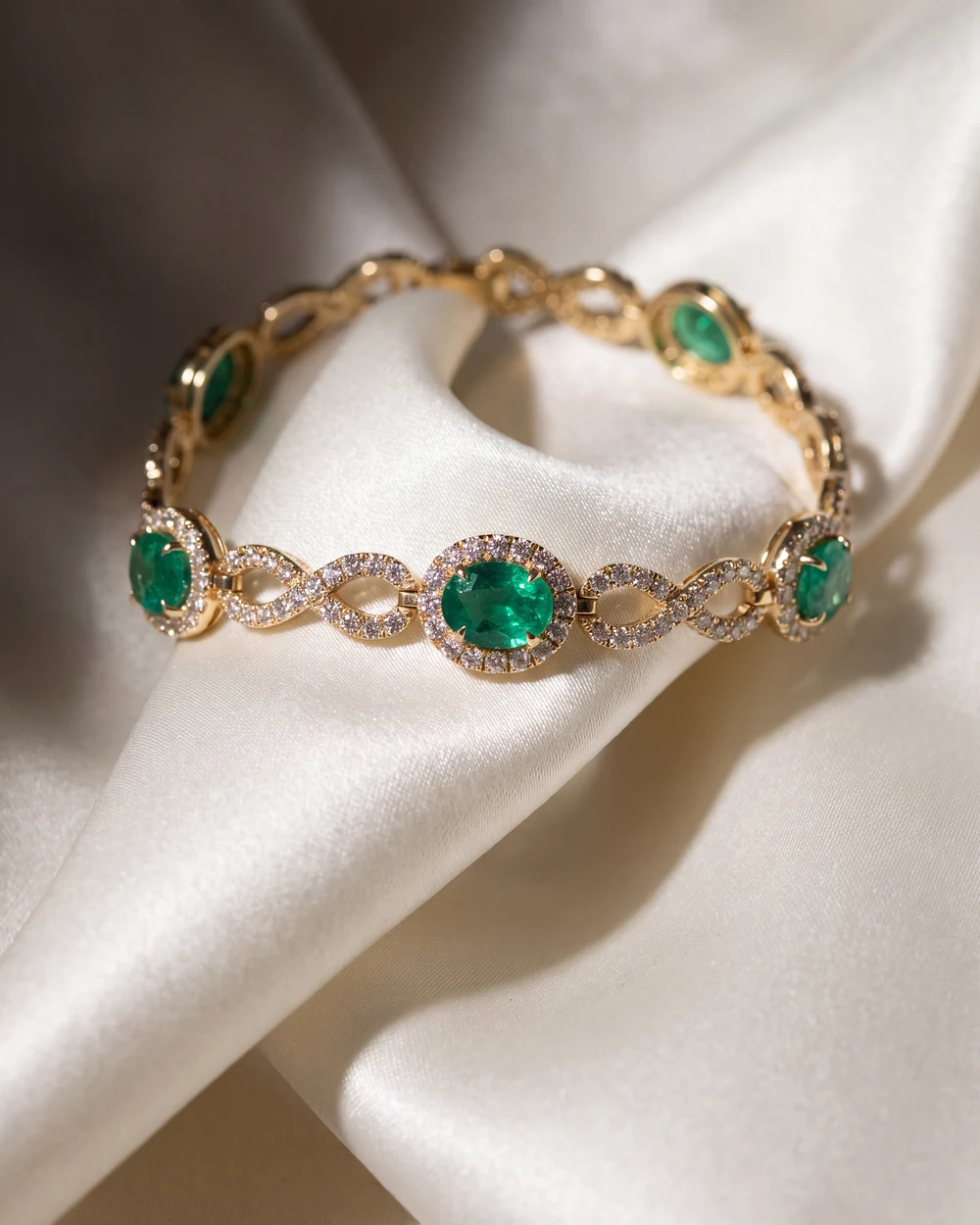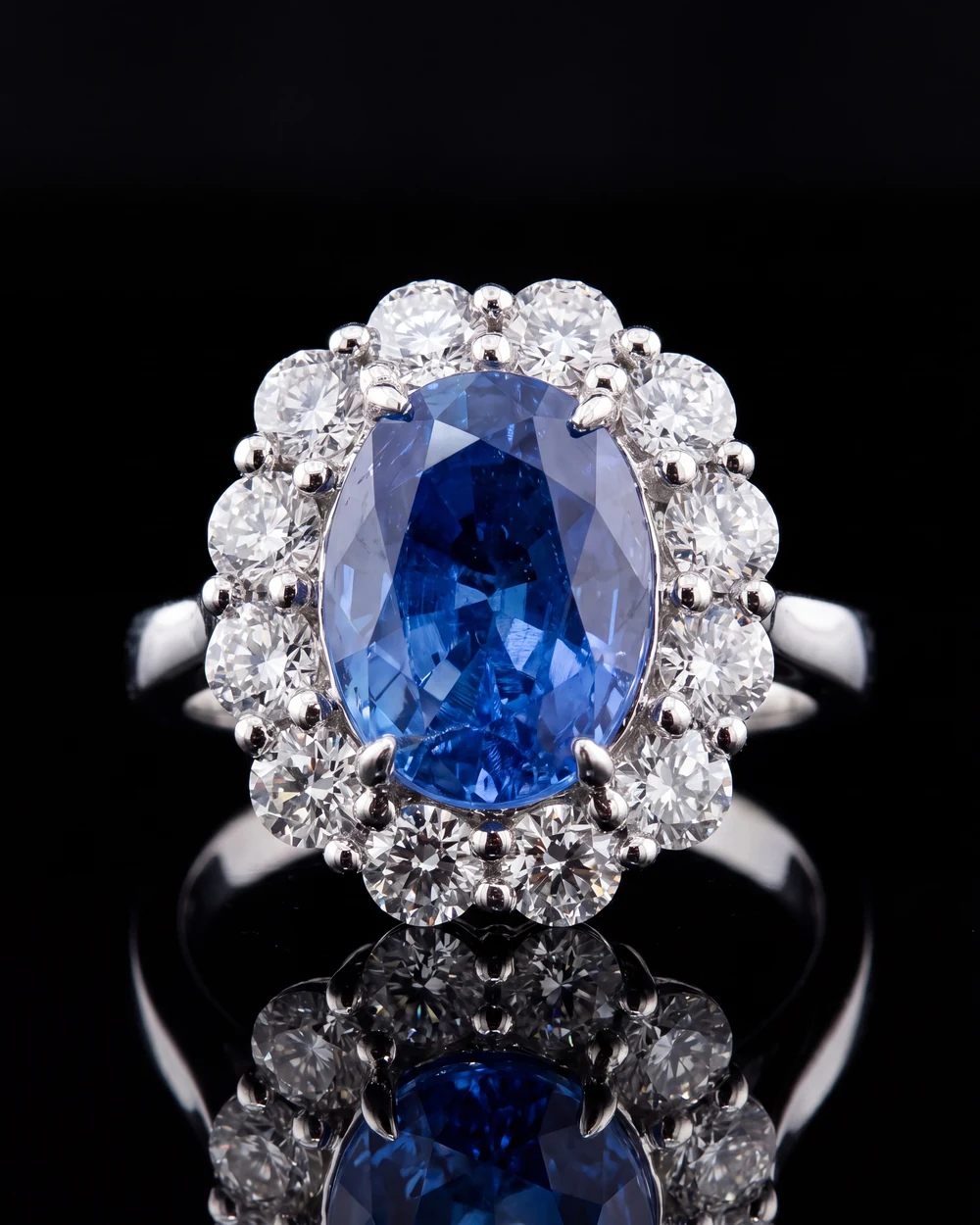
Here is what usually happens when a store buys from a jewelry manufacturer. The pieces arrive with a paper or PDF invoice. Each item has a style number, a short code like 14KW 1.25CTW RD DIA LINE BRC, and a price. Then someone at the store retypes every item into the point of sale, takes new photos in the store, and writes a title and description before the piece can go online.
That work takes days, and it often never gets finished. Pieces sit in the store without a listing. Your pieces, the ones you designed and photographed carefully, show up online as a blurry snapshot with a code for a name, or not at all.
What changes when the invoice carries the piece
Digital invoicing means each piece on your invoice carries everything a store needs to sell the piece:
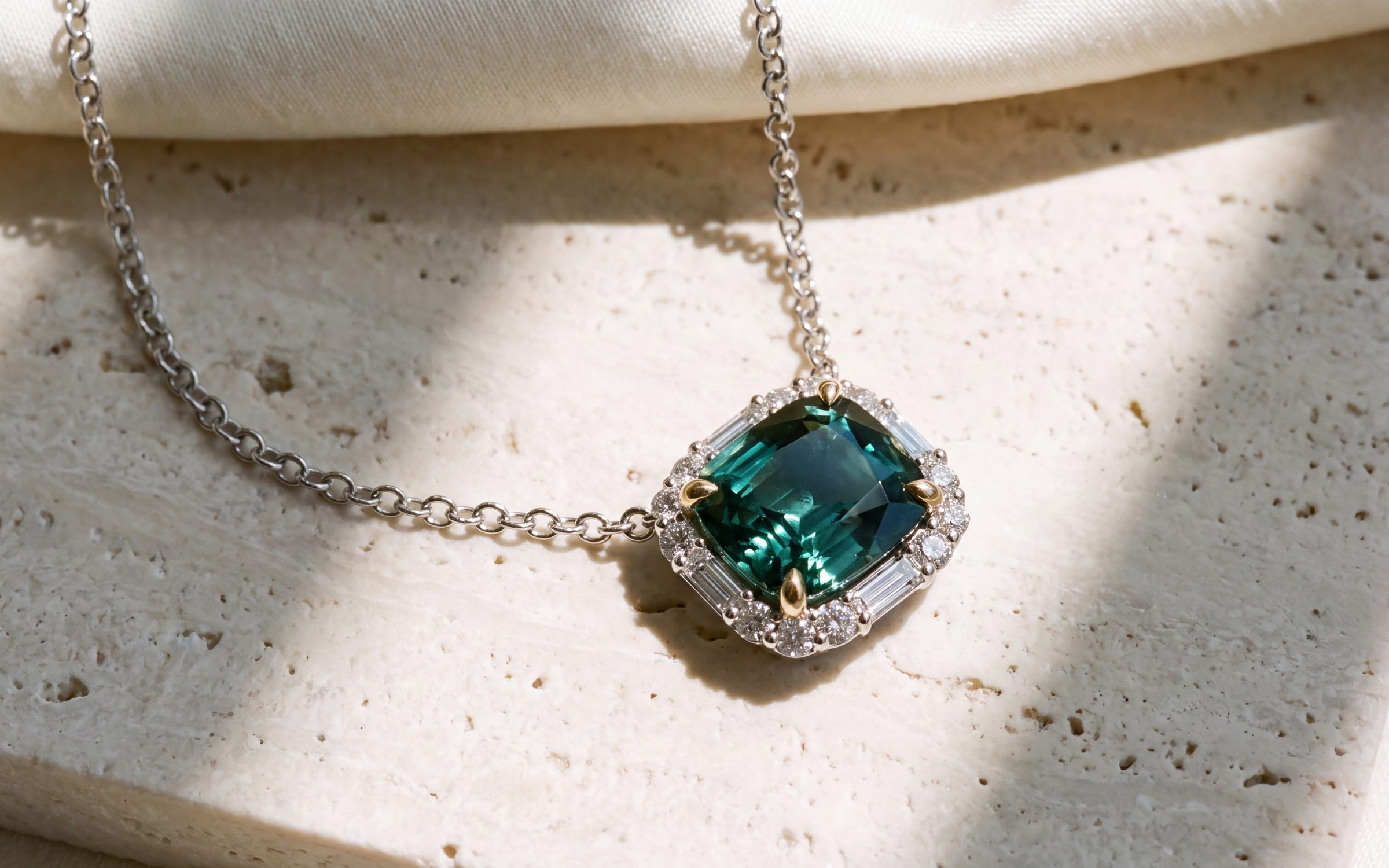
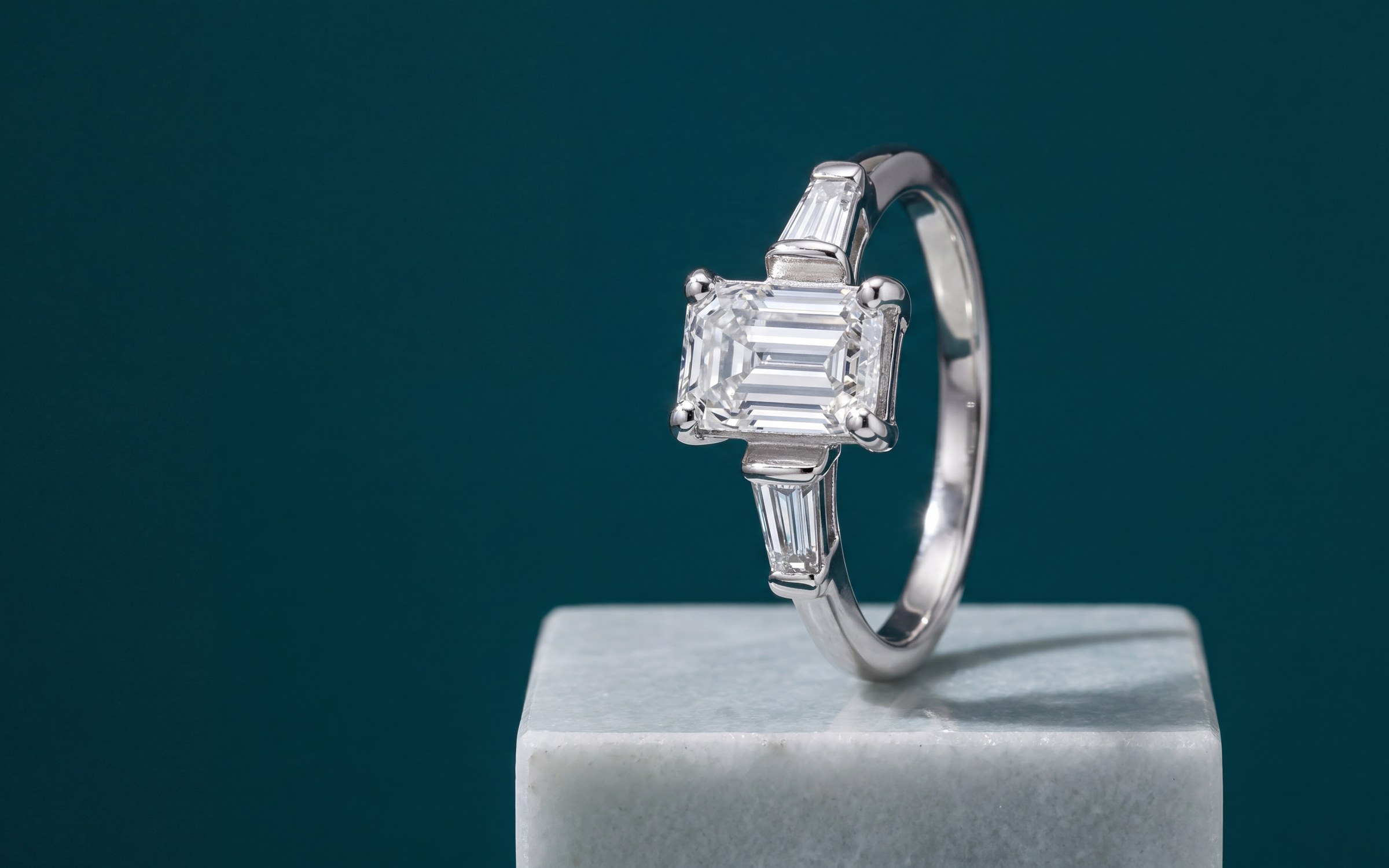
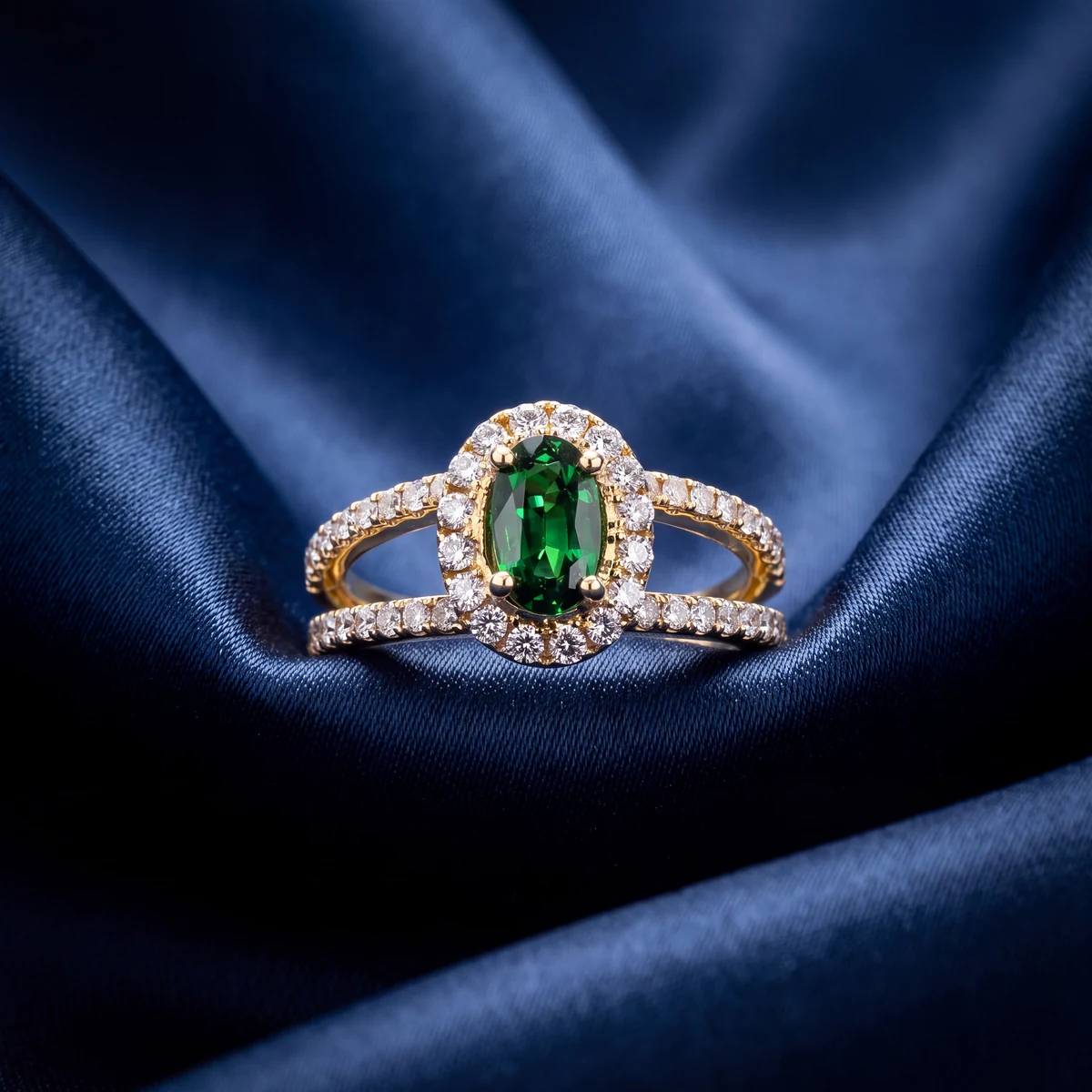
- Studio and on-model photos of the exact piece.
- A clear title a customer would search for, such as 14K White Gold 1.25 Carat Diamond Line Bracelet.
- A short description written for a shopper.
- The details: metal, stones, weights and your style number.
The store then brings those pieces into its point of sale. With a direct connection that is one step. Without one, the store exports a CSV file or sheet in the import format its point of sale already uses. Either way, nobody retypes the invoice, and your photos and copy travel with your pieces.
Your pieces should arrive at the store the way you would want them shown.
Why this matters to a manufacturer
- Your pieces go on sale sooner. A piece that is in the point of sale and online the day it arrives starts selling that week.
- Your pieces look the way you intended. The store uses your photos and your words, not a quick snapshot.
- Reorders are easier. When a piece sells, the store sees exactly what it was and can reorder it by name.
- Stores like working with you. Saving a store hours of data entry on every order is a real reason to buy from you over another maker.
What to prepare
You do not need a new system to get ready. Start with what you have:
- Your product list, with style numbers, metals, stones and wholesale prices. Our guide to wholesale jewelry catalogs covers what belongs on it.
- A photo of every piece. Phone photos are fine as a starting point.
- A list of the stores you sell to and the point of sale each one uses, if you know it.
Where Aurix fits
In Aurix, manufacturers create invoices and share them with the retail jewelers who buy from them. Every piece arrives with its photos and details, and the store imports it into its point of sale. You can send the invoice or share a private link.
Digital invoicing is in early access for manufacturers and brands. Ask for early access, and pricing for brands is by inquiry. You can see how it fits with lookbooks and photography on the Aurix for brands page.
The photography side is live today. Aurix Photo Studio turns a photo you already have of a piece into a studio photo of the same piece, and catalog enhancement adds titles, descriptions and SEO for a whole catalog. See AI jewelry photography.
Questions jewelers ask
What is digital invoicing for jewelry manufacturers?
An invoice where every piece carries its photos, title and description, not just a style number and a price. The retail jeweler can bring those pieces into its point of sale without retyping them.
How does the store get the pieces into its point of sale?
Either by a direct connection, or by exporting a CSV file or sheet in the import format its point of sale already uses. Either way, nobody retypes the invoice.
Is Aurix digital invoicing available now?
It is in early access for manufacturers and brands. Ask for early access at getaurix.ai/talk-to-sales. Pricing for brands is by inquiry.
Does the retail jeweler need to use Aurix?
The brand sends the invoice or shares a private link. The store can import it through a direct connection or by exporting a file in its point of sale's import format.