Etsy's photo rules are short, but they have teeth. The first photo has a minimum size that affects search ranking, uploads over a file size limit silently fail, and the same photo gets cropped three different ways across the site. Get the numbers right once and every listing after that is easier.
Everything below is from Etsy's help center article on image requirements at the time of writing, with the jewelry-specific advice added. Etsy updates these, so check the article before a large batch.
The numbers
- Recommended size: at least 2000 pixels in width and height.
- First photo minimum: at least 635 pixels in width and height. Etsy says a smaller first photo can show up lower in search.
- File size: images over 1 MB may not finish uploading, especially on a slower connection.
- File types: .jpg, .gif, .png, .svg and .heic. No animated GIFs. No transparent PNGs, because transparent areas appear black.
- Color: Etsy converts images to sRGB. Convert before upload or colors can shift. CMYK files are for print and will look wrong.
- Compression: Etsy compresses uploads for page speed and optimizes them for mobile, so start sharp.
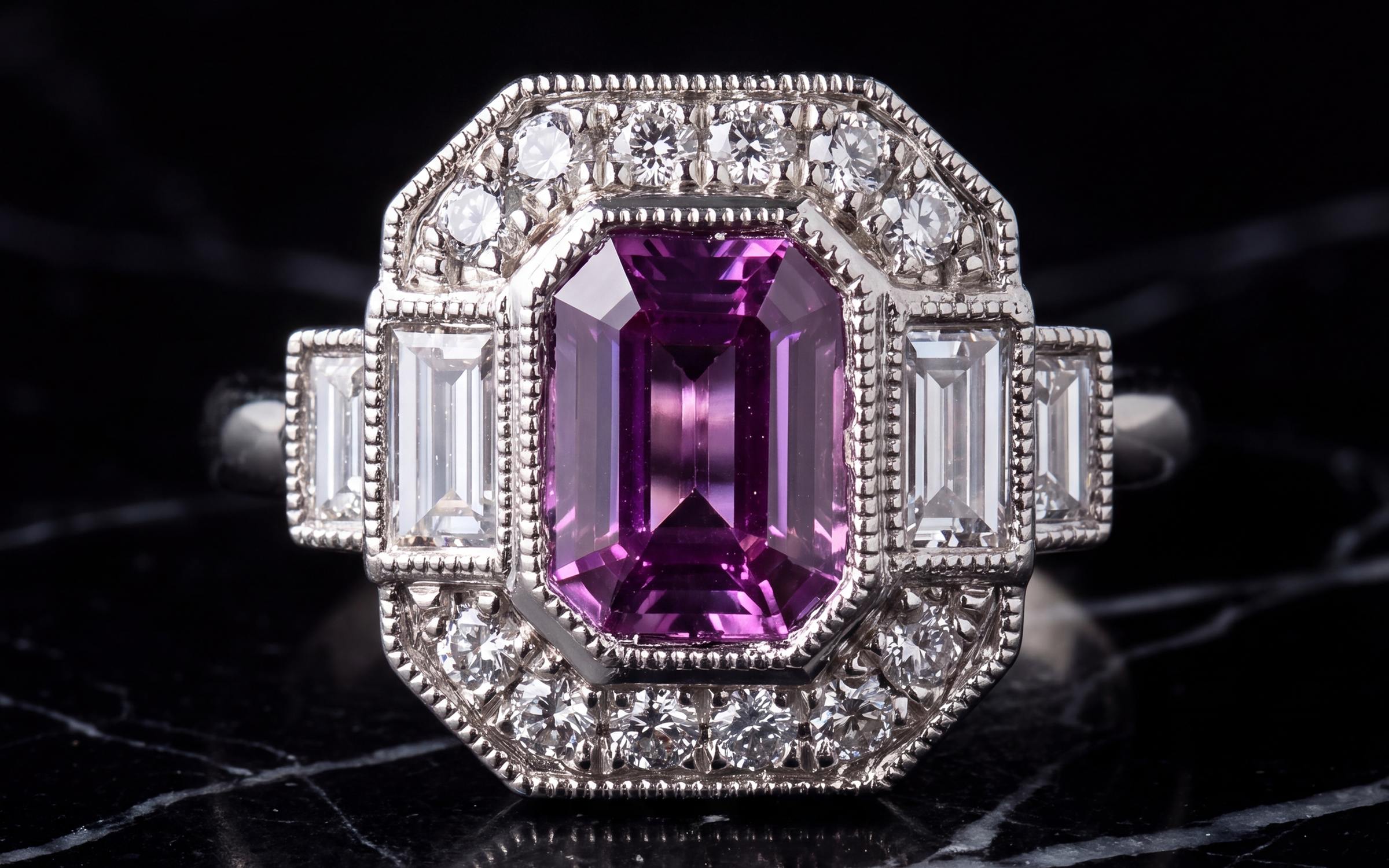
For jewelry, treat 2000 pixels as a floor, not a target. A ring that fills a 2400 pixel frame still looks sharp after Etsy's compression and in the listing zoom. A ring sitting small in the middle of a 2000 pixel frame does not. Export a high quality JPG at that size and it will land under 1 MB.
Orientation and the three crops
This is the part most sellers miss. Etsy shows your first photo as a square in search and on market pages, as a portrait in some mobile views and as a landscape in others. It crops your photo to make those shapes.
Etsy's guidance is specific: the first photo should be horizontal or square, it dictates the shape of the photos that follow, and you should shoot it further back than you think you need, with the subject in the center, so the three crops do not cut off the piece. Etsy also says a horizontal photo uses more of the thumbnail frame than a vertical one, and that a vertical image loses more to the crop.
A crop method that works for jewelry:
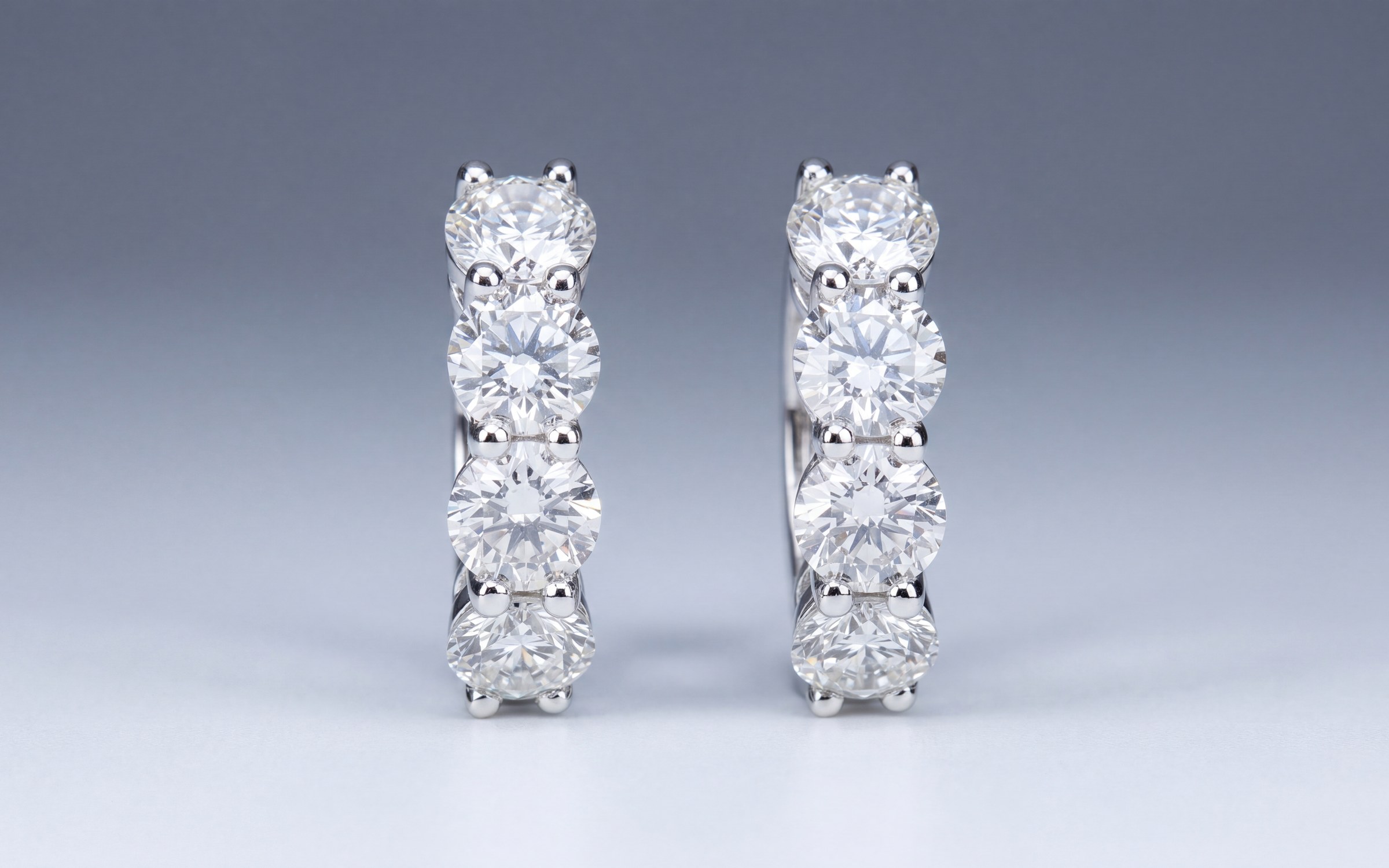
- Shoot the main photo landscape, about 4:3 or 3:2, with the piece in the exact center and empty background on both sides.
- Make the piece as large as it can be while still fitting inside an imaginary square in the middle of the frame. That square is what search shows.
- Upload, then open the thumbnail adjustment tool in the listing editor and check the square, portrait and landscape previews. Drag the frame if a prong or a drop is clipped.
- Use the same shape for every other photo in the listing, because the first photo sets the shape for the rest.
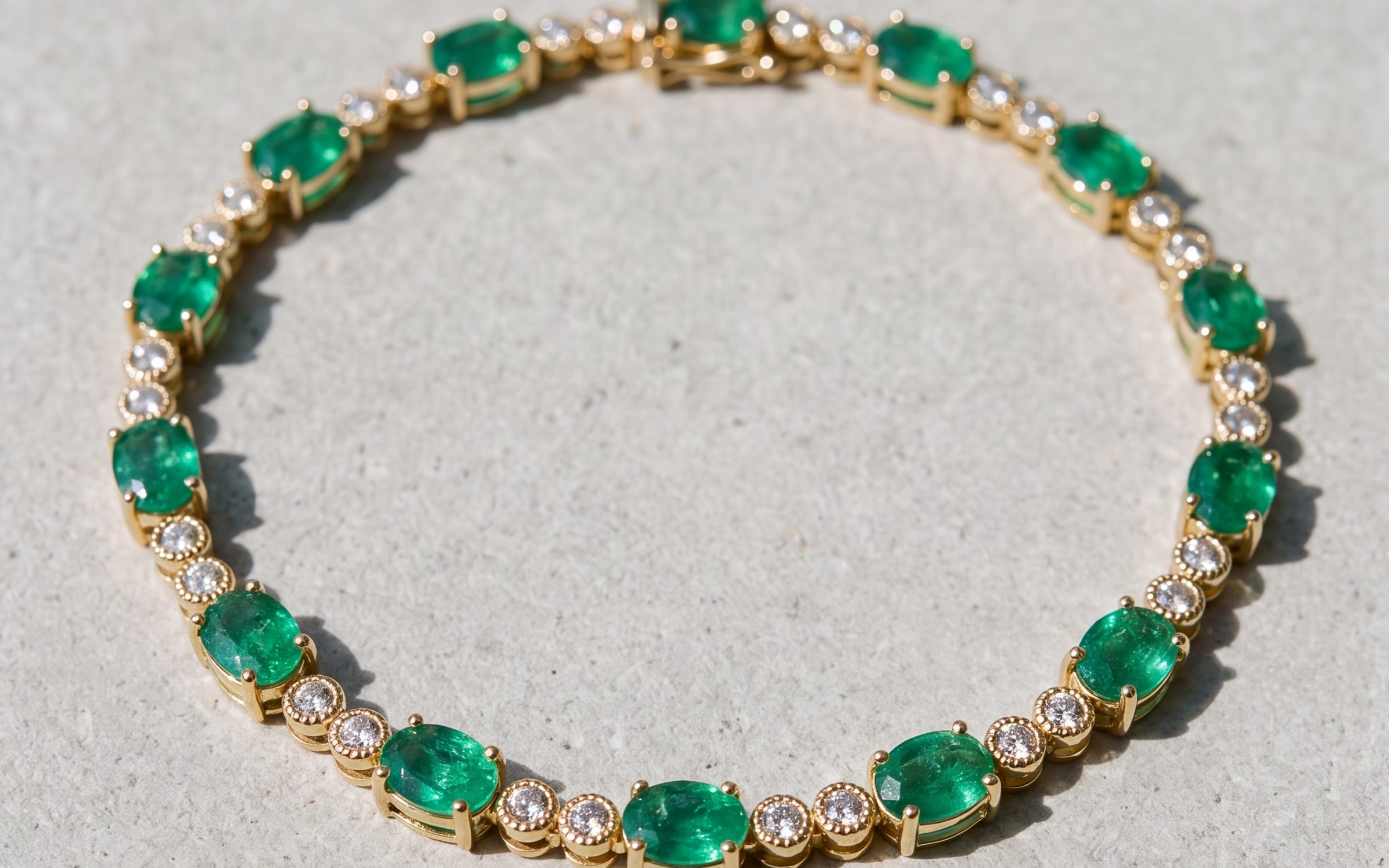
For long pieces, such as a necklace laid out full length or a drop earring, this means the piece ends up smaller in the landscape frame than you would like. Accept that for the first photo, and put the tight close-up in photo two or three.
A quick check before you upload
- Width and height both 2000 pixels or more, with the piece large in the frame.
- Landscape or square, piece centered, background on both sides.
- JPG, under 1 MB, in sRGB.
- No transparency, no animation.
- No text, watermark or border on the main photo.
- Same shape for every photo in the listing.
What the photos should show
Size is the easy half. What to shoot, in what order, and how to make a thumbnail that wins the click in a grid of hundreds is covered in Etsy jewelry photography. The titles and tags that get the listing in front of the right search are in Etsy SEO for jewelry.
Getting photos at that size from a phone
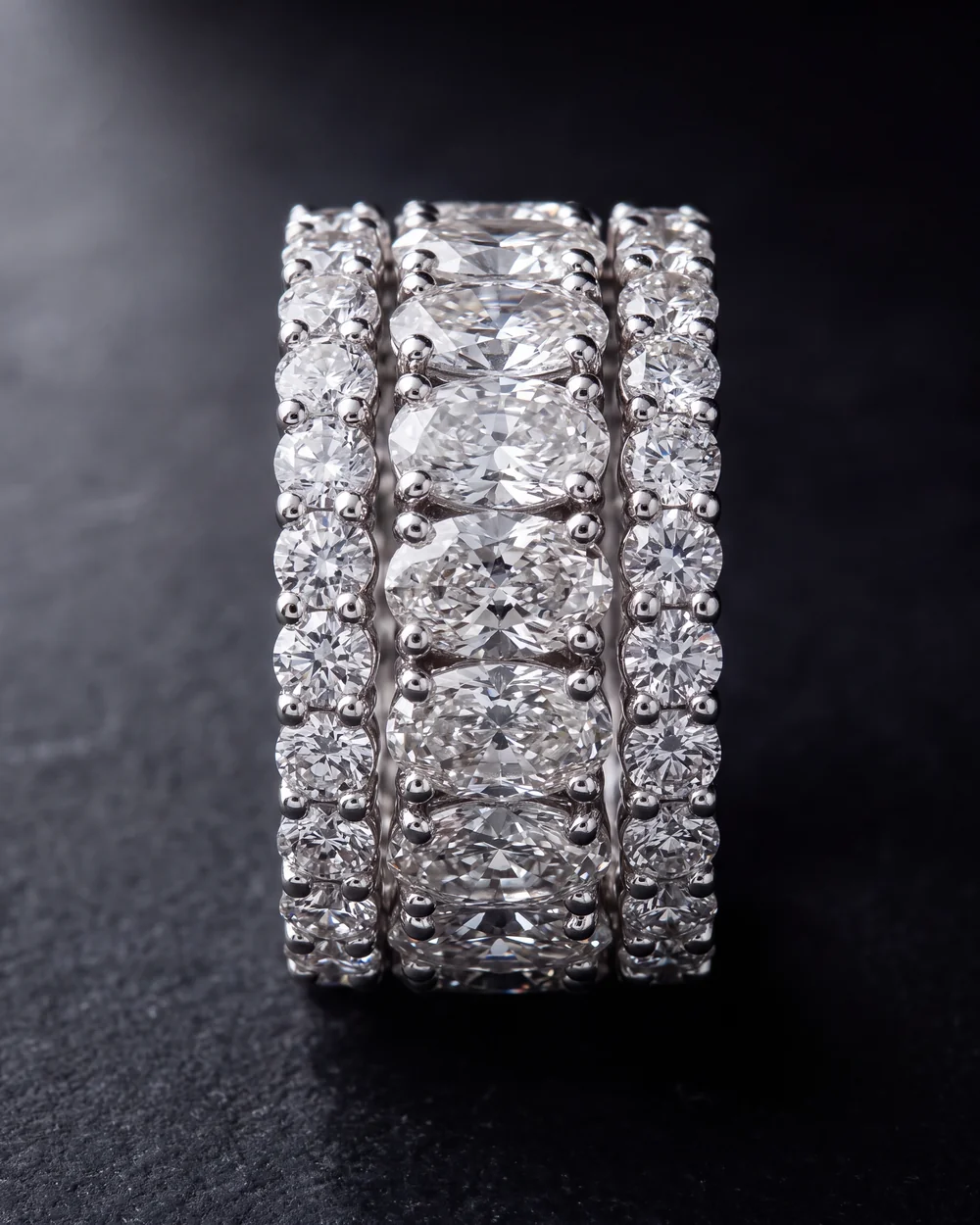
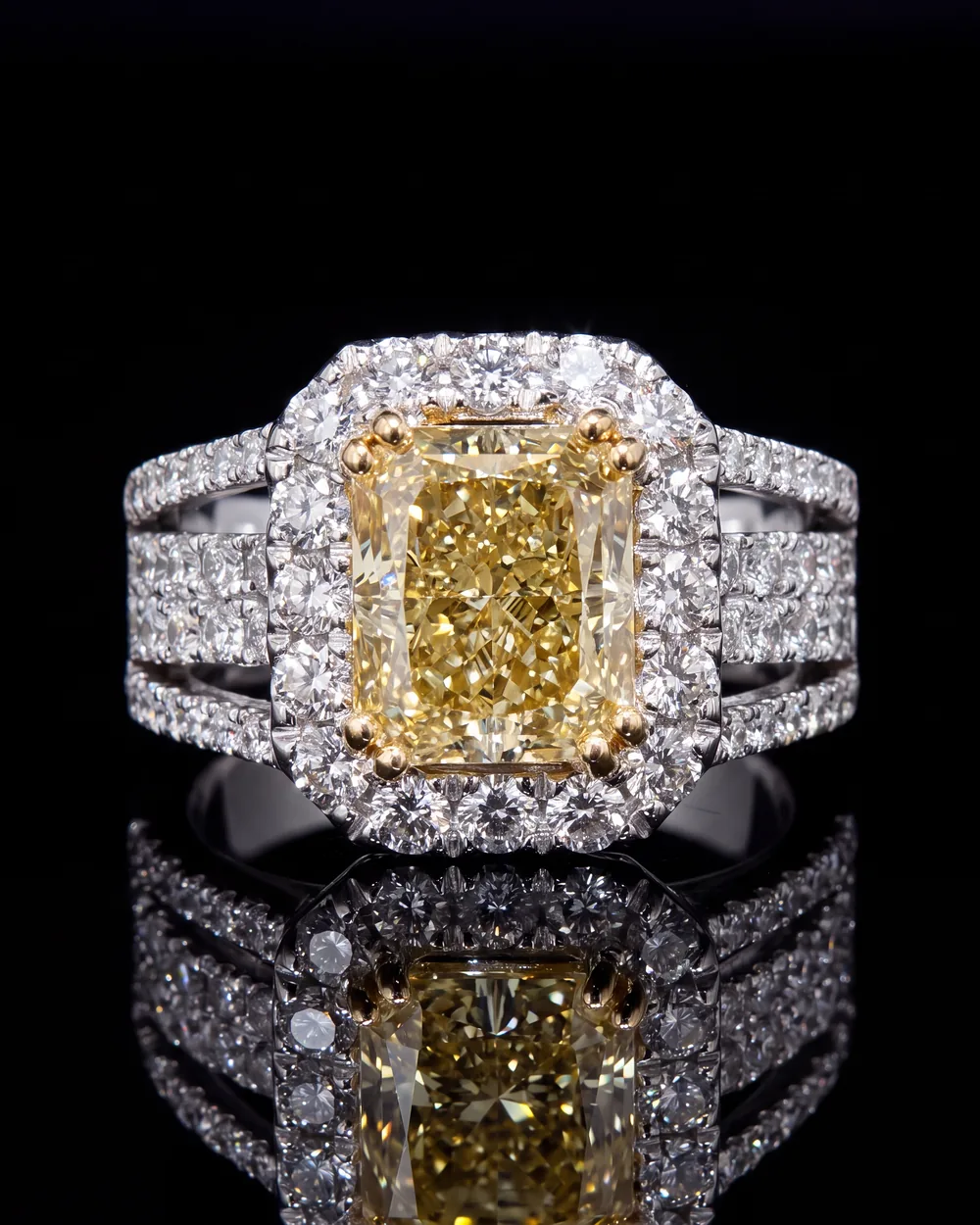
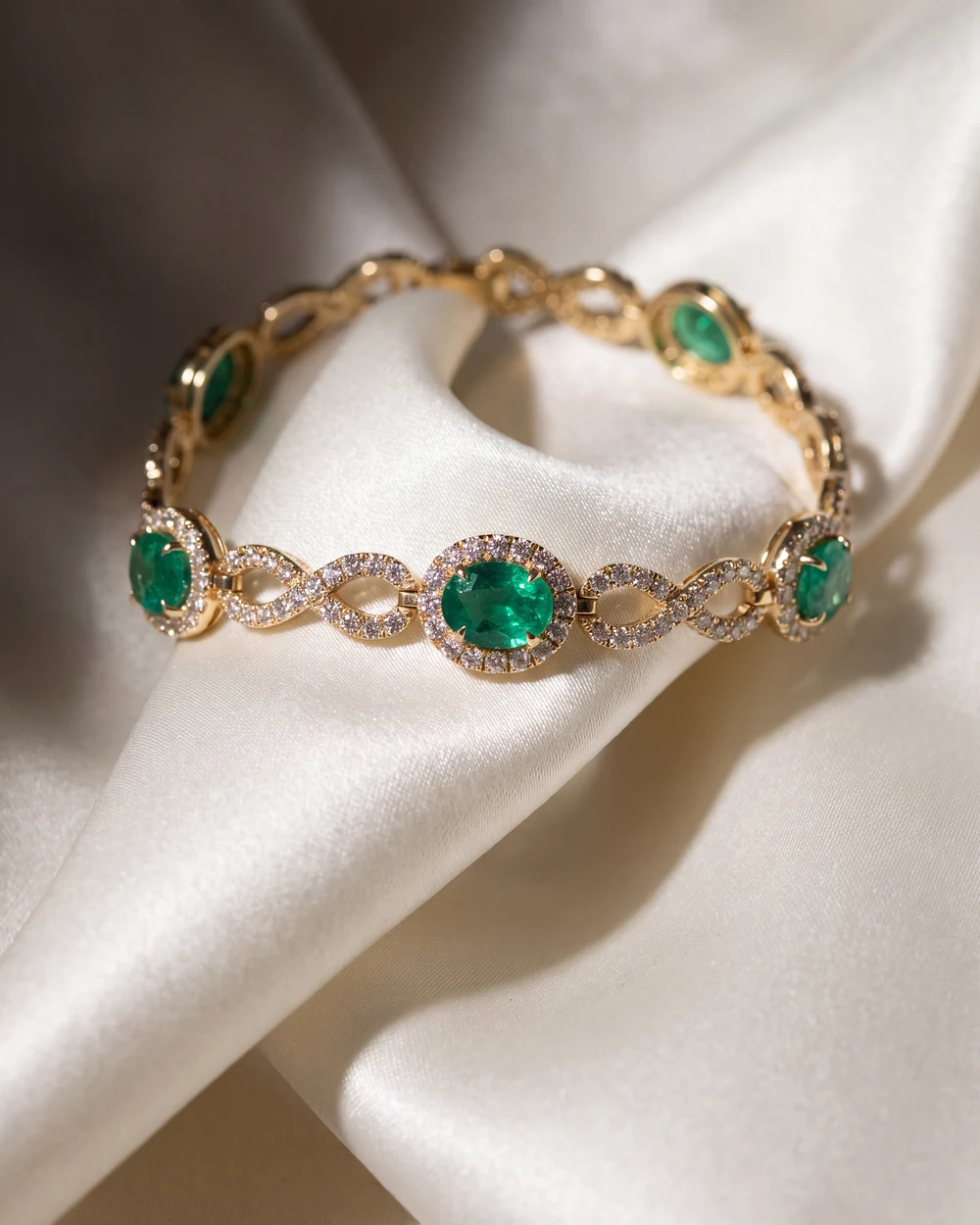
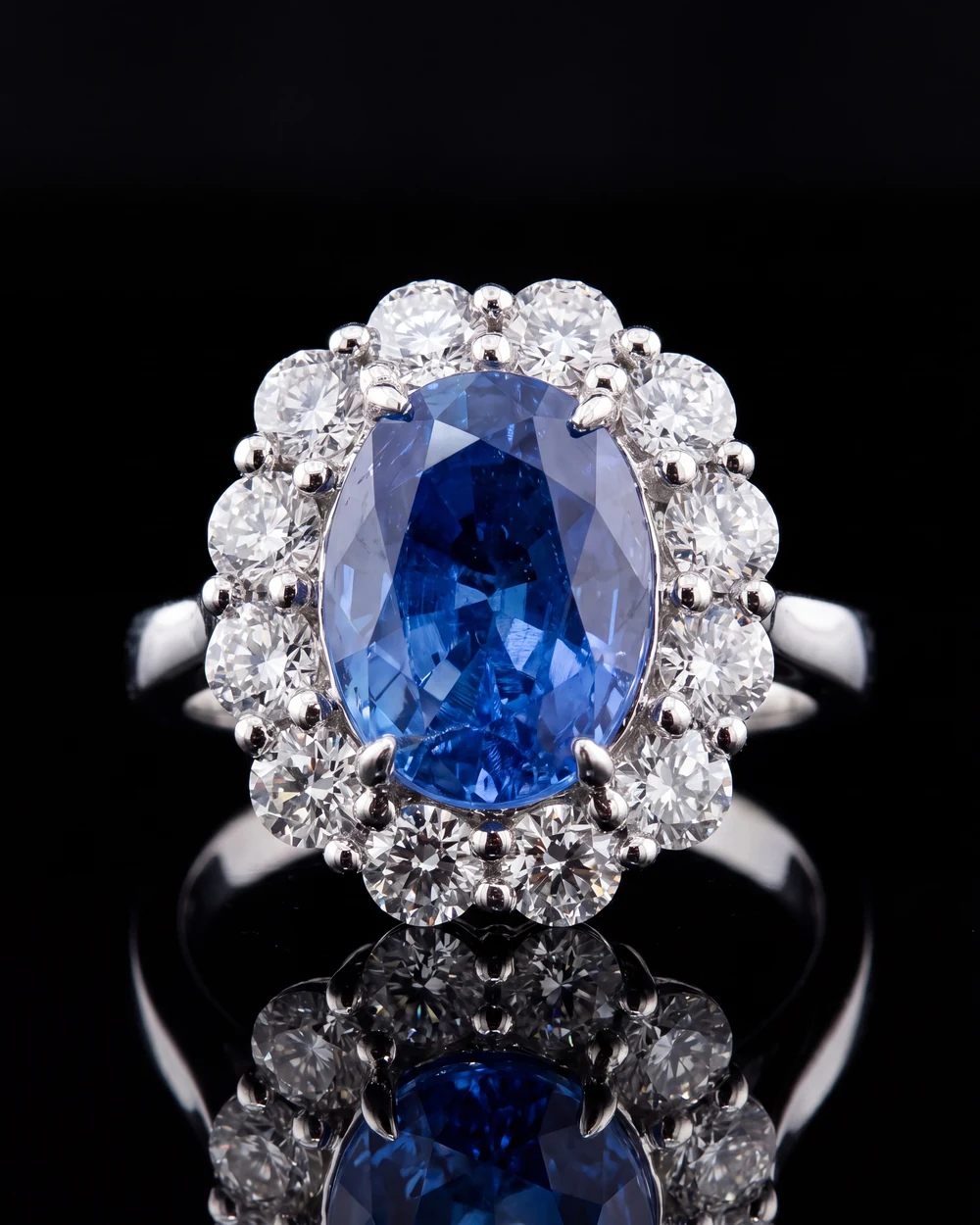
A current phone shoots well above 2000 pixels, so the size is rarely the problem. The problem is that a phone photo on a desk does not look like a studio photo, and in Etsy search the studio photo wins. Aurix takes up to five photos you already have of a piece and returns catalog and worn photos of that same piece, large enough for Etsy's recommendation and framed with the piece centered so the square crop works. The stone, metal color and setting stay as they are, you review each result next to your original, and you download the photo and upload it to Etsy like any other. No Etsy connection. The Photo Studio page for sellers shows what comes back.
Try it on your own photos
Try 10 photos free, no card needed, at app.getaurix.ai. After that, plans start at $99 a month: Starter $99, Growth $199 and Scale $399, month to month. Not sure which Style suits your pieces? Book 20 minutes and we'll run three of them with you.
Questions jewelers ask
What size should Etsy listing photos be?
Etsy recommends listing photos with a width and height of at least 2000 pixels. The first photo must be at least 635 pixels in width and height or the listing can show up lower in search. Files over 1 MB may not finish uploading.
What aspect ratio does Etsy use for listing photos?
Etsy shows your first photo in square, portrait and landscape crops in different places. Its guidance is to upload a horizontal or square first photo, shot further back with the piece centered, and to use the thumbnail adjustment tool in the listing editor to check all three crops.
What file types does Etsy accept for listing photos?
JPG, GIF, PNG, SVG and HEIC. Animated GIFs and transparent PNGs are not supported, and transparent areas show as black. Convert images to sRGB so colors match.
Why do my Etsy photos look blurry after upload?
Etsy compresses images for page speed and optimizes them for mobile. Start with a sharp photo at 2000 pixels or more, with the piece large in the frame, and the compressed version will still look sharp. Upscaling a small photo to 2000 pixels does not help.
Can Aurix make Etsy-sized photos?
Aurix returns photos large enough for Etsy's 2000 pixel recommendation, with the piece centered so the square crop works. You download the photo and upload it to your listing. Aurix does not connect to Etsy.