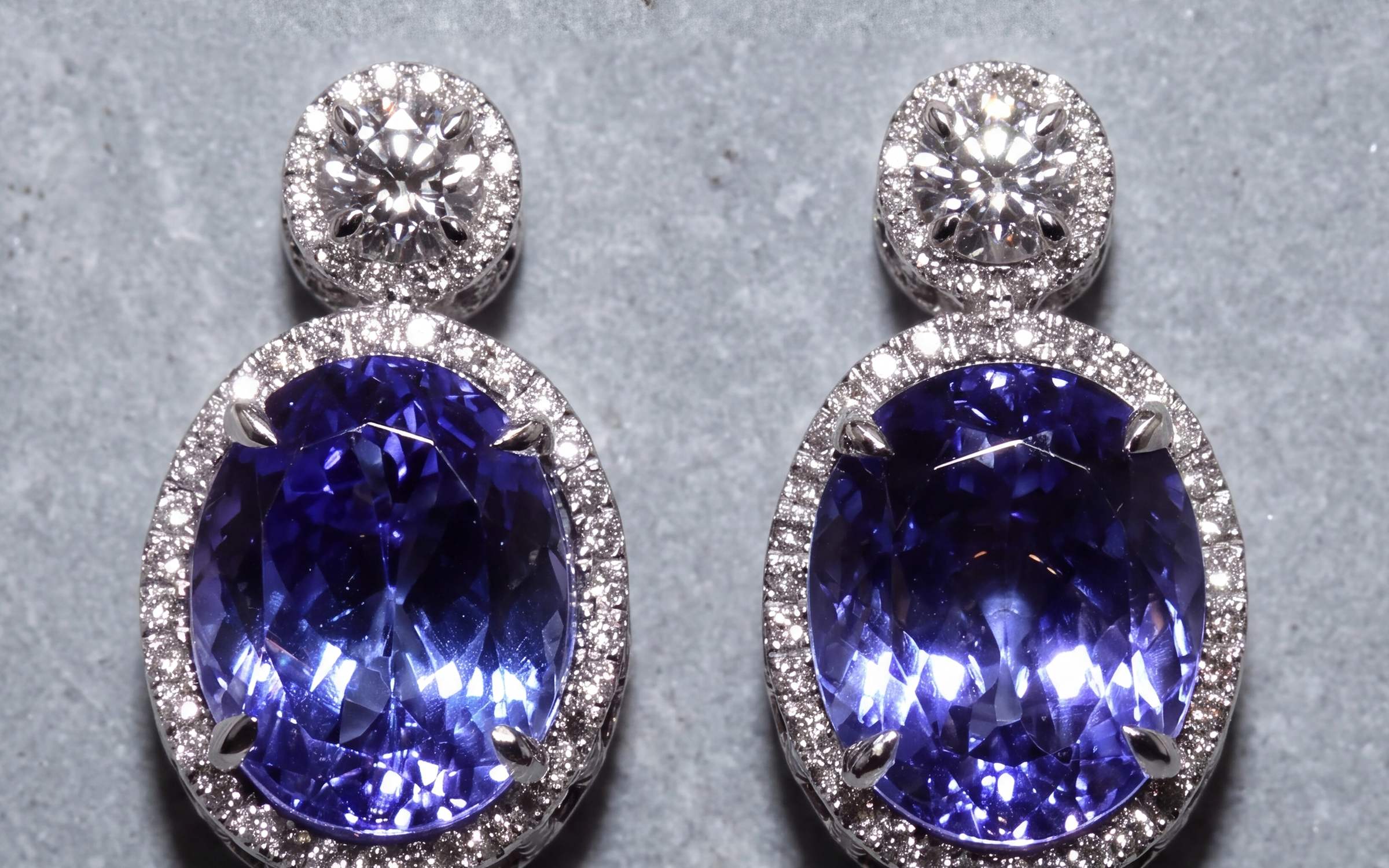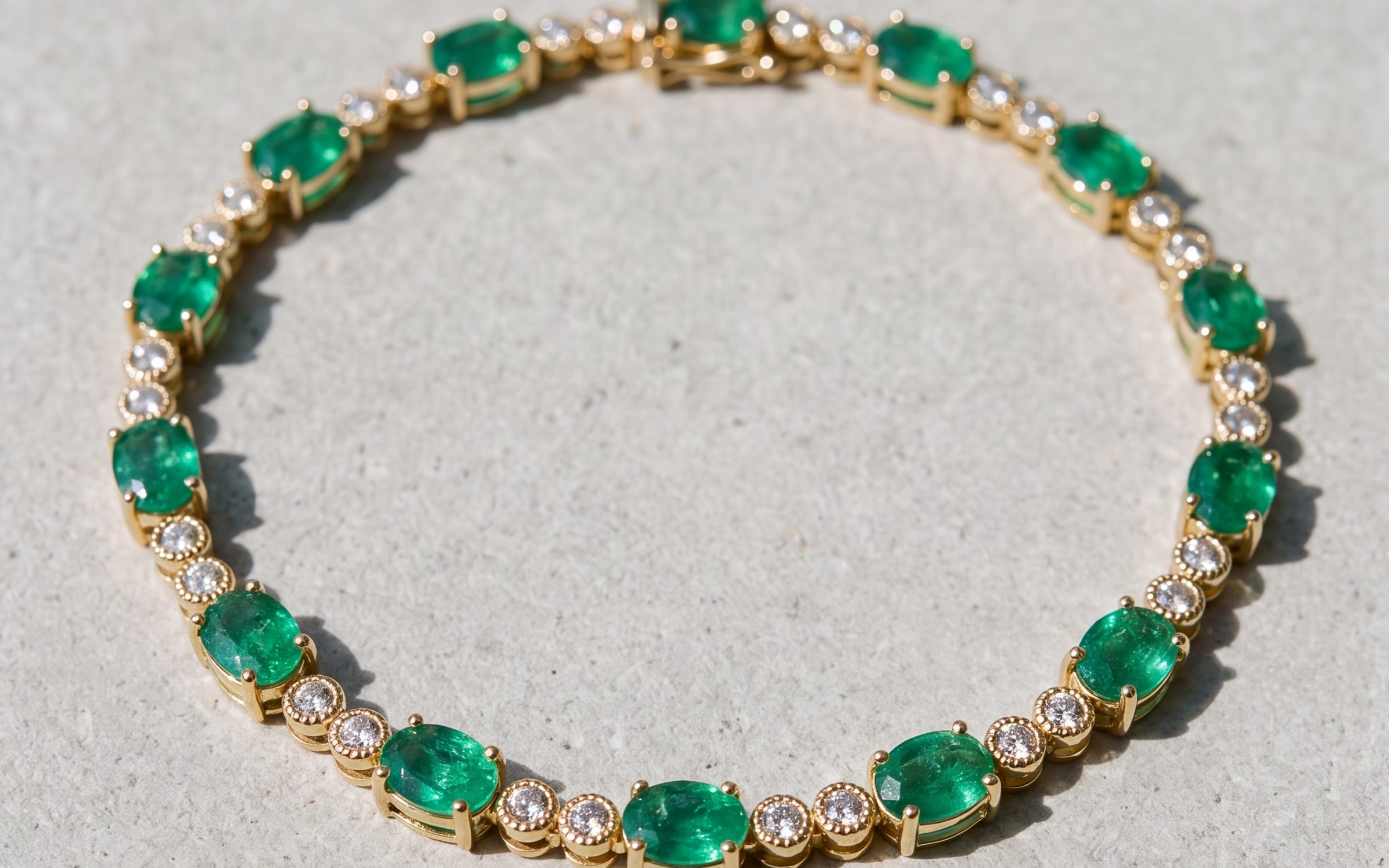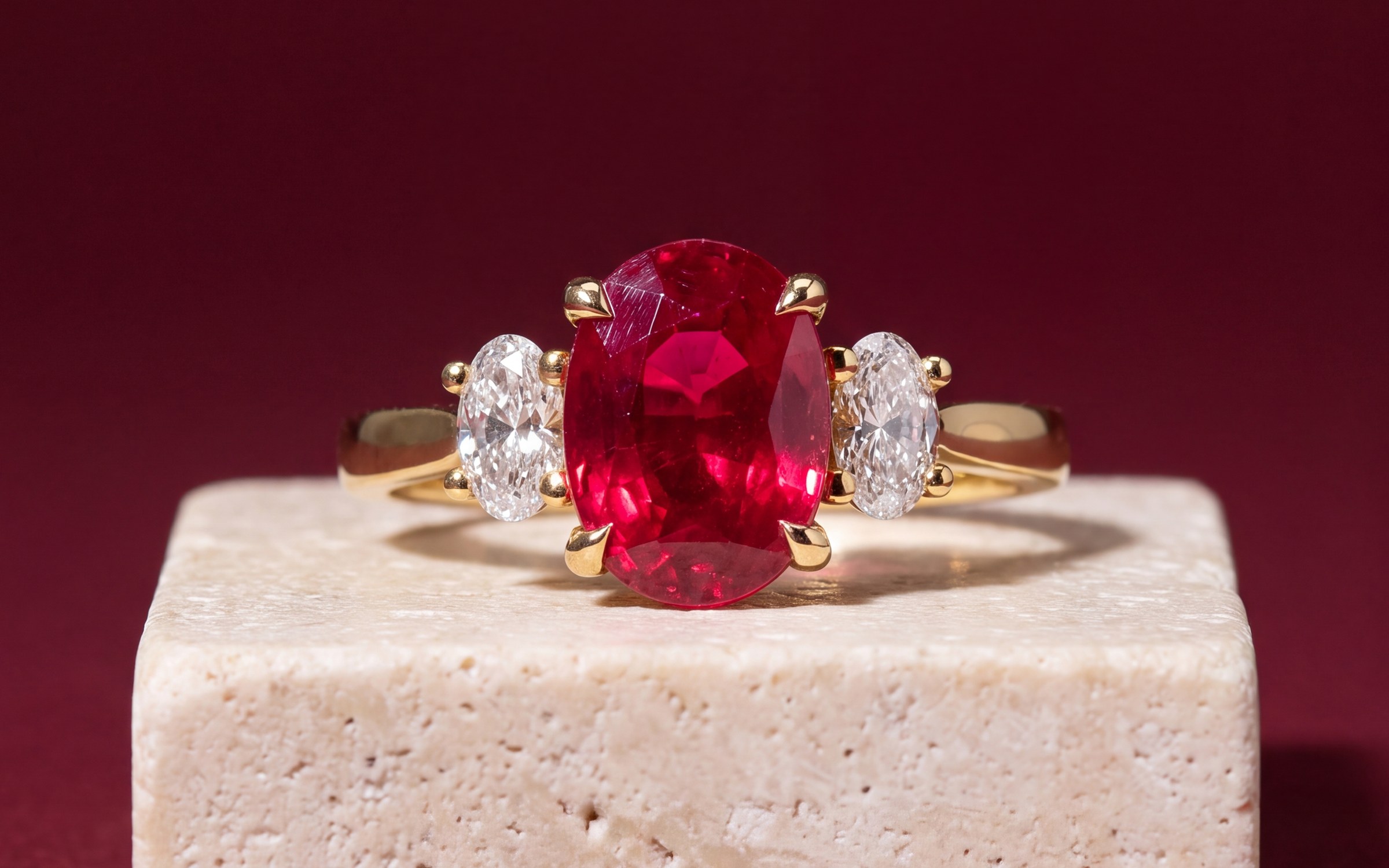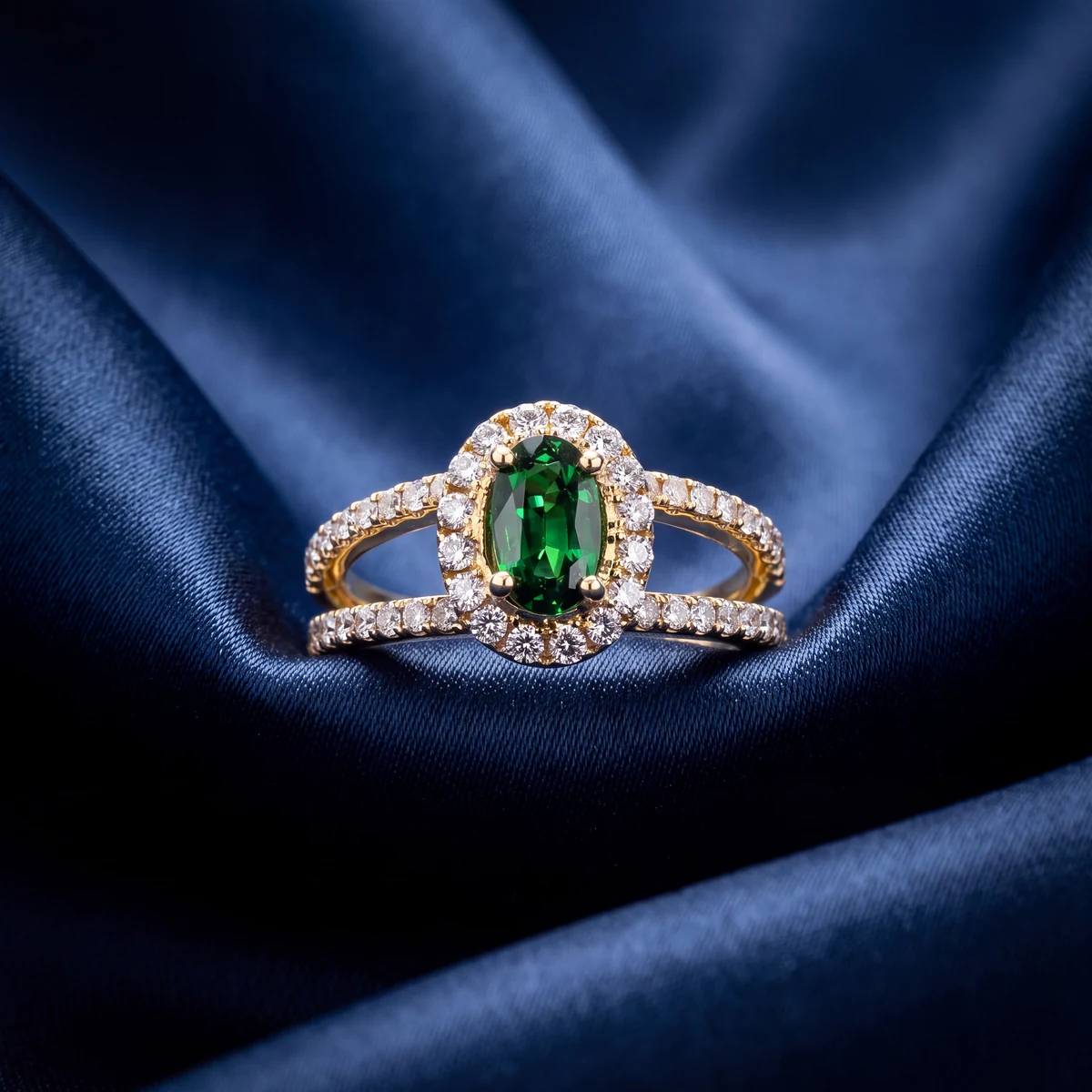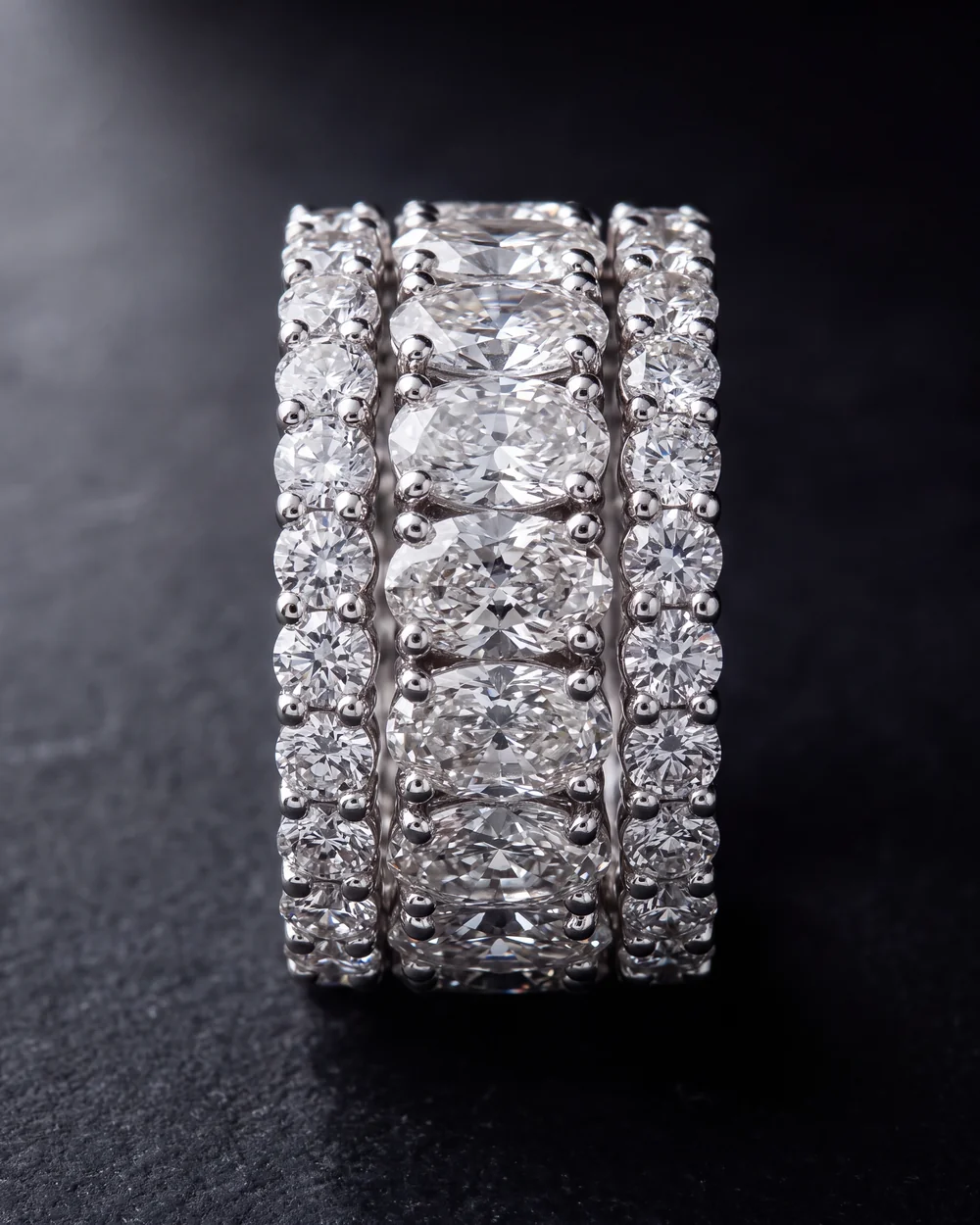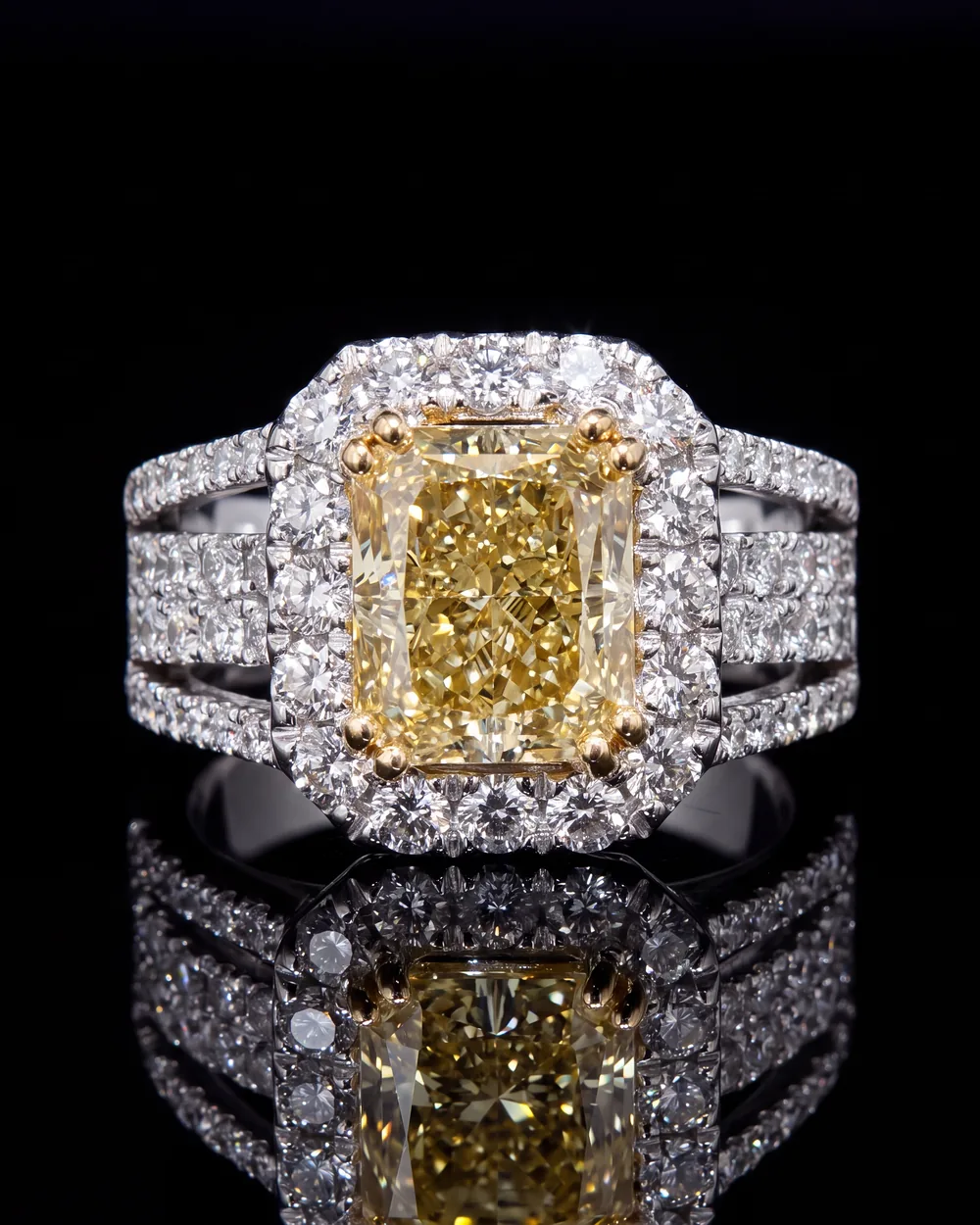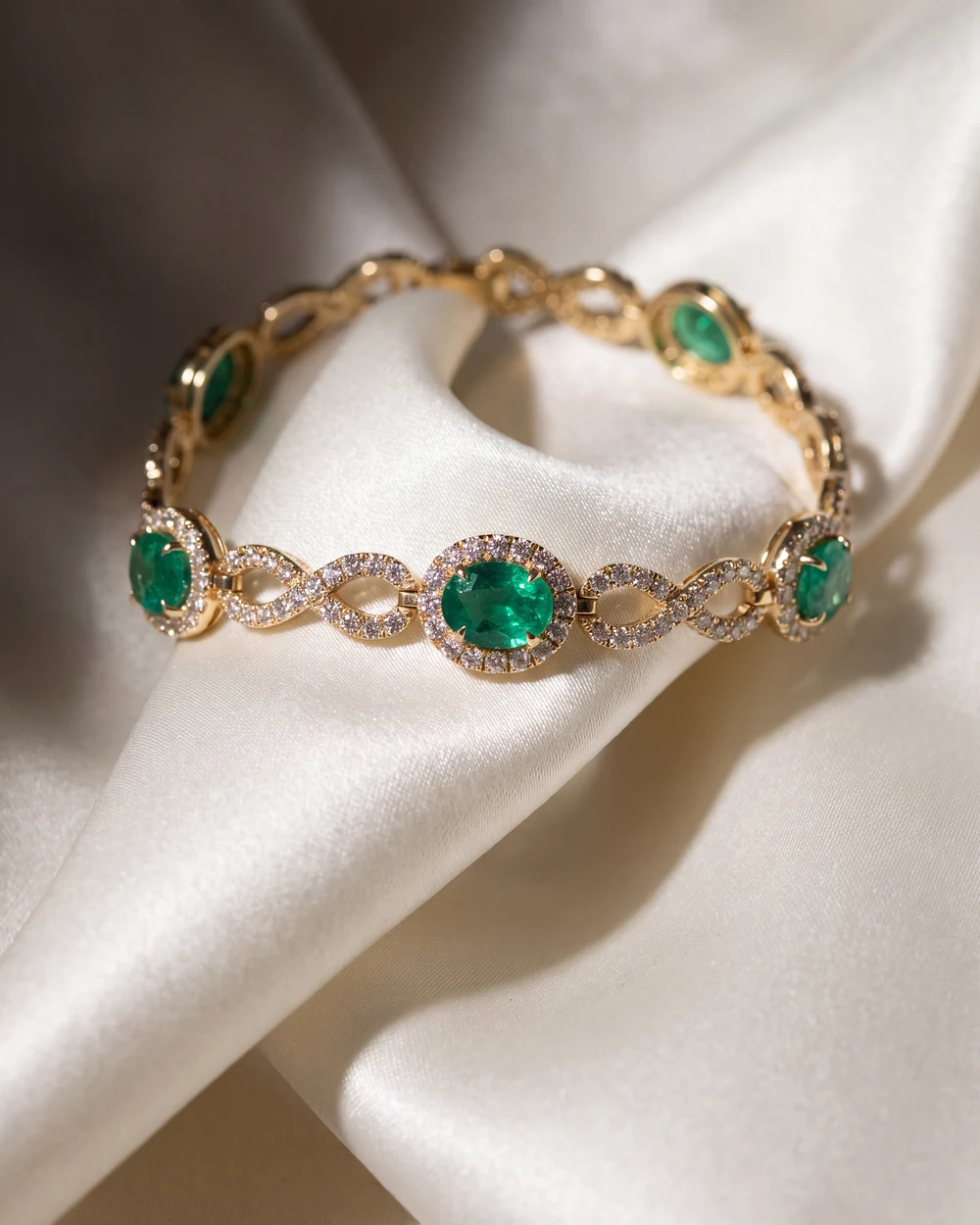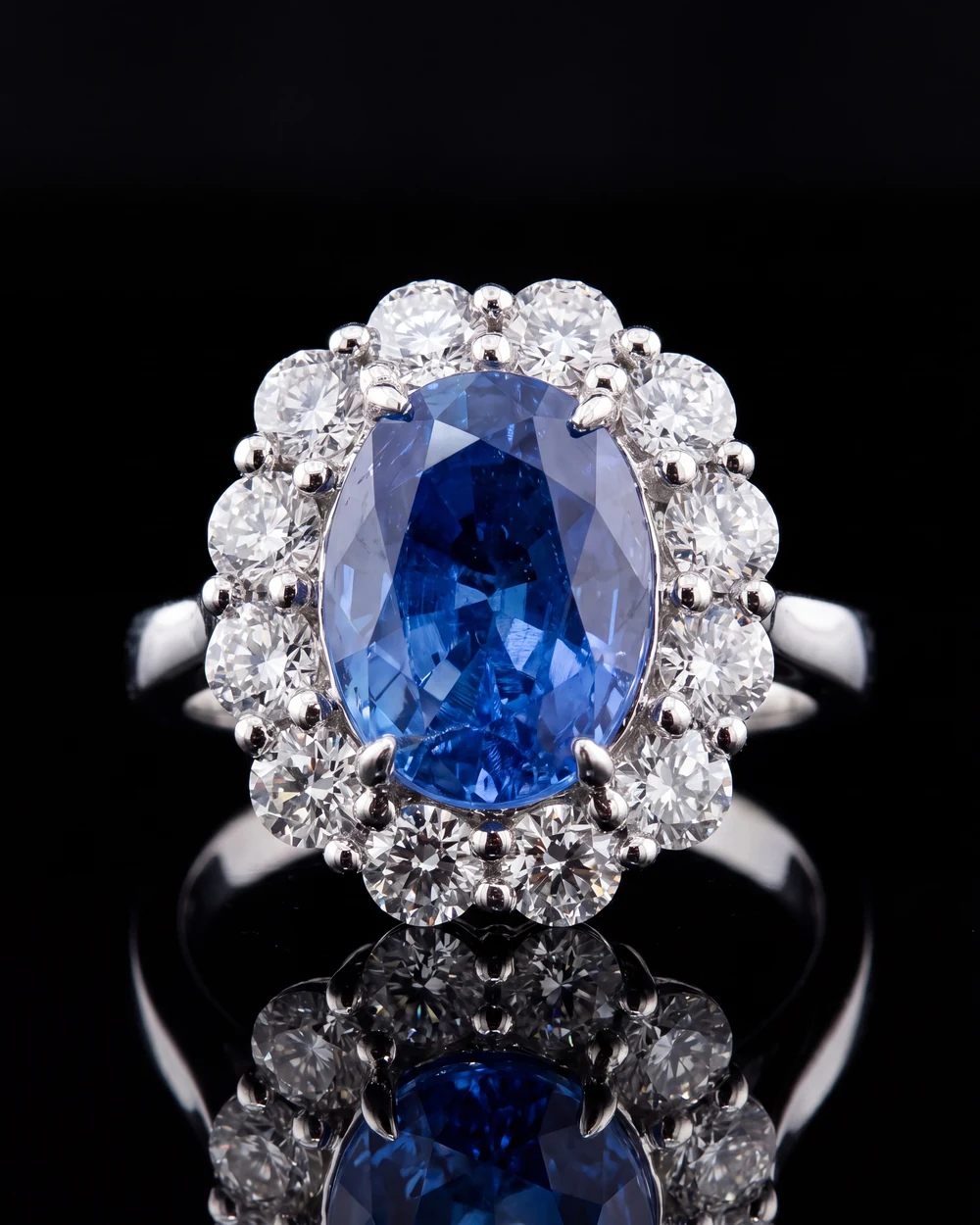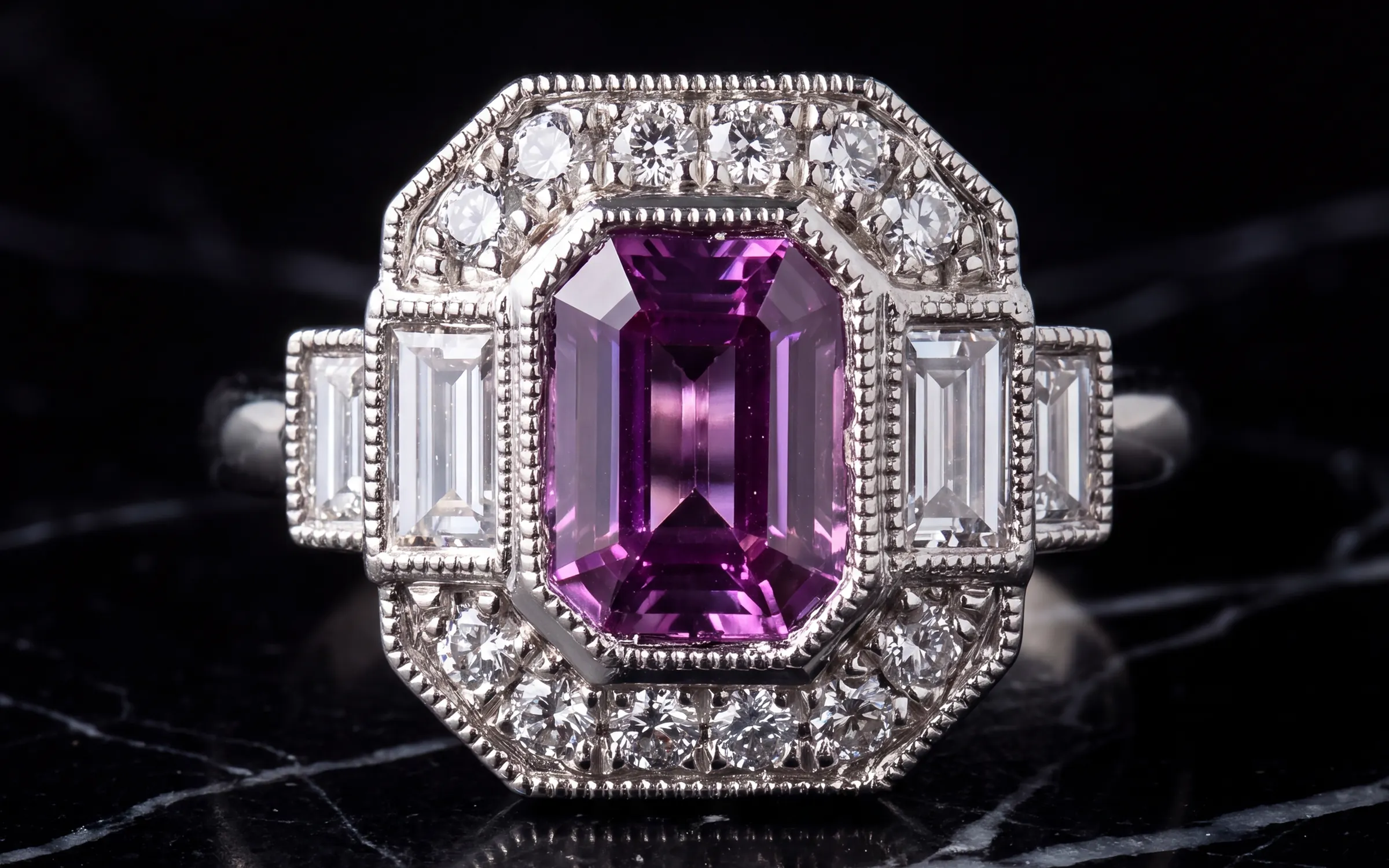
On Etsy, your photo is the ad. A shopper types 'sapphire stud earrings' and gets a grid of a few hundred thumbnails. They do not read titles at that point. They scan photos and click the ones that look like what they want, from a shop that looks like it knows what it is doing. Everything downstream, the title, the tags, the description, the reviews, only gets a chance if the thumbnail wins that first glance.
This guide is for people selling jewelry on Etsy, whether you make it, source it or sell estate pieces. It covers how to shoot for the thumbnail, the photo order that turns a click into a sale, Etsy's photo rules, and how to get studio-looking photos without a studio.
Shoot for the thumbnail, not the listing page
Etsy crops your first photo to show it in search, on your shop home and in favorites, and the crops are different shapes. Etsy's own guidance says to take the first photo further back than you think you need, keep the piece centered, and use the thumbnail adjustment tool in the listing editor to check how the square, portrait and landscape crops look. It also says the first photo should be horizontal or square, and that the first photo sets the shape for the rest.
In practice for jewelry:
- Shoot the main photo landscape, with the piece in the center and empty background on both sides. That way the square crop still shows the whole piece.
- Make the piece large. At thumbnail size a dainty chain on a big background disappears. Fill the center of the frame.
- One piece per main photo. A flat lay of six rings makes a confusing thumbnail and reads as a bundle.
- Use a plain background with soft contrast against the metal. Light grey for white metal and diamonds, a slightly warmer neutral for yellow gold. See jewelry photography backgrounds.
- No text, no watermarks, no borders on the main photo. They look like a clearance ad and they stop the photo working anywhere else.
Then open your own shop in a private window and look at it next to the shops that outrank you. If your thumbnails are smaller, darker or busier, you have found the problem.
The photo order that converts
Once a shopper clicks, the rest of the photos do the selling. Etsy gives you ten photo slots and a video in most shops, and sellers who fill them get fewer questions and fewer returns. A good order for jewelry:
- Main photo: the whole piece, clean, centered, landscape.
- Worn or scale photo: on a hand, ear, neck or wrist. This is the one that answers how big is it, and for many buyers it is the photo that closes the sale.
- Close-up: the stone, the prongs, the texture of the metal. Sharp enough to zoom.
- Side or profile: setting height for rings, the back of a pendant, the drop length of an earring.
- The set, if it comes as a set, or the piece in its packaging if the packaging is part of the gift.
- A plain size reference: a ring on a size guide, a pendant next to a coin, a chain with lengths marked.
- Variations: each metal color or stone option shown in its own photo, if you offer them.
- A lifestyle photo that sets a mood, if you have one that is honest.
- A care or materials card, if your buyers ask the same questions in messages.
- A short video, 5 to 15 seconds, the piece turning in the light.
Keep every photo the same shape and the same light. A listing that mixes a bright studio shot, a dim phone shot and a wrist photo from a different year looks like it was assembled from other people's listings.
Etsy's technical rules, in short
- Etsy recommends listing photos at least 2000 pixels in width and height. The first photo must be at least 635 pixels or it can show up lower in search.
- Files over 1 MB may not finish uploading. Export a high quality JPG and it will land under that.
- JPG, PNG, GIF, SVG and HEIC are accepted. Animated GIFs and transparent PNGs are not, and transparency shows as black.
- Convert to sRGB before upload or colors can shift.
- Etsy compresses what you upload, so start sharp.
The full numbers, with how the crops work, are in our Etsy listing photo size for jewelry guide.
What Etsy's rules say about edited photos
Sellers ask this a lot, usually as 'is an AI-edited photo against Etsy's rules'. The honest answer: Etsy's rules on AI are about what you sell and how it was made, with disclosure required when AI made the item or the design. Listing photos have one job under every policy Etsy has, which is to show the actual item a buyer receives.
So the test is simple. If you took a photo of your real piece and changed the light and the background, that is editing, no different from a photo app. If the photo shows a stone, a setting, an engraving or a finish the piece does not have, that is misrepresentation, and it will cost you in returns and reviews before Etsy ever notices. Read Etsy's current Creativity Standards and Seller Policy yourself, since the wording changes, and keep every photo true to the piece.
Getting studio photos without a studio
A product photographer charges roughly $25 to $80 per jewelry photo. For a shop with 150 listings that need five photos each, that is not a real option, which is why most Etsy jewelry photos are phone photos on a desk. There is nothing wrong with a phone photo if it is shot well. Our guide to photographing jewelry for listings covers the window-light setup that gets you most of the way.
Aurix does the rest. Upload up to five photos of a piece, pick a Style, such as a clean catalog surface or the piece worn, and download a new photo of that same piece. It keeps the stone, the metal color and the setting as they are and changes the light and background around them, and you look at every result next to your original before you use it. There is no Etsy connection. You download the photo and upload it to the listing like any other. The Photo Studio page for Etsy and eBay sellers shows a before and after.
Try it on your own photos
Try 10 photos free, no card needed, at app.getaurix.ai. After that, plans start at $99 a month: Starter $99, Growth $199 and Scale $399, month to month. Not sure which Style suits your pieces? Book 20 minutes and we'll run three of them with you.
Questions jewelers ask
What photos do I need for an Etsy jewelry listing?
A clean main photo of the whole piece that crops well to a square thumbnail, a worn or scale photo, a close-up of the detail, a side or back view, a packaging or set photo if relevant, and a size chart. Fill the slots Etsy gives you. More angles mean fewer questions and fewer returns.
Does the first photo matter most on Etsy?
Yes. The first photo is the thumbnail in search, in your shop and in buyers' favorites, and it is the only photo most shoppers see before they decide whether to click. Etsy also says a first photo under 635 pixels can rank lower in search.
Should Etsy jewelry photos be on a white background?
Not necessarily. Etsy search is a wall of thumbnails, and a plain light grey or a warm neutral surface often stands out more than white while still looking clean. Whatever you choose, use the same background on every listing so your shop looks like one shop.
Can I use edited or AI-enhanced photos of my jewelry on Etsy?
Your listing photos must show the actual item you ship, and Etsy's rules about AI are about what you sell, not how a photo of a real piece is lit. Editing the background and light of your own photo of your own piece is like using any photo editor. What you must not do is show stones, settings or finishes the piece does not have. Check Etsy's current Creativity Standards and seller policy, since they change.
Does Aurix post photos to Etsy?
No. Aurix does not connect to Etsy. You upload photos you already have of a piece, pick a Style, and download the new photo, then add it to your Etsy listing yourself like any other photo.