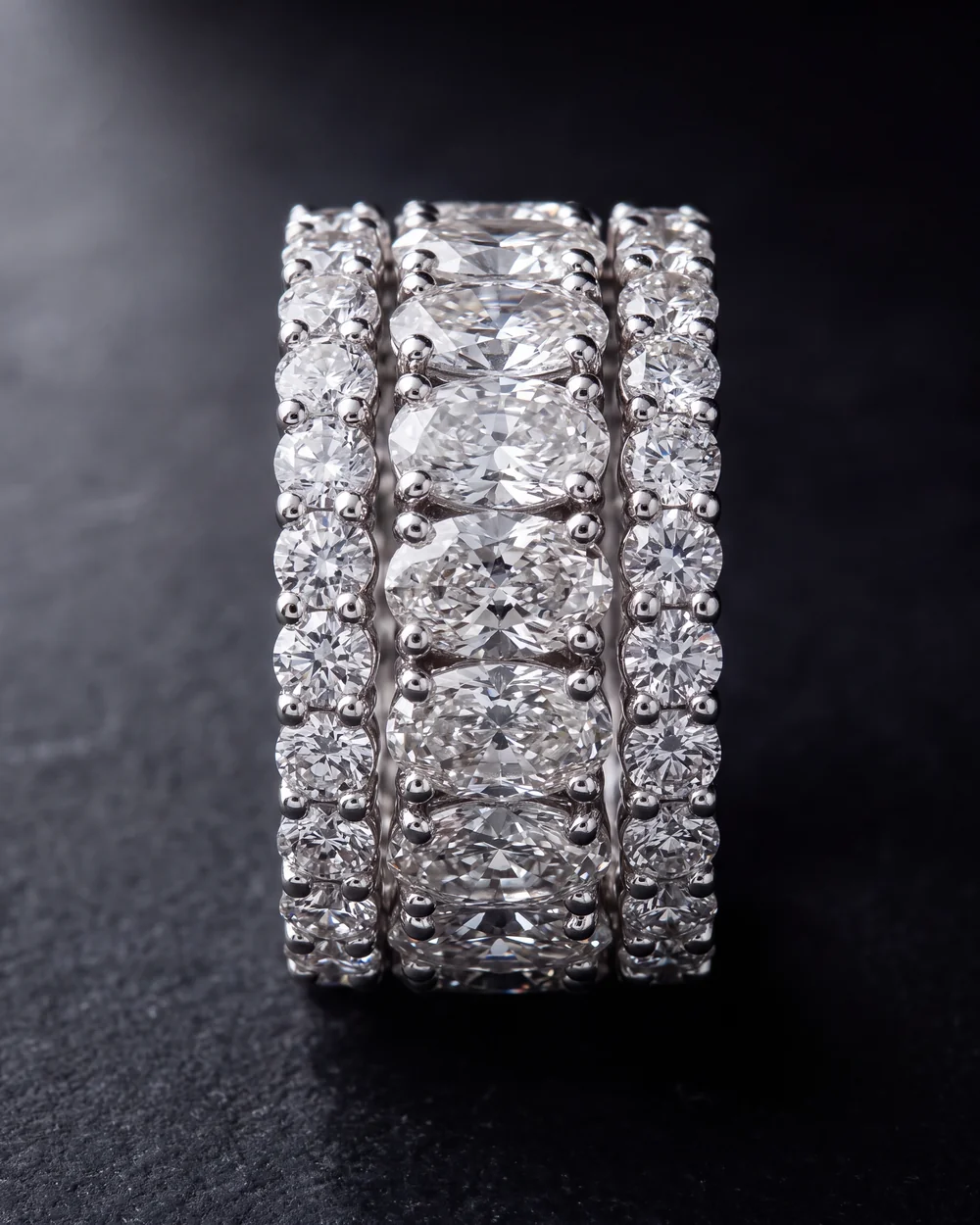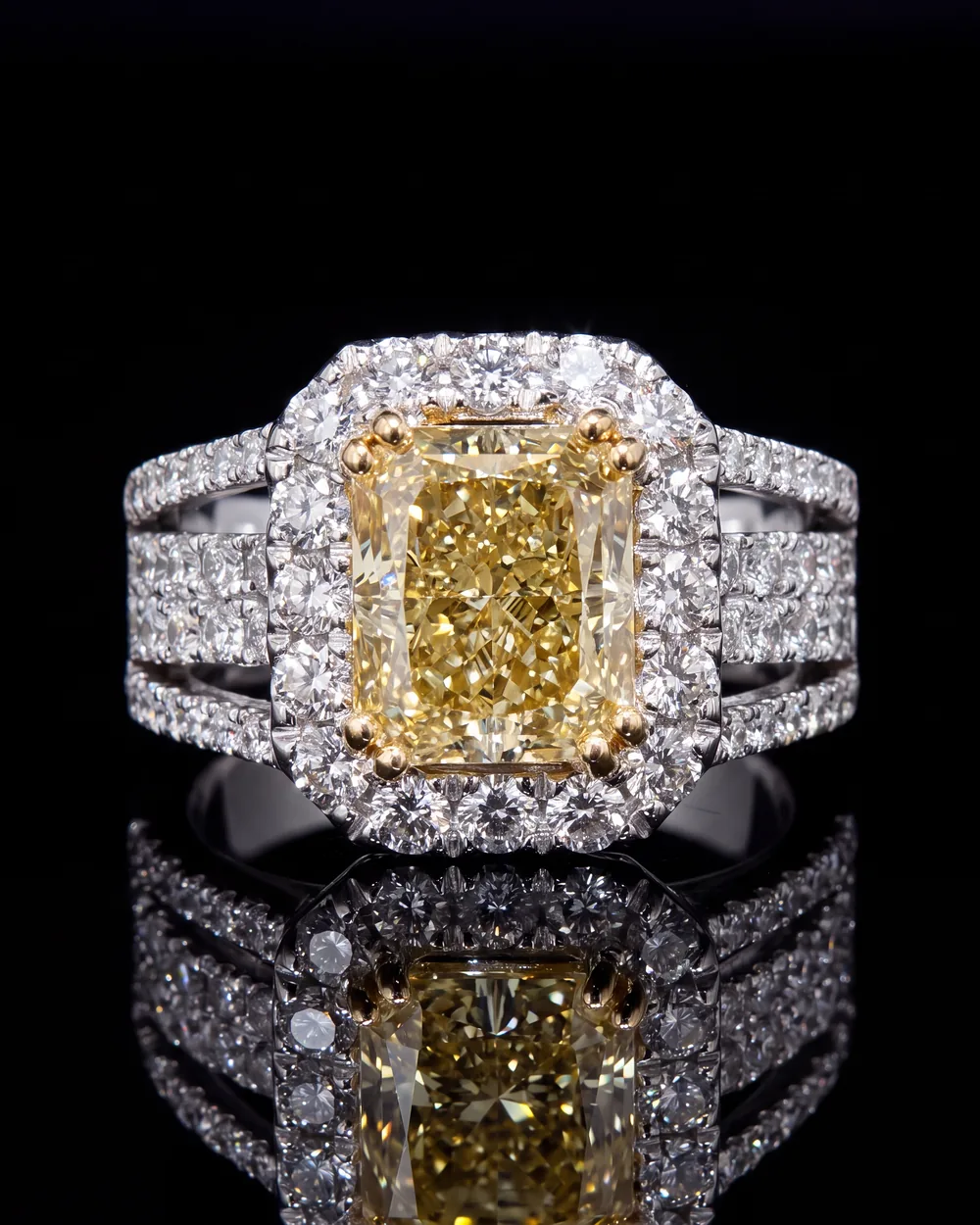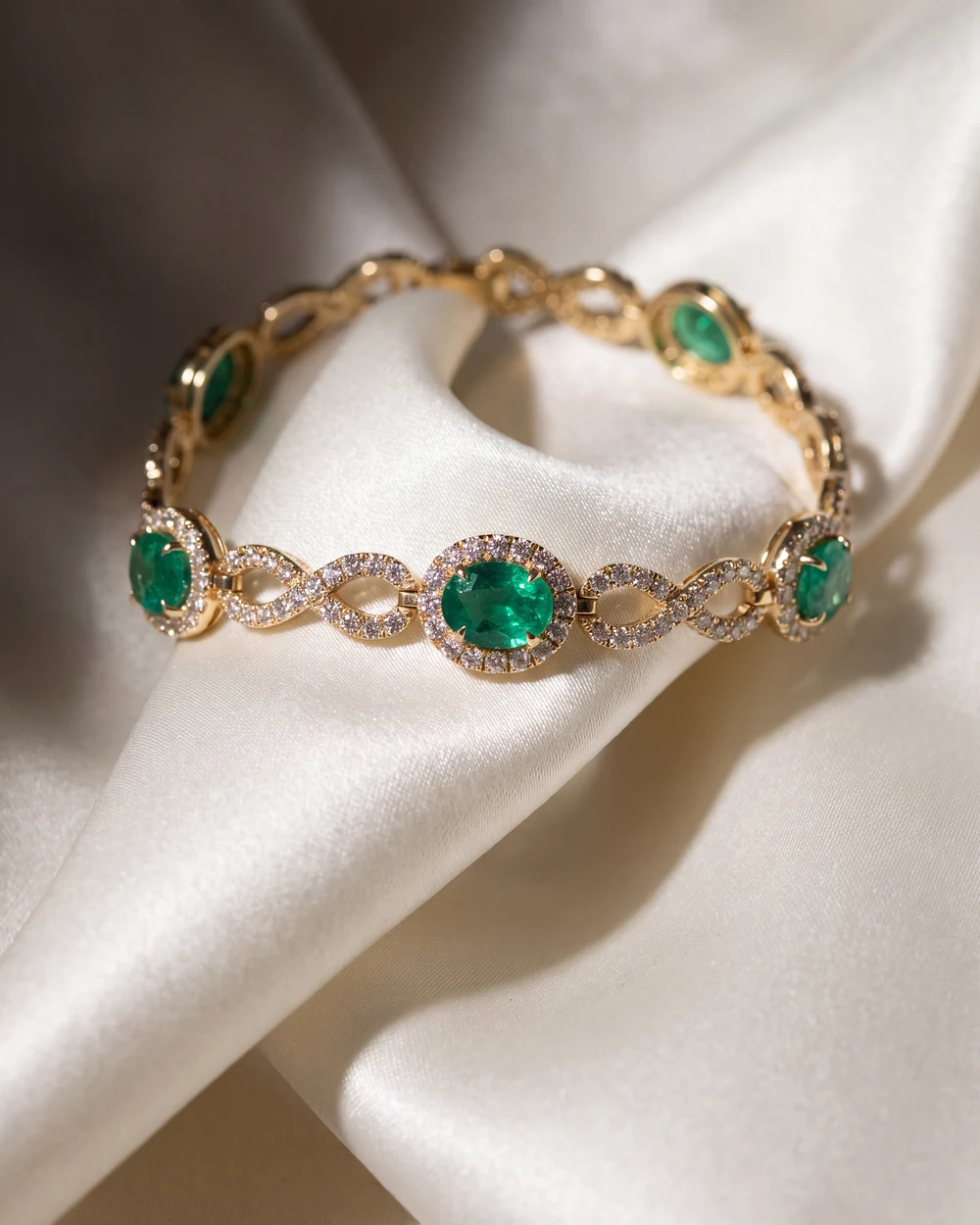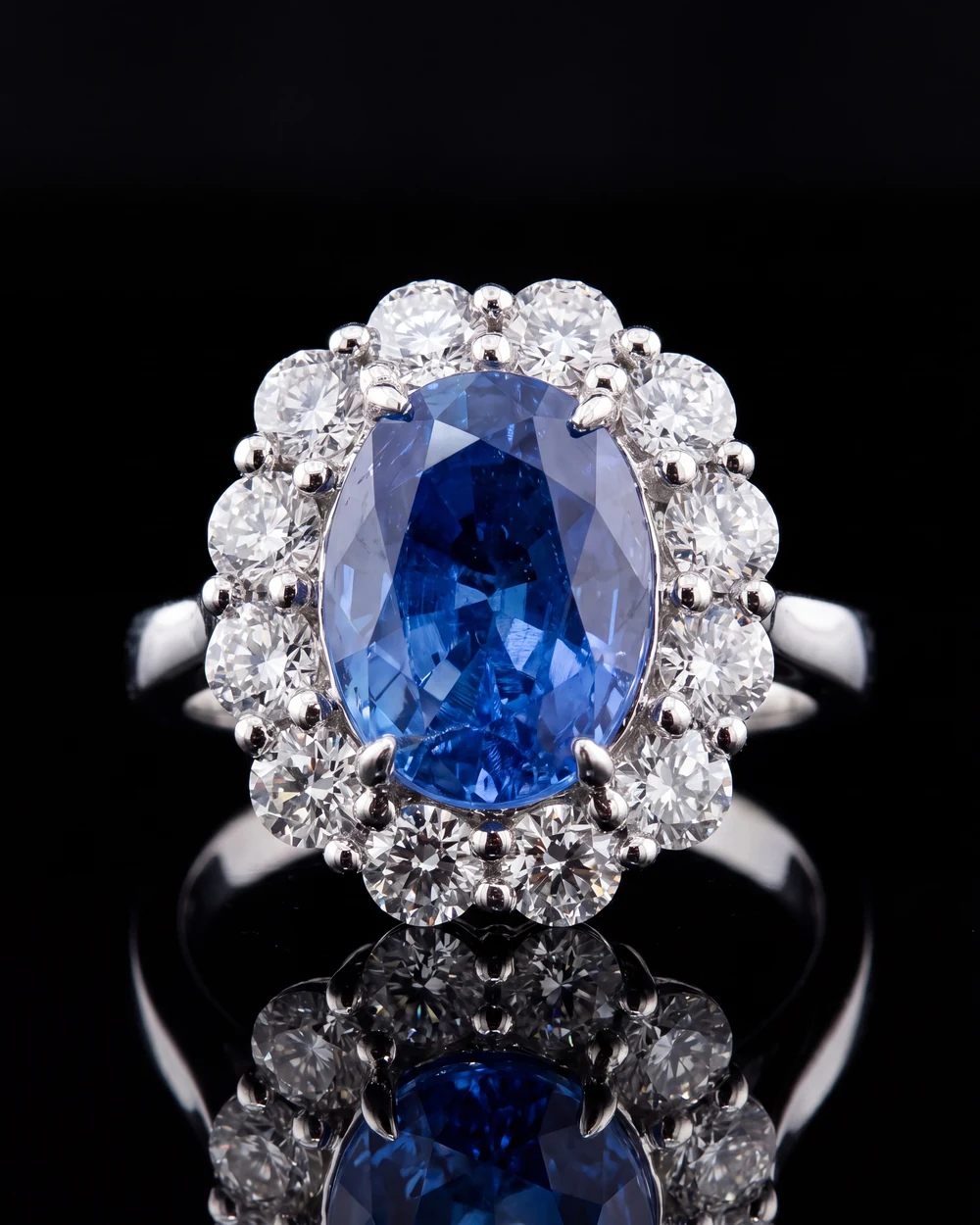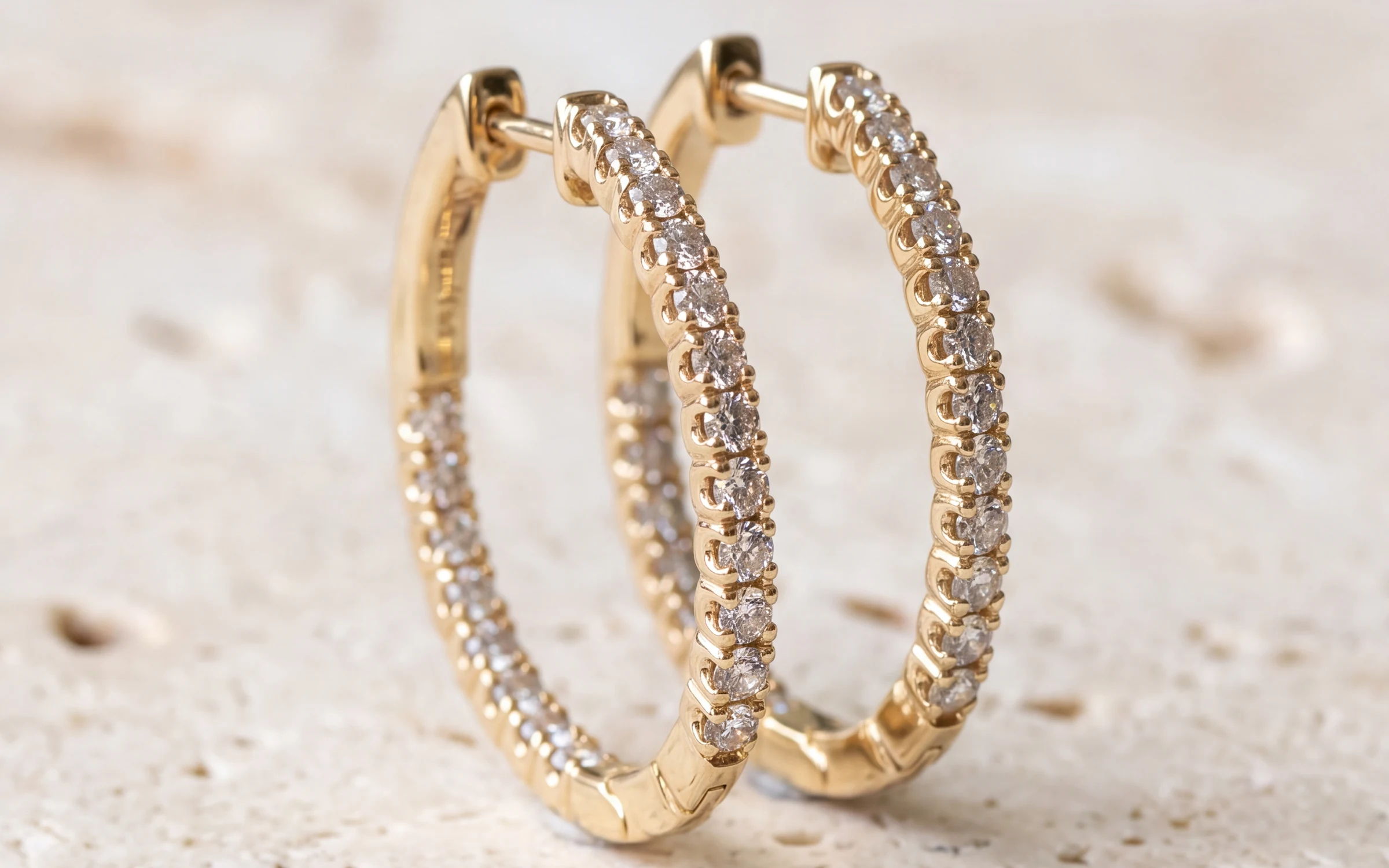
When someone searches for an oval halo engagement ring or a diamond tennis bracelet, Google often shows a row of products with photos and prices before any website links. Those products come from Google Merchant Center. If your pieces aren't in it, a shopper searching for exactly what you carry sees everyone else's instead.
The good news for a jewelry store is that the listing part is free, and if you already sell on Shopify or Wix, most of the setup is a connection you turn on. What decides whether your pieces actually show, and get clicked, is the quality of what you send: the titles, the photos and a few jewelry details. This guide covers each one.
Free listings and Shopping ads
There are two ways to appear. Free listings show your products across the Shopping tab and other Google surfaces at no cost. Shopping ads put the same products in paid spots, usually at the top of search results, and you pay per click. Both use the same product data from Merchant Center. Start with free listings. If your titles and photos are good enough to get clicks there, ads will work better too.
Setting up Merchant Center
- Create a free Merchant Center account with the Google account you use for the business, and verify your website.
- Fill in your business details, shipping and return policy. Google checks these against your site.
- Connect your store. On Shopify, the Google and YouTube app sends your products to Merchant Center and keeps them updated. Wix has its own connection to Google. Otherwise you can upload a product feed from a spreadsheet.
- Check the Diagnostics or Needs attention page after the first sync and fix what it flags.
Each product has to link to a page on your site with the same price and stock status, where the customer can buy it. If your pieces are not on your website yet, that is the first job. Our guide to what a jewelry store website needs covers it.
Titles that Google matches to searches
The title is the most important field you send. Google uses it to decide which searches your piece appears for, and it is the line a shopper reads under the photo. Google allows up to 150 characters, and shoppers usually see only the first 70 or so, so the words that matter go first.
For most fine jewelry, this order works: metal, stone weight and shape, stone, style, type, then any detail that sets it apart.
- 14K White Gold 1.50 ct Oval Diamond Halo Engagement Ring
- 14K Yellow Gold 3.00 cttw Round Diamond Tennis Bracelet, 7 Inch
- 18K White Gold Cushion Sapphire and Diamond Halo Pendant Necklace, 18 Inch
- Platinum 4 mm Comfort Fit Wedding Band
Write it the way a customer would type it. Spell out abbreviations: 14KW means nothing to a shopper, and 14K White Gold matches what they search. Don't use all caps, don't add promotional words like SALE or free shipping, and don't pile up keywords separated by pipes. Google can reject titles with promotional text, and stuffed titles read as spam to the shopper. Keep the Google title the same as, or very close to, the title on your product page. Our guide to turning inventory codes into product listings covers how to read codes like 14KW 1.00CT RD DIA SOL RING and expand them.
The description matters less for matching but still counts. Lead with the facts: metal, stone details, total weight, size and whether it can be resized. Our jewelry product descriptions guide has a template.
Photos that pass review and get the click
Google is stricter about the main image than your own store is. The main image should:
- Show the exact piece being sold, not a similar one or a stock image.
- Have no watermark, promotional text, price, border or logo laid over the piece.
- Be large. Google recommends images of 1500 x 1500 pixels or more, and has announced a minimum of 500 x 500 pixels for all products starting January 31, 2027.
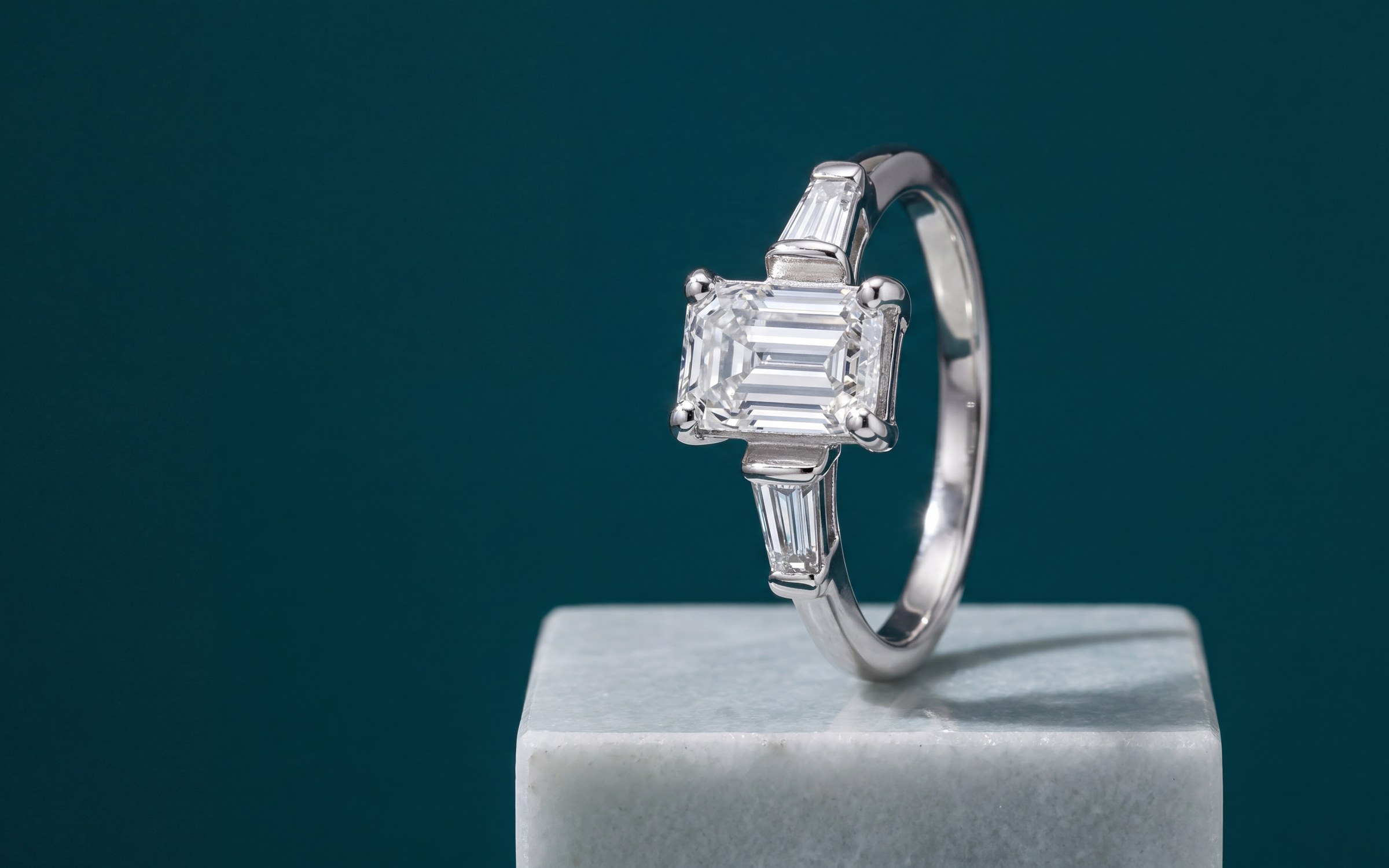
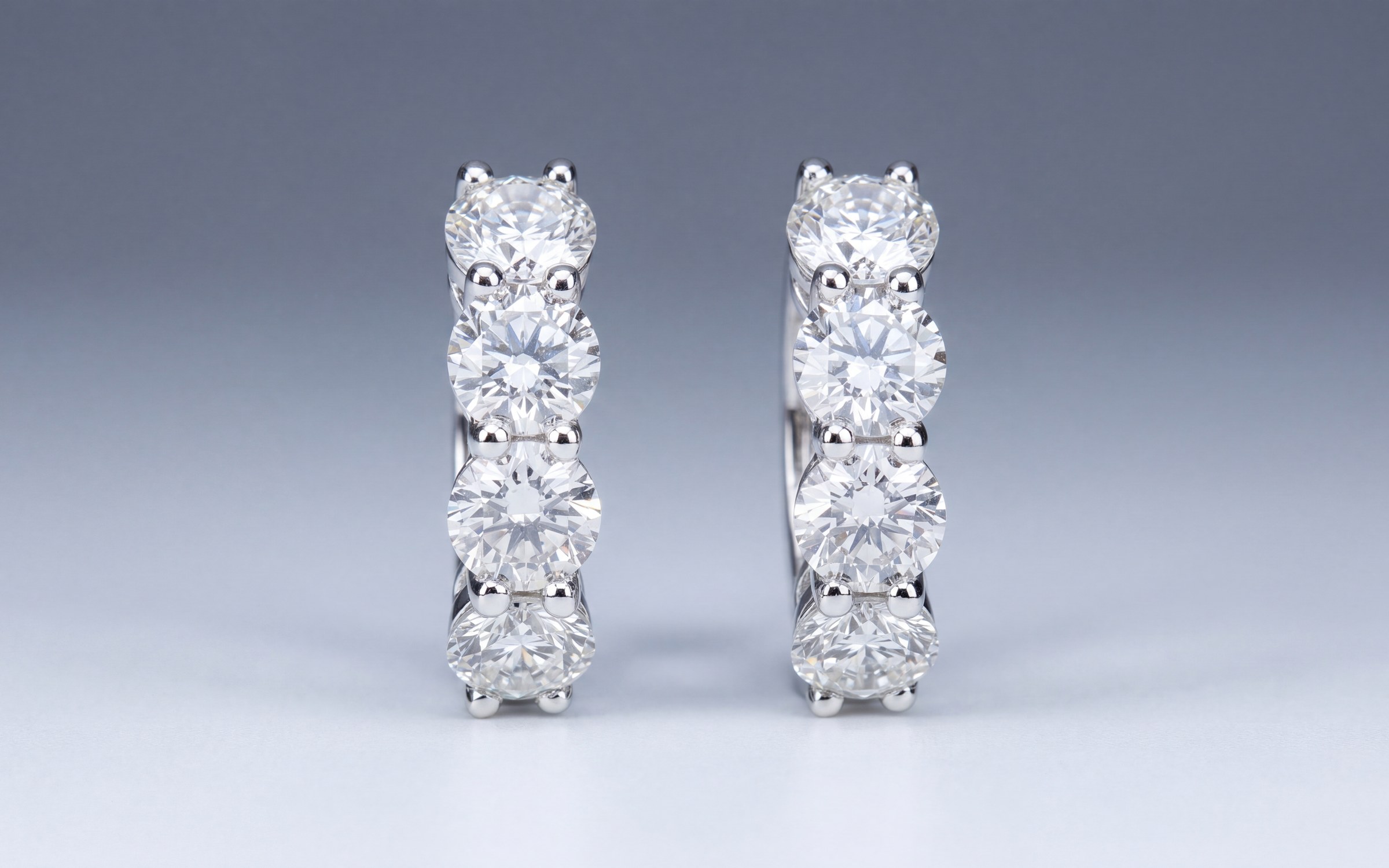
- Show the whole piece clearly on a plain background, well lit, with the piece filling most of the frame.
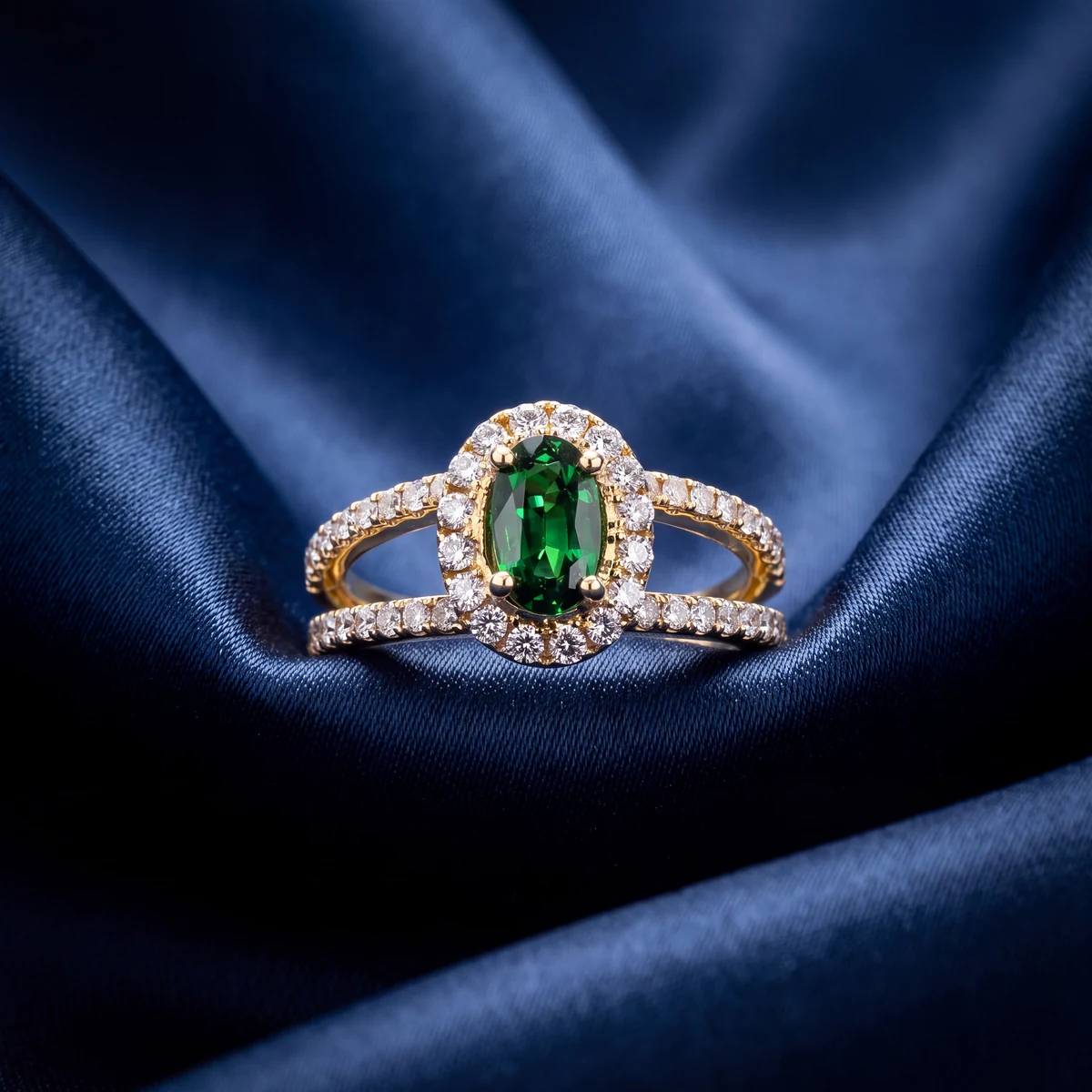
Then think about the click. In a row of a dozen engagement rings, the one with a clean, bright, sharp photo gets looked at. A dim snapshot on a velvet tray loses before anyone reads the title. You can add more images as additional image links: a worn shot, a side view and close details. Those don't have to be on a plain background.
If you sell the same design in several metals, each variant needs its own photo. A white gold variant showing a yellow gold photo misleads the shopper and can get the product flagged. Our guides to Shopify product image size for jewelry and jewelry photography backgrounds cover sizes and backgrounds in more detail.
The jewelry details Google asks for
In Google's product categories, jewelry sits under Apparel and Accessories, then Jewelry, then the type, such as Rings, Necklaces, Earrings or Bracelets. Because it falls under apparel, Merchant Center usually asks for a few extra fields for US shoppers:
- Color. For jewelry, the metal color is the practical answer, such as White Gold, Yellow Gold or Rose Gold.
- Gender. Female, male or unisex.
- Age group. Adult for nearly all fine jewelry.
- Material. Worth adding even when it is optional, such as 14K white gold or platinum.
- Item group ID. If one design comes in several metals or sizes, the variants share a group ID so Google knows they belong together.
Shopify's Google and YouTube app and most feed tools let you map these from product fields or set a default for a whole collection, so you don't have to fill them in piece by piece.
GTINs and one-of-a-kind pieces
A GTIN is the barcode number a manufacturer assigns. If you carry branded pieces that came with one, include it along with the brand. Google matches products more reliably with it.
Most of what an independent jeweler sells doesn't have a GTIN: estate pieces, custom work, pieces made at your bench, one-of-a-kind items. For those, leave the GTIN blank and set identifier exists to no. That tells Google the piece has no barcode on purpose. Don't make up a number or reuse one from a different product.
Keep price and stock in step
Google checks the price and availability you send against your product page. If a ring sold on Saturday and still shows in stock on Google on Monday, the product can be disapproved, and too many mismatches can put the whole account under review. Keep your website stock in step with your point of sale so sold pieces come down everywhere at once. Shopify and Wix update Merchant Center automatically when the store itself is up to date.
Common disapprovals and fixes
- Price mismatch. The feed price and the page price differ, often because of a sale price or a variant. Make sure the page shows the same price for the same variant.
- Availability mismatch. A sold piece still marked in stock. Fix the stock sync.
- Image with overlays. A watermark, logo, sale badge or text on the main image. Upload a clean version.
- Image too small or low quality. Replace it with a larger, sharper photo.
- Missing color, gender or age group. Map them in your feed or app settings.
- Landing page not working. The product link goes to a removed page or a password-protected store. Fix the link or remove the product.
- Misrepresentation. Usually missing return policy, contact details or business information on the site. Add them where Google can find them.
Where Aurix fits
Two things decide most of how a jewelry store does on Google Shopping: a clean, sharp first photo of the real piece, and a title a customer would actually type. Aurix Photo Studio turns a photo you already have of a piece into a studio photo of the same piece, with the stone, metal and setting held to your photo, and catalog enhancement writes titles and descriptions for the whole catalog. It works with Shopify, Wix, Lightspeed or a spreadsheet, and the Google connection you already have carries the results to Merchant Center.
Want studio and on-model photos of your own pieces? Your first 10 photos are free, no card, at getaurix.ai.
Questions jewelers ask
Is Google Shopping free for jewelry stores?
Listing products is free. Google shows products from Merchant Center in free listings across the Shopping tab and other Google surfaces. Shopping ads, which appear in the paid spots, cost money per click. Many stores start with free listings and add ads later.
How long should a Google Shopping title be?
Google allows up to 150 characters, but shoppers usually see only the first 70 or so. Put the words that matter first: metal, stone weight and shape, stone, style and type, such as 14K White Gold 1.50 ct Oval Diamond Halo Engagement Ring.
Do I need a GTIN for jewelry on Google Shopping?
Only if the piece has one. Branded pieces from a manufacturer that carry a barcode should include it. One-of-a-kind, custom and handmade pieces usually have no GTIN, and for those you set identifier exists to no.
Why was my jewelry disapproved in Merchant Center?
The usual causes are a price or stock status that doesn't match the product page, a main image with a watermark, text or border, missing attributes such as color, gender or age group, or a product page Google can't reach. The Diagnostics page in Merchant Center names the issue for each product.