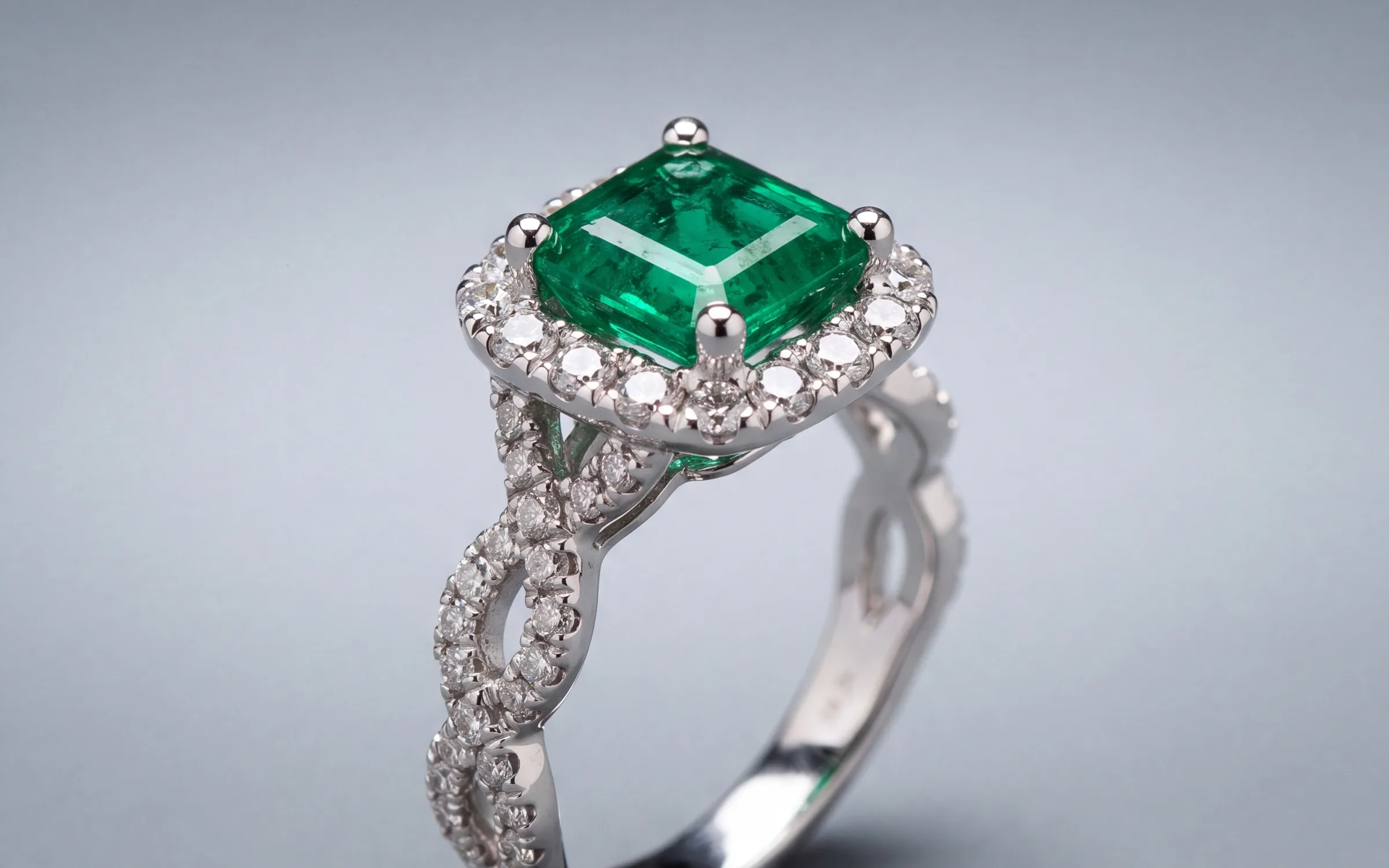
Most jewelry stores have far more in the store than on the website. It is not because owners do not care. Each piece needs a photo, a title, a description and a category before it can go up, and that adds up to hours a week nobody has.
We wrote about why the catalog gap happens before. This guide is the working method: how to get every piece up in batches you can actually finish, with clean studio and on-model photos.
Step 1: Pull the list
Start from the list you already have. Export your items from your point of sale or open the spreadsheet you keep. You want one row per piece with the inventory code, price, metal and stones. Mark what is already online with a good photo. Everything else is the work.
Step 2: Shoot in batches of 25
Pick 25 pieces from one display. Start from the photos you already have, and where a piece has none, take a clean photo of it in the same spot with the same light. Our guide to photographing jewelry for listings covers the setup. A batch of 25 takes about half an hour, and it is small enough to finish before a customer walks in.
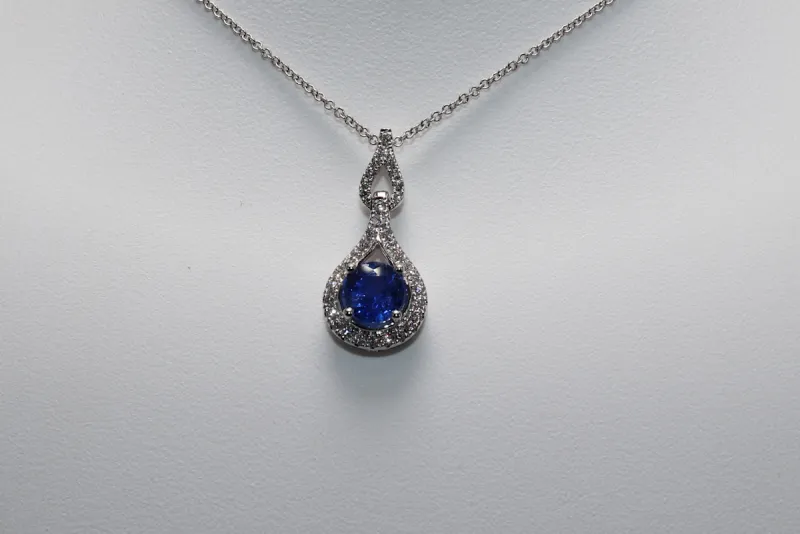
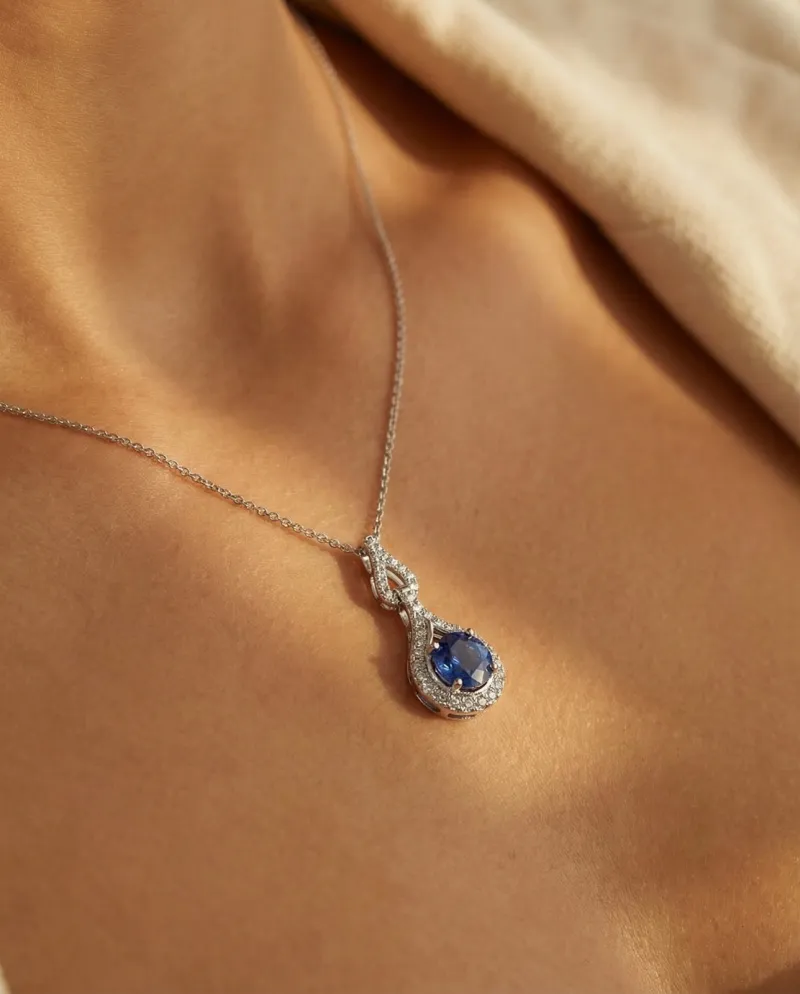
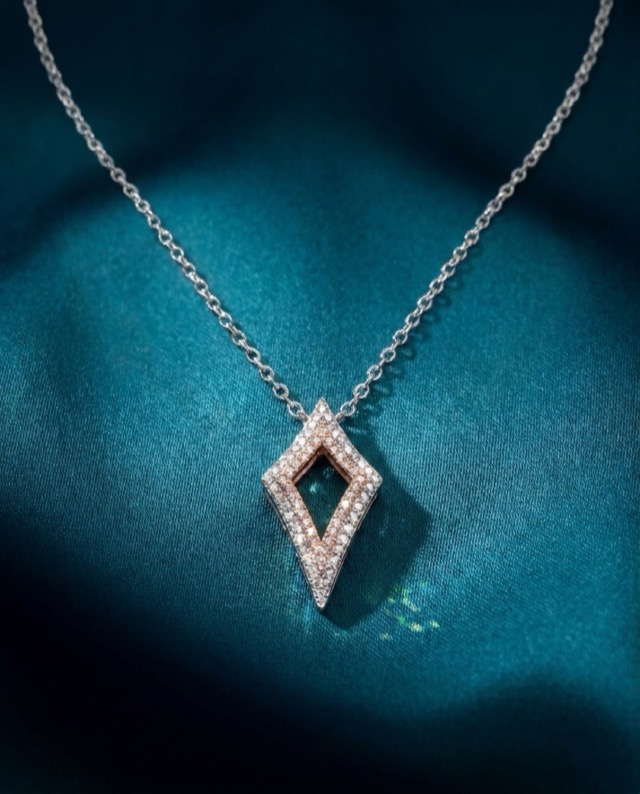
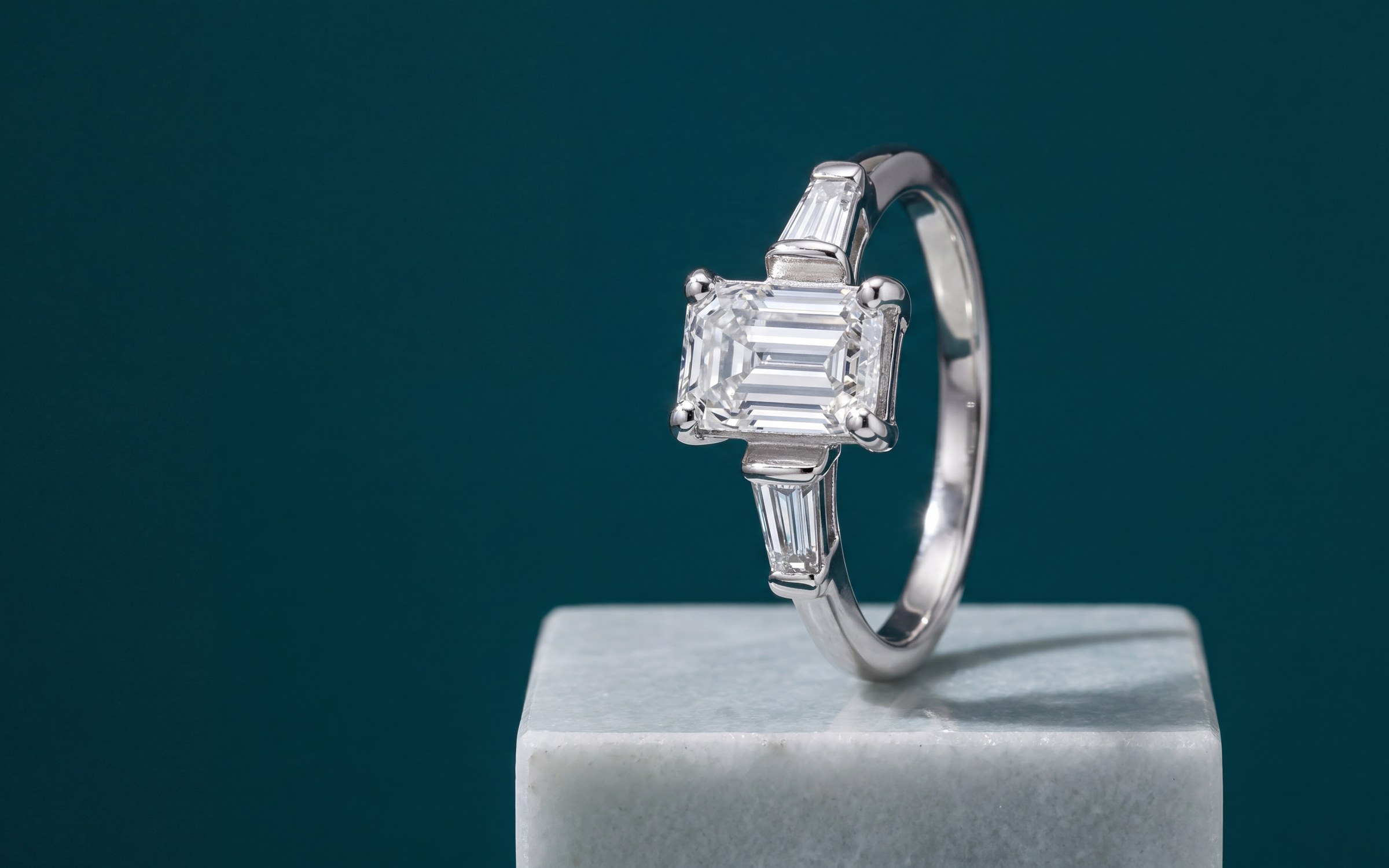
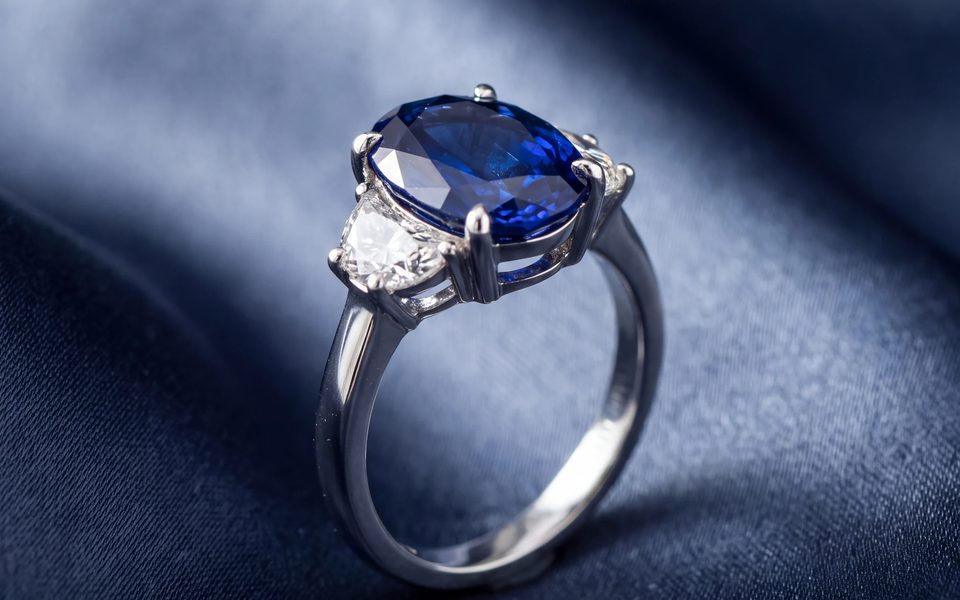
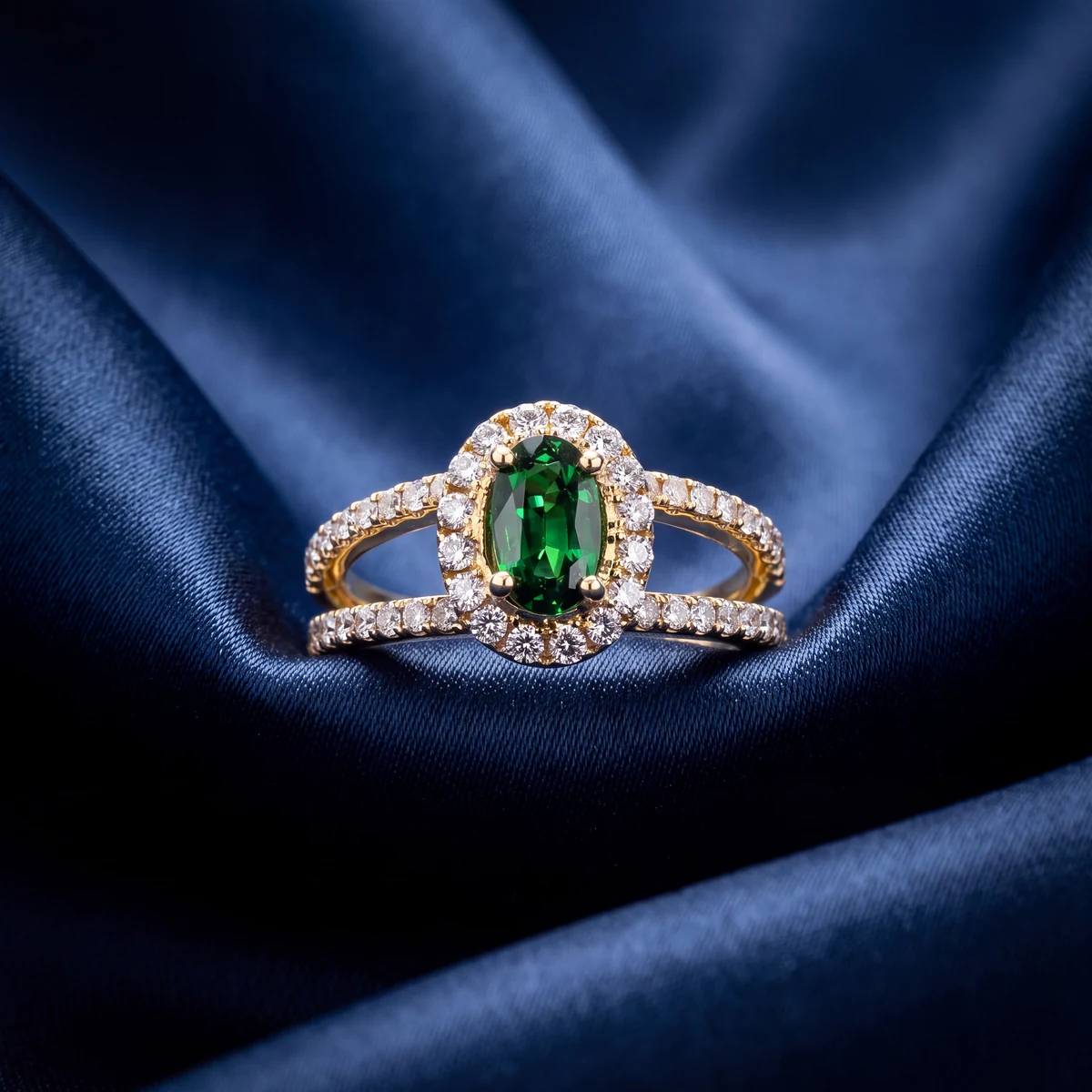
Step 3: Turn each photo you have into a studio photo
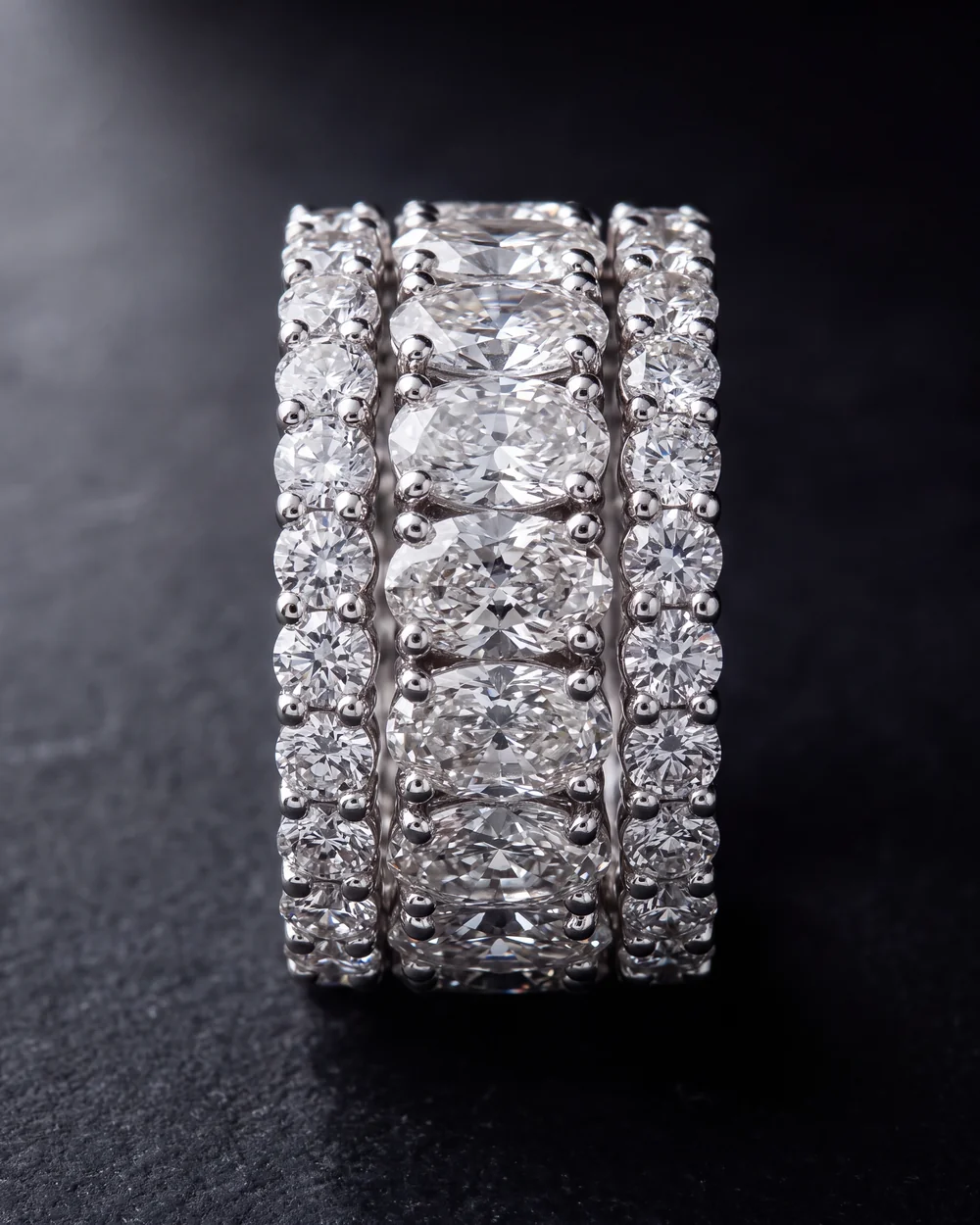
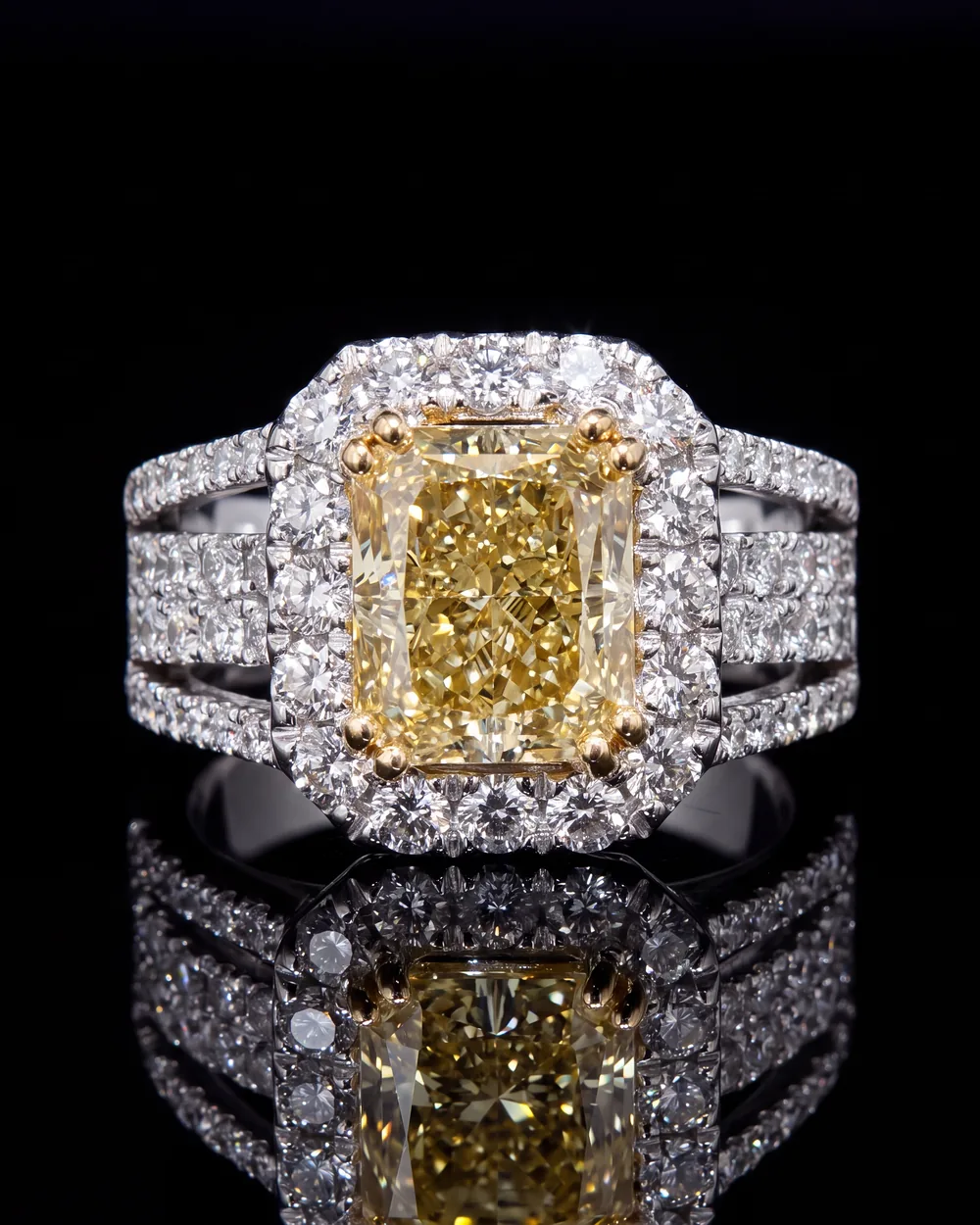
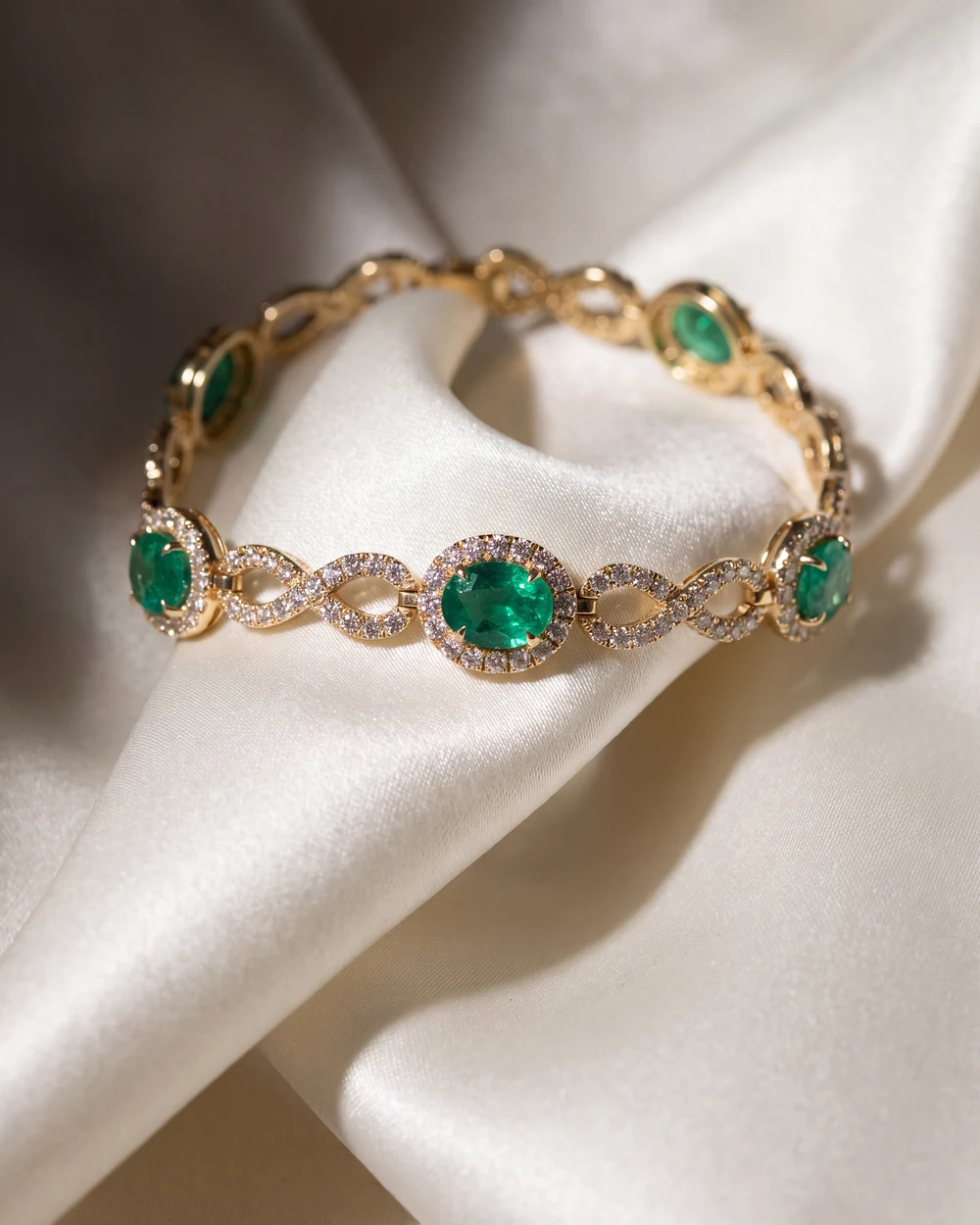
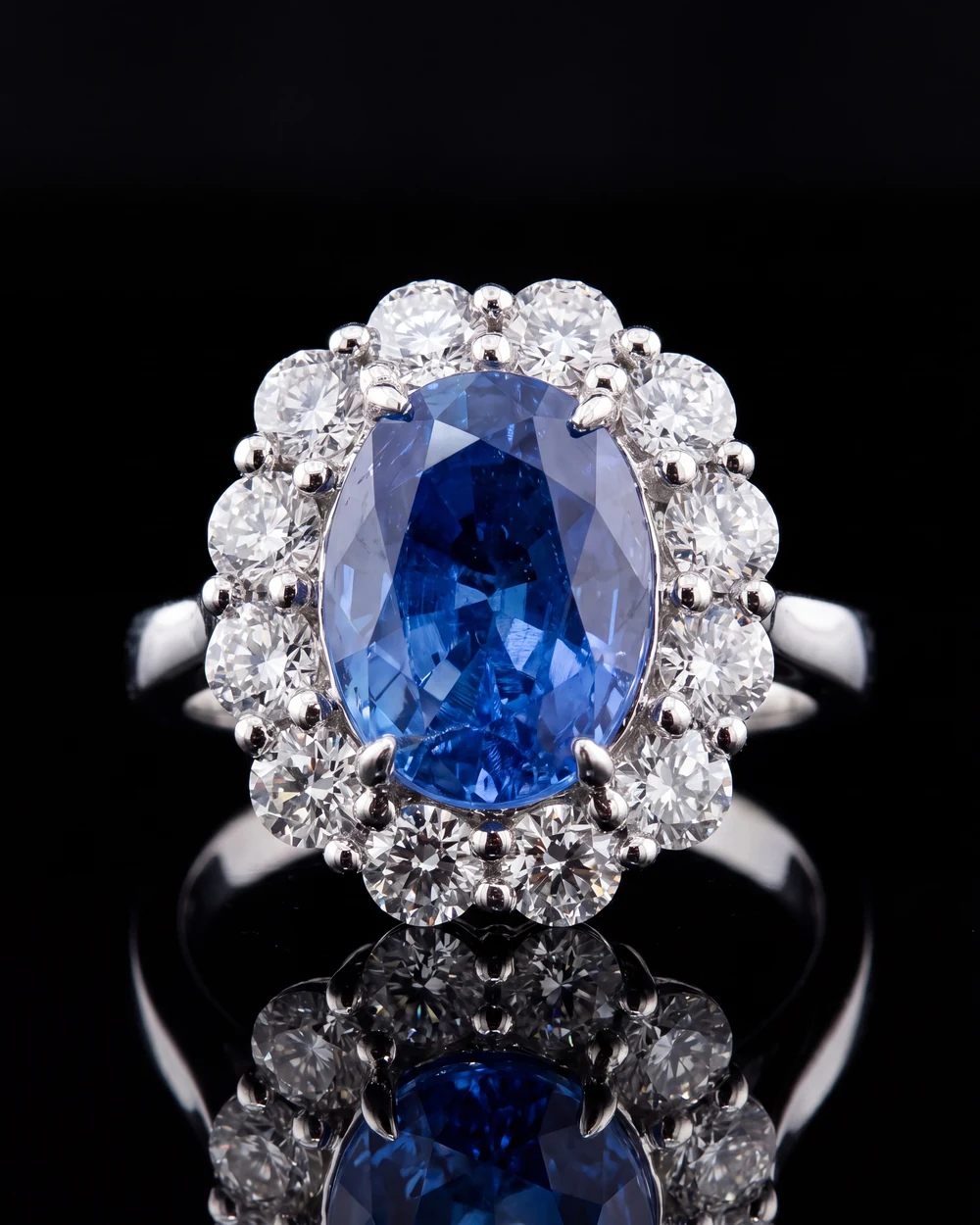
Quick snapshots sell less than studio photos. The new photo should show the exact piece, with the same stones, the same metal color and the same setting. A photo that changes the piece leads to returns. Keep the style consistent across a collection: the same background for all rings, the same setting for all necklaces.
Step 4: Clear titles from inventory codes
An inventory code like 14KW 1.00CT RD DIA SOL RNG means nothing to a shopper. Spell it out the way a customer would search: 14K White Gold 1.00 Carat Round Diamond Solitaire Ring. Keep titles simple. Skip the pipes and keyword lists. Our guide to turning inventory codes into listings has more examples.
Step 5: Short descriptions that answer questions
A good description is three or four sentences. What it is, what it is made of, what it looks like on, and anything a buyer would ask, such as whether it can be sized. Our guide to jewelry product descriptions has a template.
Step 6: Publish and keep it in step
Publish the batch to your site, check three or four pieces on your phone, and move to the next display. Make sure pieces that sell in the store come down online, so customers never ask for something that is gone.
Twenty-five pieces at a time is how a whole store gets online.
Where Aurix fits
Aurix is live today for this exact job. Photo Studio turns a photo you already have of a piece into a photo of it on a model or in a beautiful setting. Catalog enhancement does the rest in bulk: photos, titles, descriptions and SEO for every piece. Aurix publishes to Shopify or Wix and can pull your items from Lightspeed. A spreadsheet works too. If a photo is not right, you ask for a change on that photo in the app.
Your first 10 photos are free, no card. Try it on your own pieces, or see plans from $99 a month. More on the photography side is on the AI jewelry photography page.
Questions jewelers ask
How long does it take to put a jewelry catalog online?
By hand, a few pieces an hour once photos, titles and descriptions are counted. In batches with the right tools, a store can finish a few hundred pieces in a week of short sessions.
Do I need a photographer to get my catalog online?
No. A clean photo of each piece is enough to start, and the photos you already have usually are. Aurix Photo Studio turns that photo into a product photo of the same piece, on a model or in a styled setting.
Can I publish to Shopify or Wix from Aurix?
Yes. Aurix publishes studio and on-model photos, titles and descriptions to Shopify or Wix, and can pull your items from Lightspeed. A spreadsheet works too.
What if a photo is not right?
You can ask for a change on any photo in the app. Every photo is made from your own photo of the piece.