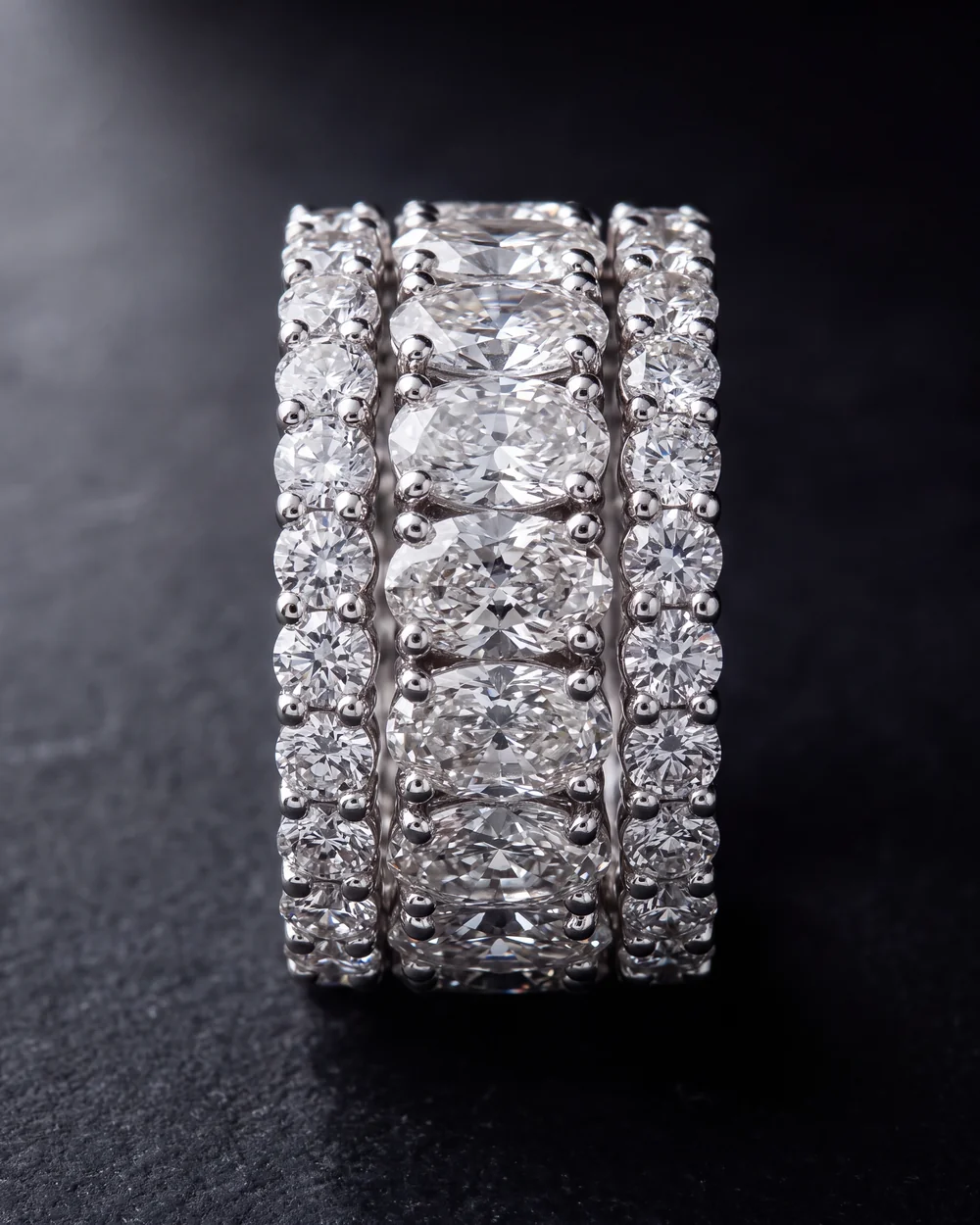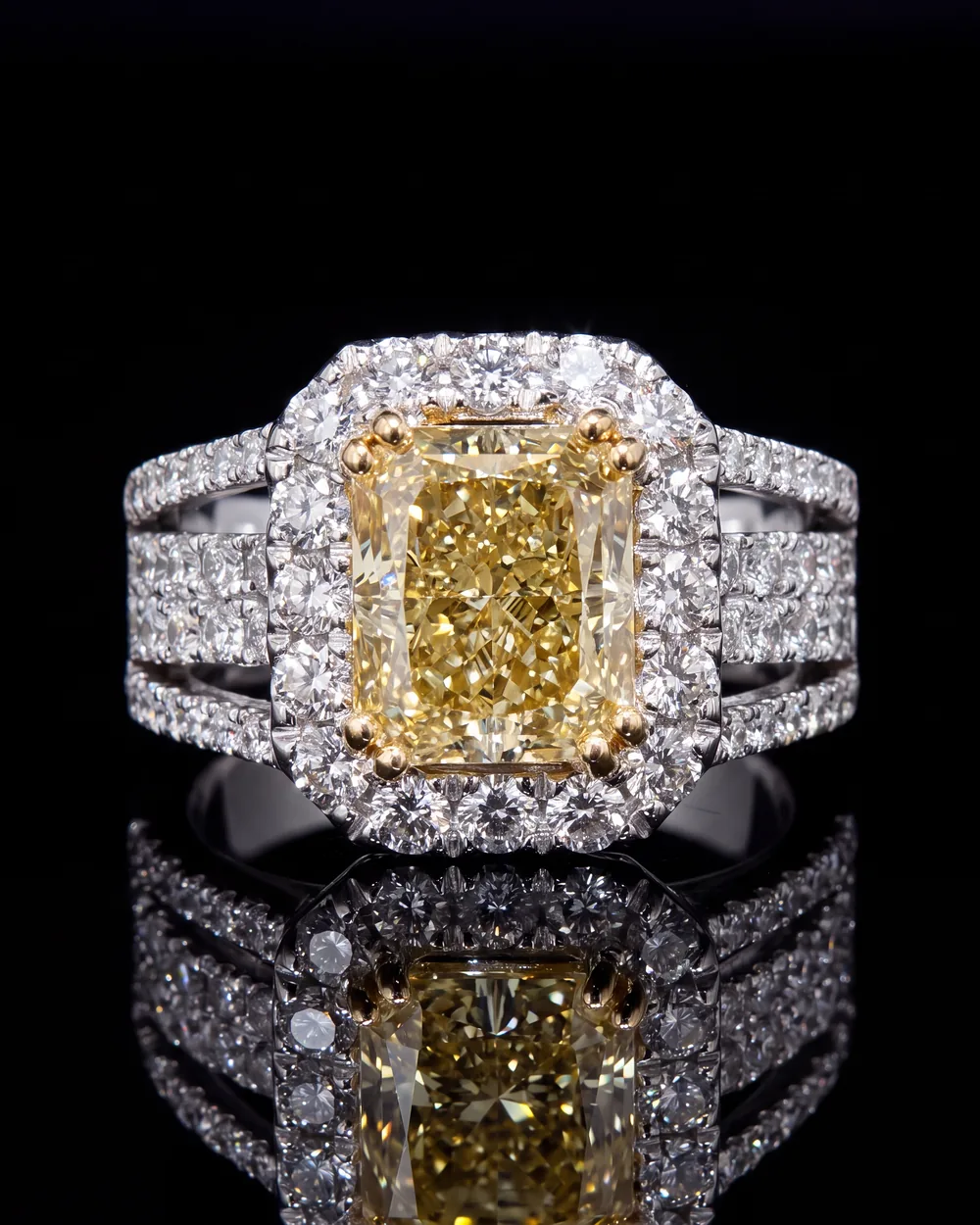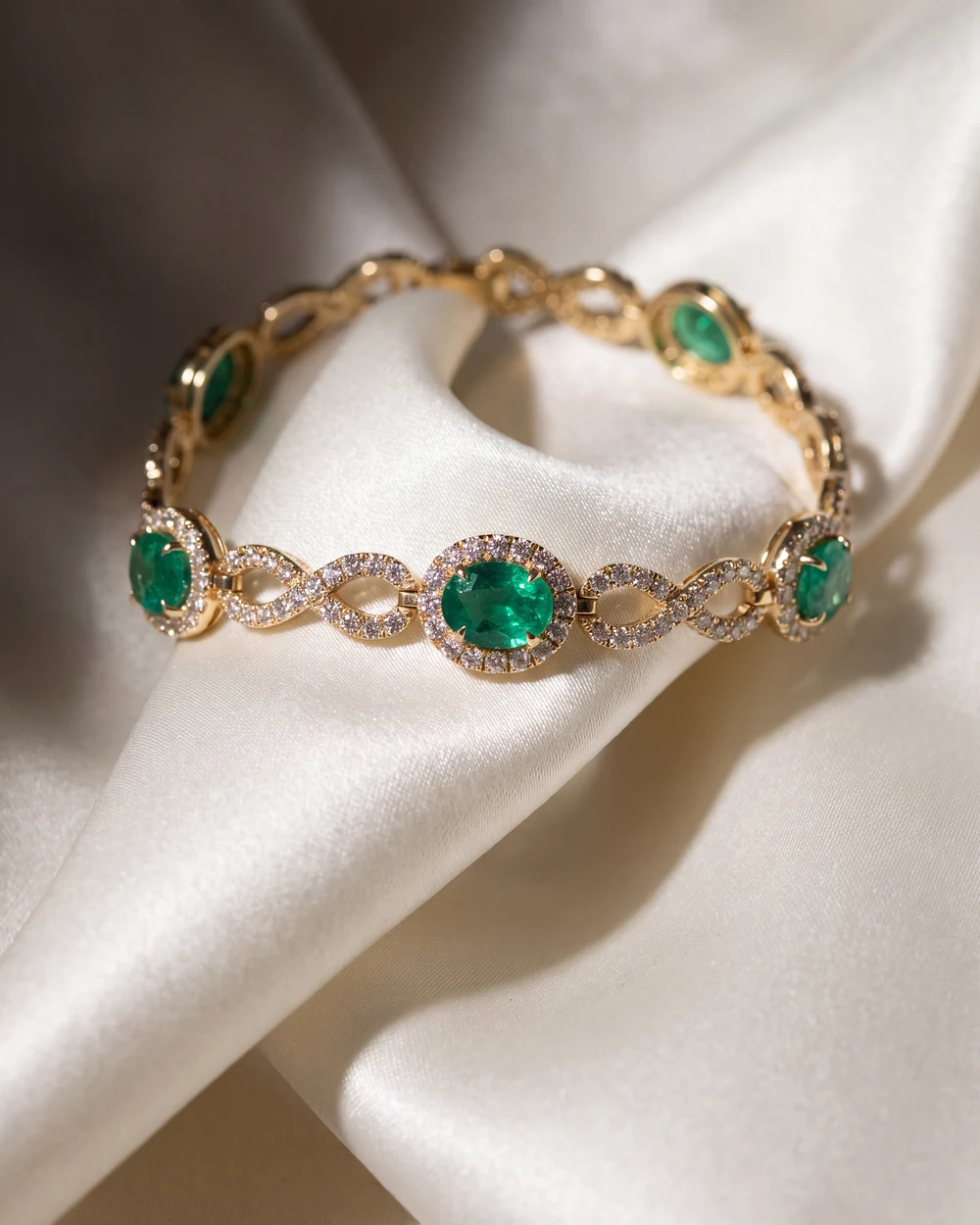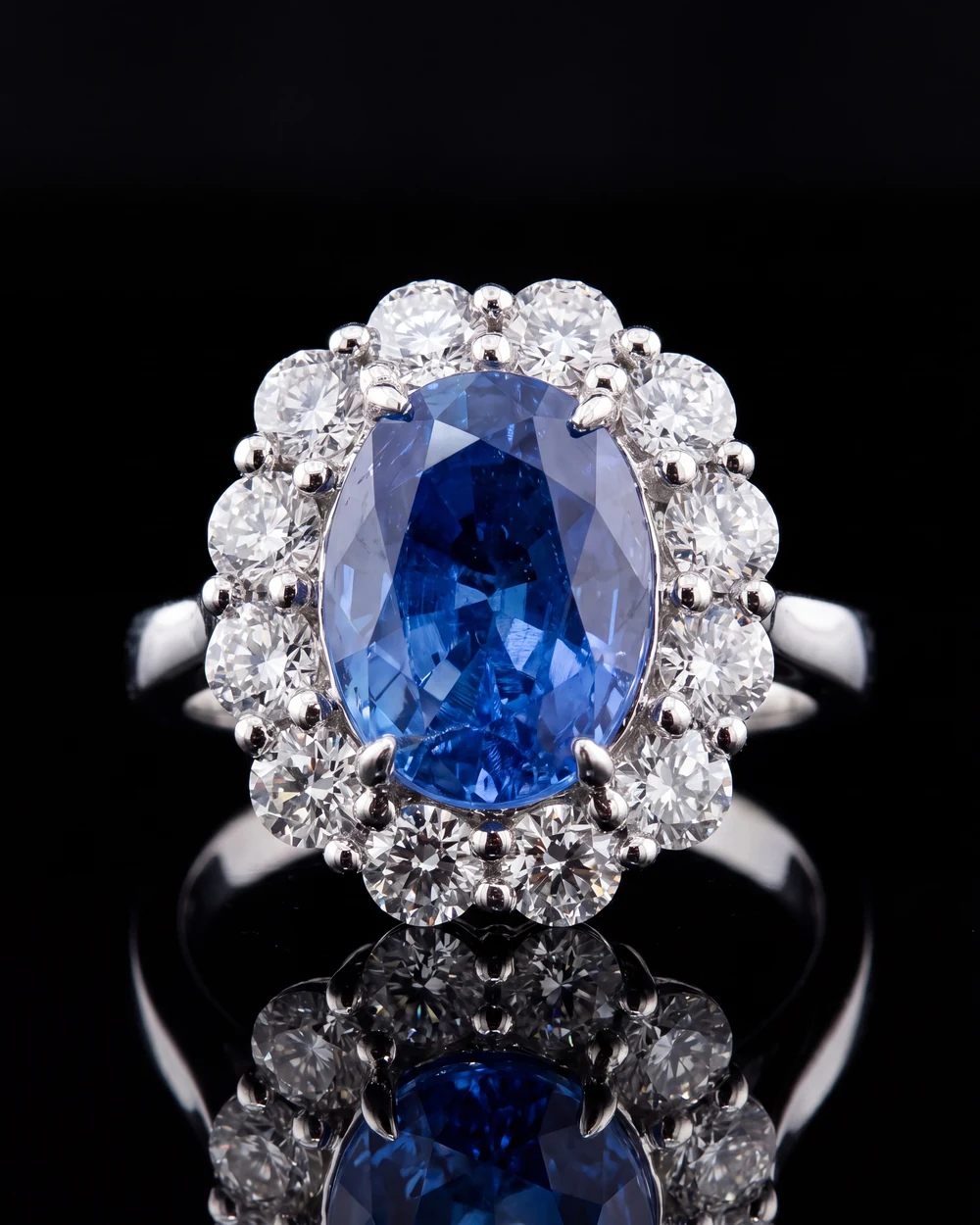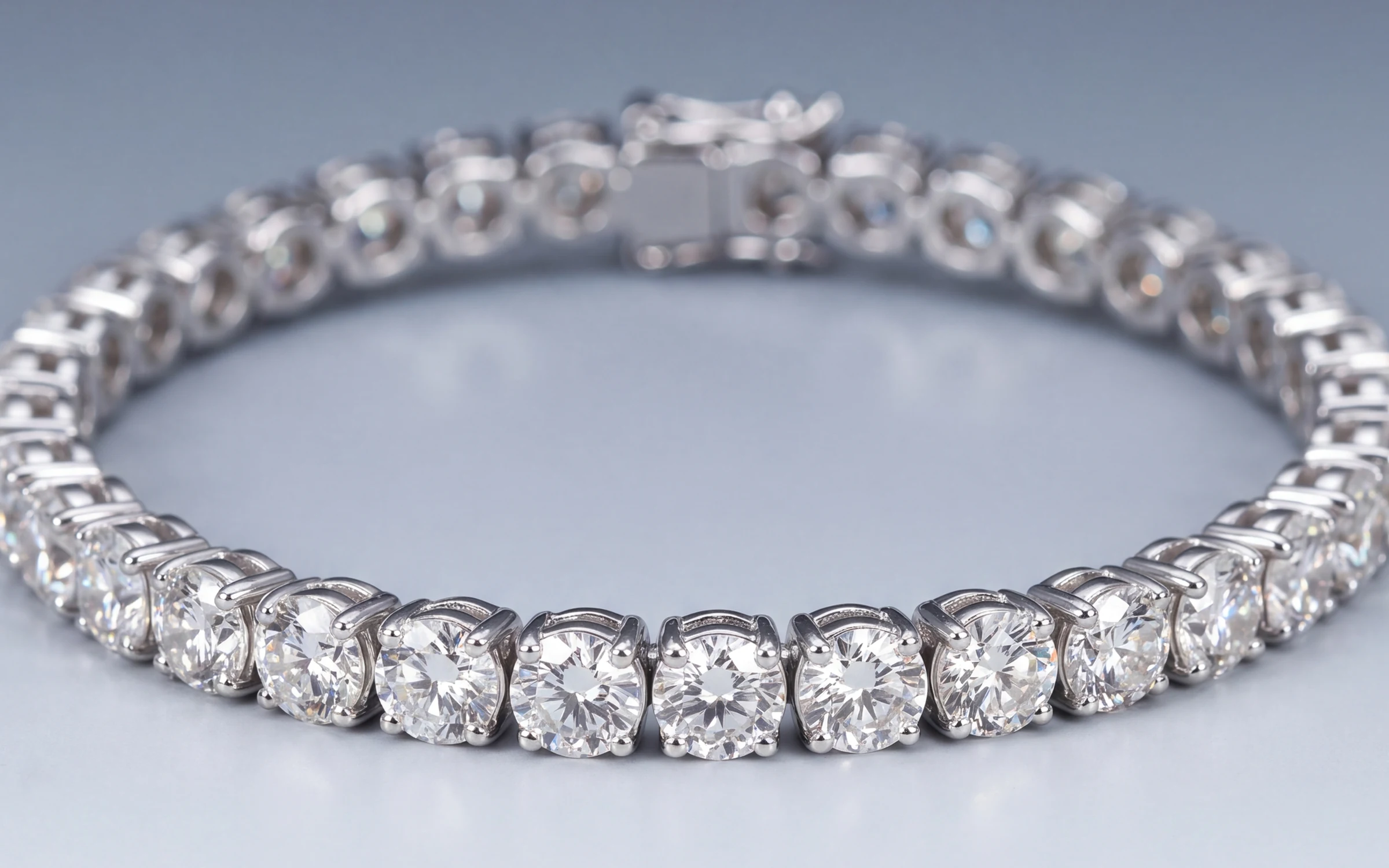
eBay is the biggest second-hand jewelry market there is, and the buyer on the other side has been trained to be suspicious. They have seen the listing with one blurry photo and a 'see pictures' description. So on eBay the photos have two jobs: get the click in search, and prove the piece is real, as described, and in the condition you say. The second job is the one most sellers skip.
This guide covers eBay's picture rules as published, what to shoot for fine and estate jewelry, and how to get studio and on-model photos without a photographer.
eBay's picture rules, in short
From eBay's help page on adding pictures to listings, at the time of writing:
- Up to 24 pictures per listing, at no extra fee.
- Each file up to 12 MB.
- Minimum 500 x 500 pixels. eBay recommends about 1600 x 1600 pixels. Zoom on the listing only works well on larger photos, so treat 1600 as the floor for jewelry.
- 1:1 square or 16:9 look best in listings and search results.
- Accepted formats: JPEG, PNG, GIF, TIFF, BMP, WEBP, HEIC and AVIF.
- Do not add badges, logos, copyright notices or watermarks. eBay says these can affect your listing's placement in search.
- Stock or catalog photos cannot be used for an item listed as used.
- The main photo should show the whole item face on. For a bundle, the main photo should show everything included.
eBay's separate images and text policy adds that images must be your own, cannot be taken from a manufacturer's website even if public, cannot be blurry or distorted, and cannot carry contact details or links. Check both pages before a big relisting, because the numbers change.
Background: what eBay suggests and what works for jewelry
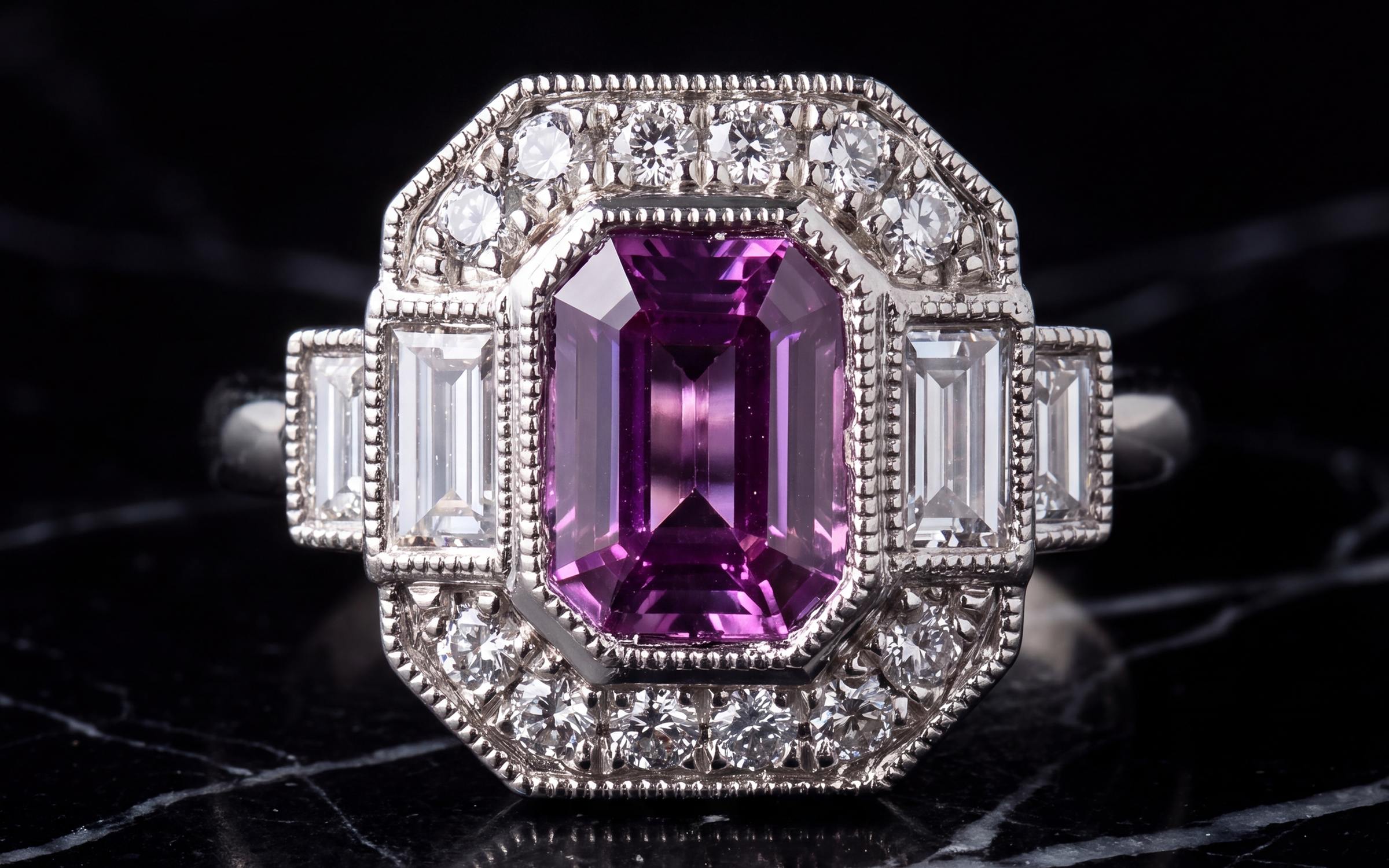
eBay's advice is an uncluttered, neutral backdrop, white generally best, with the note that a darker background may work better for shiny or reflective items like jewelry. That note is right. Pure white makes white gold and diamonds disappear at the edges and pushes the camera to underexpose the piece.
For jewelry, a plain mid-grey or a soft warm neutral gives you the clean, trustworthy look eBay wants and still shows the metal. Black works for a dramatic main photo on high-ticket pieces but hides the outline of white metal, so keep a grey or white shot in the set too. More on this in jewelry photography backgrounds.
The photo set that gets a piece sold on eBay
You have 24 slots. Jewelry needs six to twelve of them. The main photo wins the click. The rest replace the questions a careful buyer would ask in person.
- Main photo: the whole piece, face on, clean background, piece filling the frame. No text, no watermark.
- Scale: on a hand, ear, neck or wrist, or next to a coin or ruler. eBay itself suggests a coin or ruler when size is not obvious.
- Stones close: sharp enough to see the cut and the prongs. For colored stones, one photo in daylight so the color is honest.
- Hallmarks and stamps: 14K, 750, PLAT, a maker's mark, a serial. For watches, the reference and serial. This is the photo that separates a trusted seller from the rest.
- Every side: profile of the setting, the back of a pendant, the inside of a shank, the underside of a bracelet.
- Clasp and findings: closed and open.
- Condition: every scratch, worn prong, thin shank or missing stone, close and lit. A buyer who sees the flaw before they buy keeps the piece. One who finds it afterwards opens a dispute.
- Paperwork: appraisal, certificate, box, receipt, if you have them. Cover any personal details.
- Weight on a scale, if you sell by weight or buyers in the category expect it.
Shoot the whole set in one session on one background so the listing looks like one listing. Use the same photo order on every listing so repeat buyers know where to look.
Rules of thumb for estate and pre-owned pieces
- Photograph the exact piece, every time. Never reuse a photo from a similar piece you sold before.
- Do not clean up wear in editing. Light and background are fair game. Removing a scratch or a chip is misrepresentation, and the buyer will find it.
- Daylight for color. Mixed light makes yellow gold orange and white gold cream, and in a jewelry category a color cast reads as a hidden problem.
- Fill the frame. eBay's zoom is only useful if the piece is large in the photo.
About eBay's own photo tools
eBay's listing tools include a background remover that swaps your background for white, and in the app, a set of generated scene backgrounds. They are fine for a quick white cut-out on a simple piece. On jewelry they tend to eat a thin chain, prong tips and the shadow that grounds a piece, which leaves it floating. If you use them, check the edges at full size before you publish.
From the photo you have to a listing photo
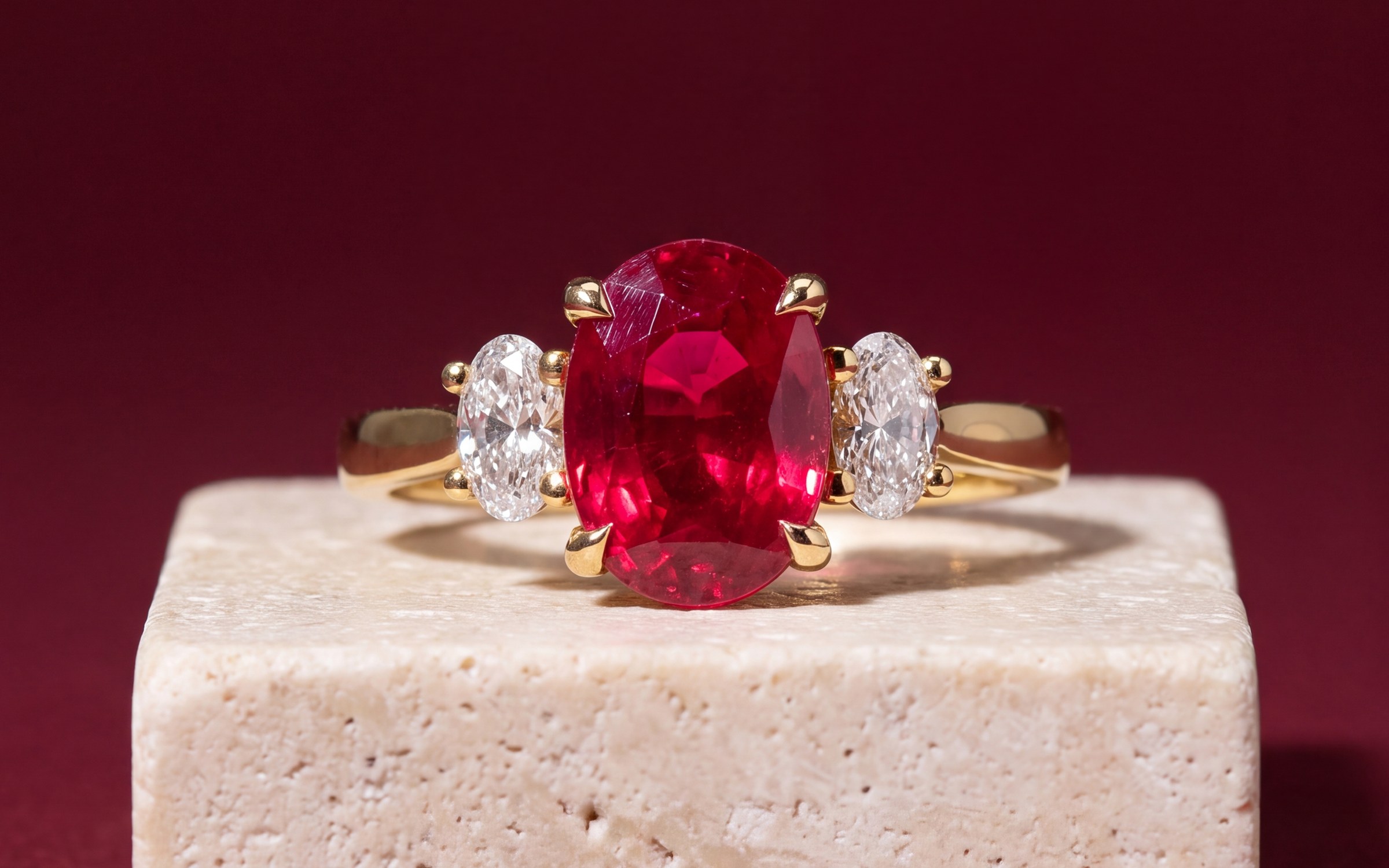
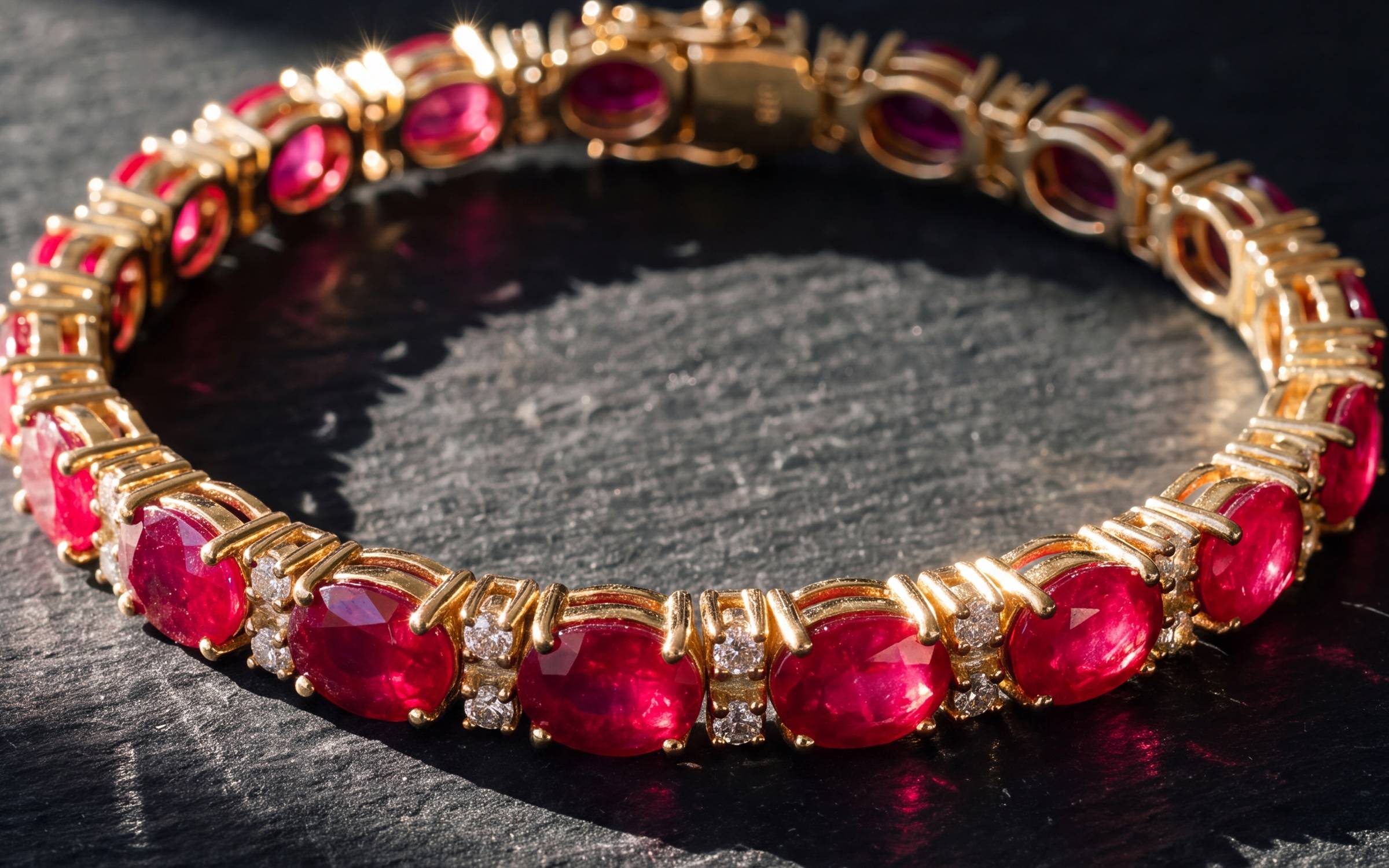
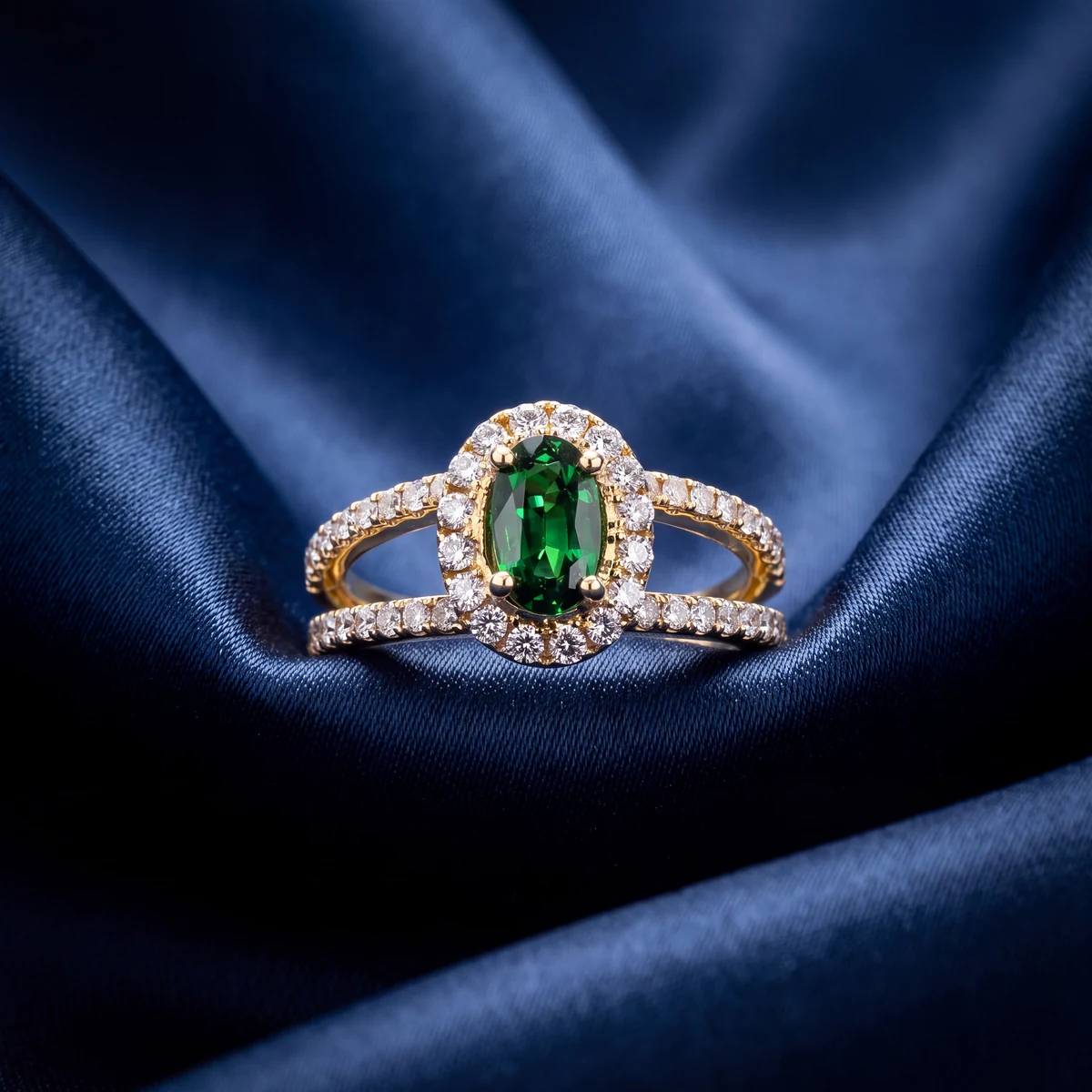
Most eBay jewelry photos are phone photos, and a phone photo shot well is enough. Our guide to photographing jewelry for listings covers the window-light setup. What a phone will not give you is a catalog photo with a grounded shadow and the piece worn for scale, consistent across every listing in your store.
Aurix makes those from the photos you already have. Upload up to five photos of a piece, pick a Style, and download a new photo of that same piece, with the stone, metal color and setting held to your original. You review it next to the original before you use it, and you upload it to eBay like any other photo. There is no eBay connection. Keep your condition and hallmark photos as straight phone photos, because those are proof, not presentation. The Photo Studio page for Etsy and eBay sellers has a before and after.
Try it on your own photos
Try 10 photos free, no card needed, at app.getaurix.ai. After that, plans start at $99 a month: Starter $99, Growth $199 and Scale $399, month to month. Not sure which Style suits your pieces? Book 20 minutes and we'll run three of them with you.
Questions jewelers ask
What are eBay's picture requirements?
At the time of writing eBay's help pages say a listing can carry up to 24 pictures, each up to 12 MB, with a minimum of 500 x 500 pixels and a recommended size of about 1600 x 1600. JPEG, PNG, GIF, TIFF, BMP, WEBP, HEIC and AVIF are accepted. eBay says not to add badges, logos, copyright notices or watermarks because they can affect search placement.
Do eBay jewelry photos need a white background?
eBay recommends an uncluttered, neutral backdrop and says white is generally best, but it also says a darker background may work better for shiny or reflective items like jewelry. A clean mid-grey is a good compromise that shows white metal, diamonds and yellow gold without glare.
Can I use stock photos for jewelry on eBay?
Not for an item listed as used. eBay requires photos of the actual item for used goods, and for jewelry buyers expect photos of the exact piece regardless of condition. Shoot the piece you are shipping.
How many photos should a jewelry listing on eBay have?
Six to twelve. The whole piece face on, a scale shot, close-ups of stones and hallmarks, every side, the clasp or shank, and clear photos of any wear or flaws. For estate and pre-owned jewelry the flaw photos are what earn trust.
Does Aurix post photos to eBay?
No. Aurix does not connect to eBay. You upload photos you already have of a piece, pick a Style, download the new photo and add it to your eBay listing yourself.