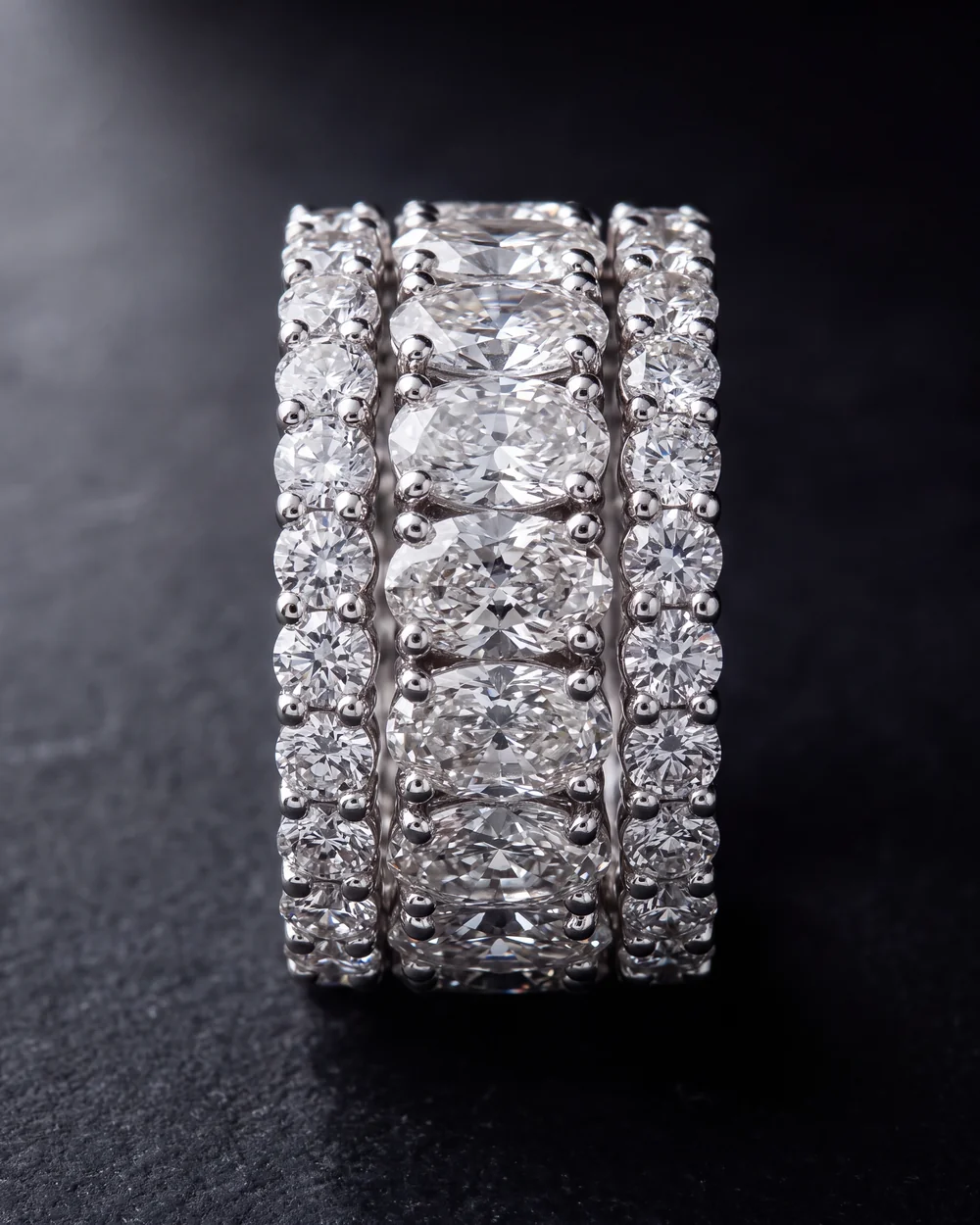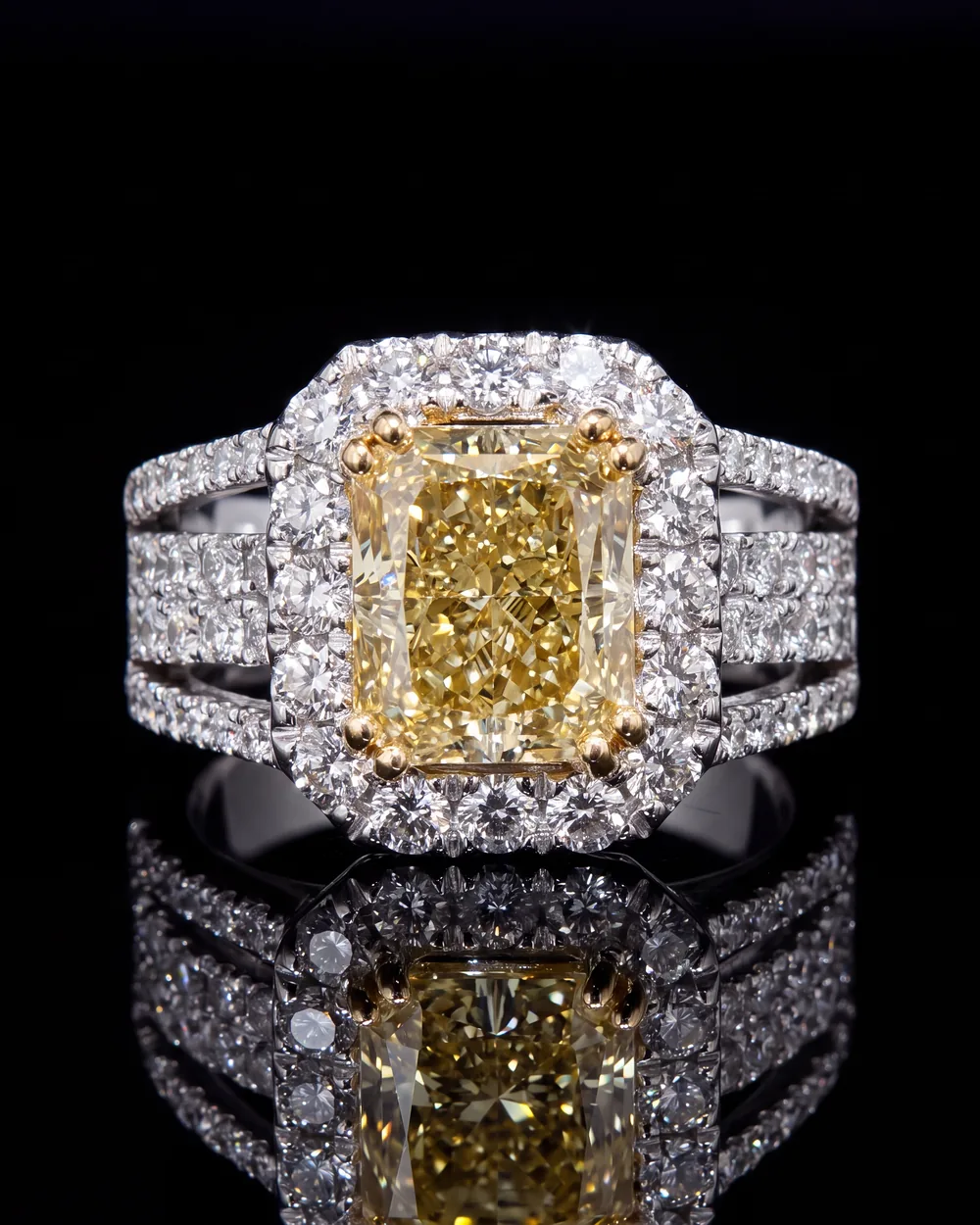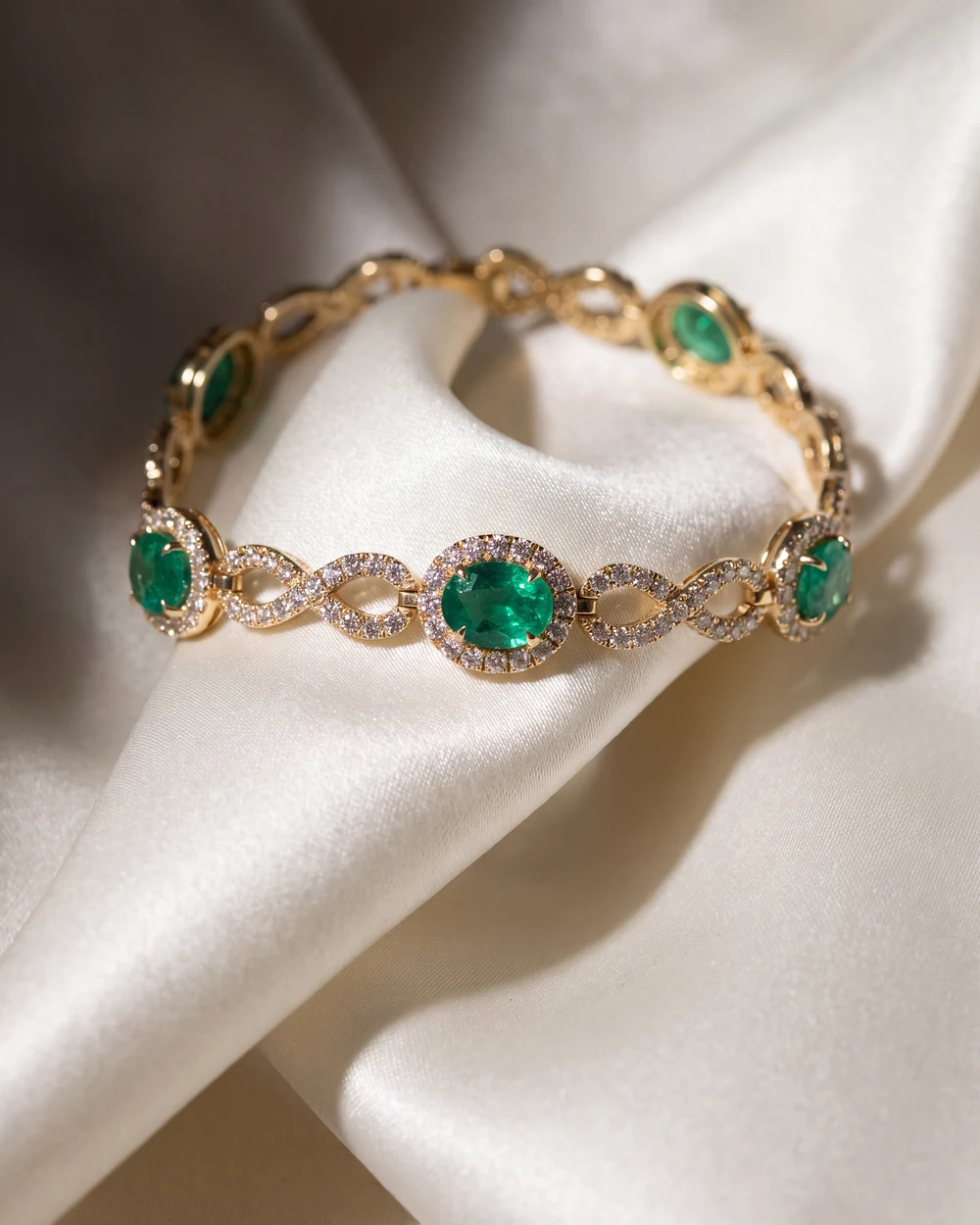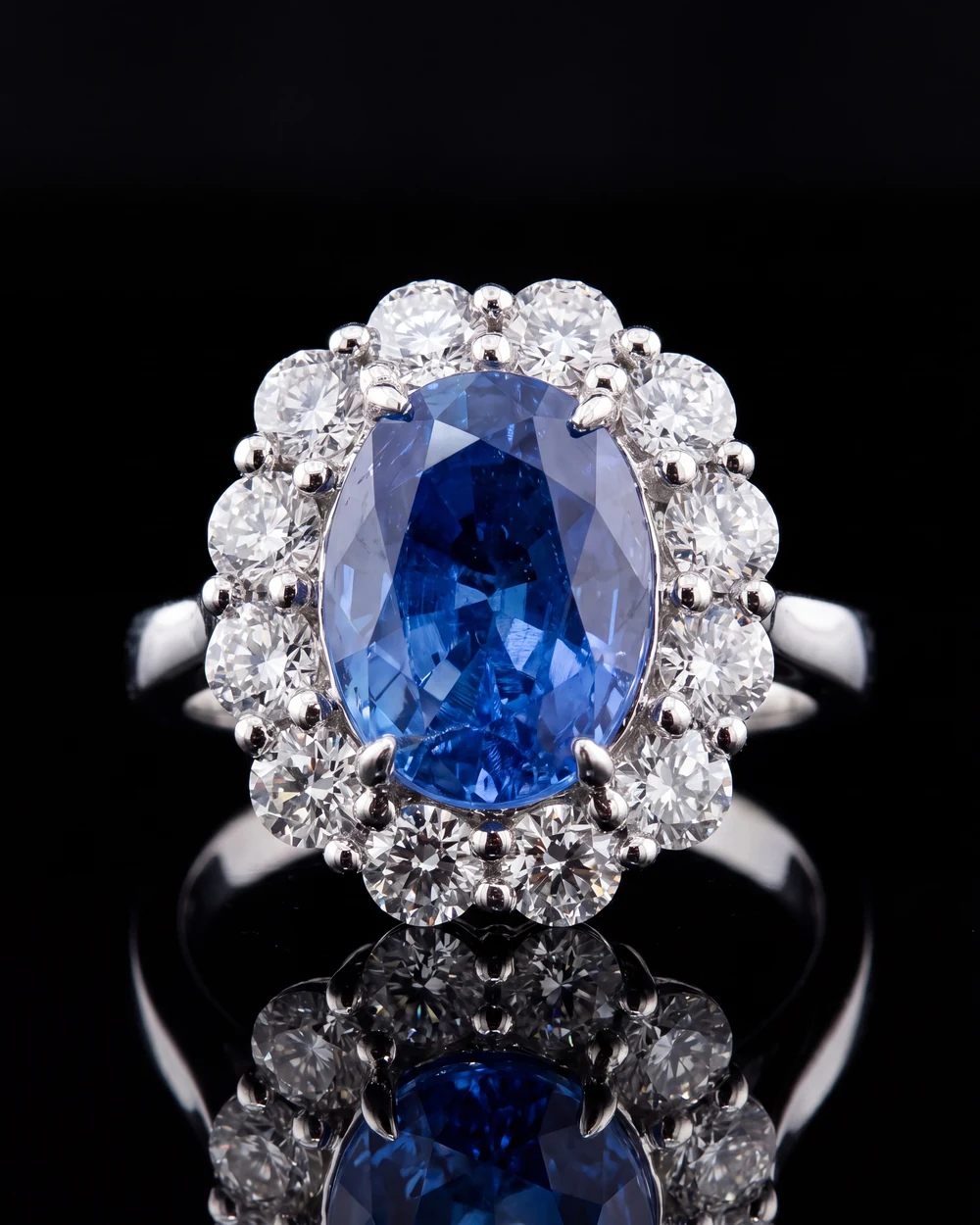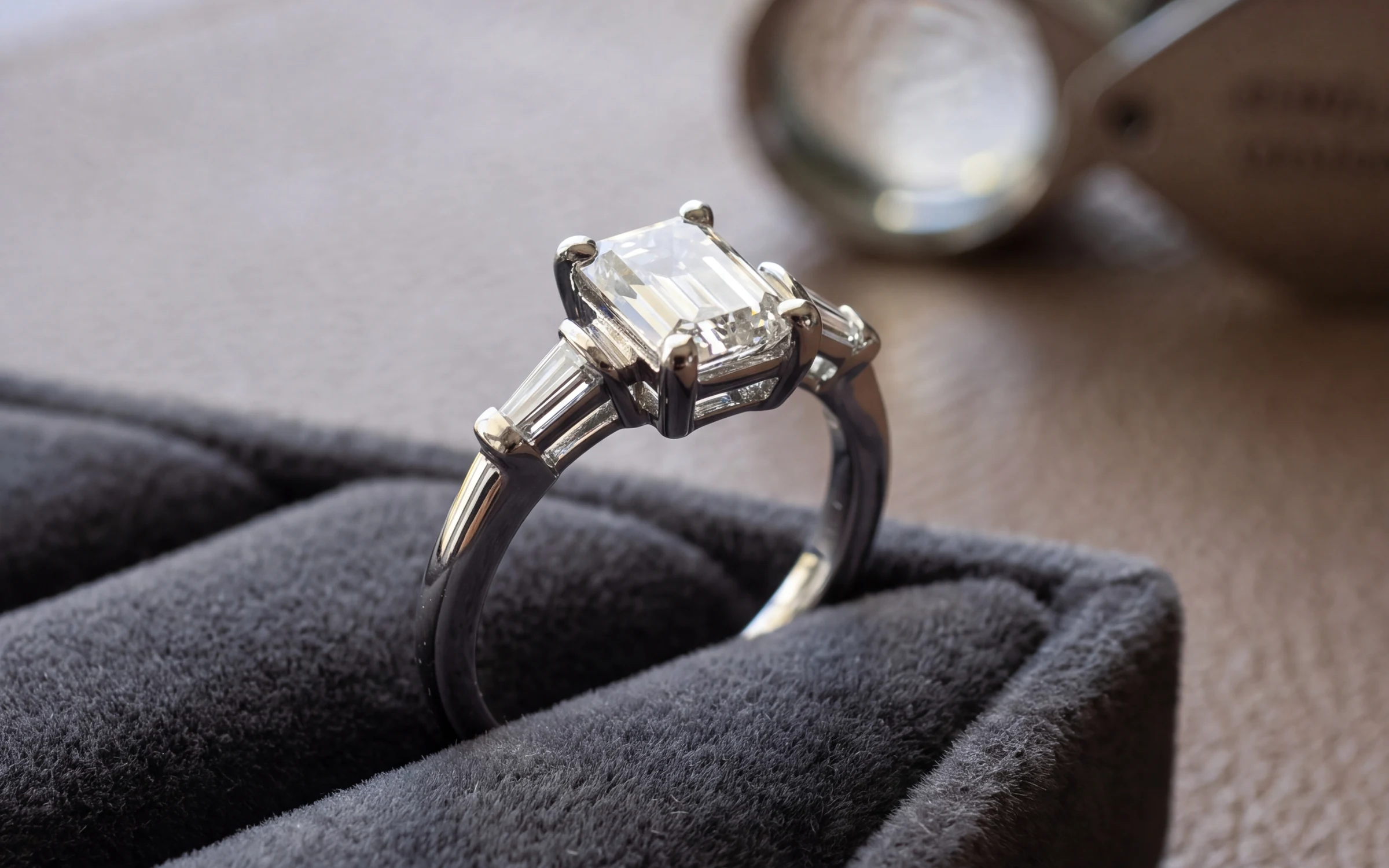
Rings are a big part of what most jewelry stores sell, and they are the hardest pieces to photograph well. The metal is a curved mirror, the diamonds need bright points of light to look alive, and the shopper wants to see the setting from every side before spending real money on it.
This guide is the setup we would hand a new person on the sales floor: the shots to take, how to stand a ring up, how to light it, and the mistakes to check for before a photo goes on the site. It works with a phone. If you are starting from zero, our jewelry photography guide covers the basic window-light setup.
The five ring shots every listing needs
Shoot all of these in one session so the light matches from photo to photo:
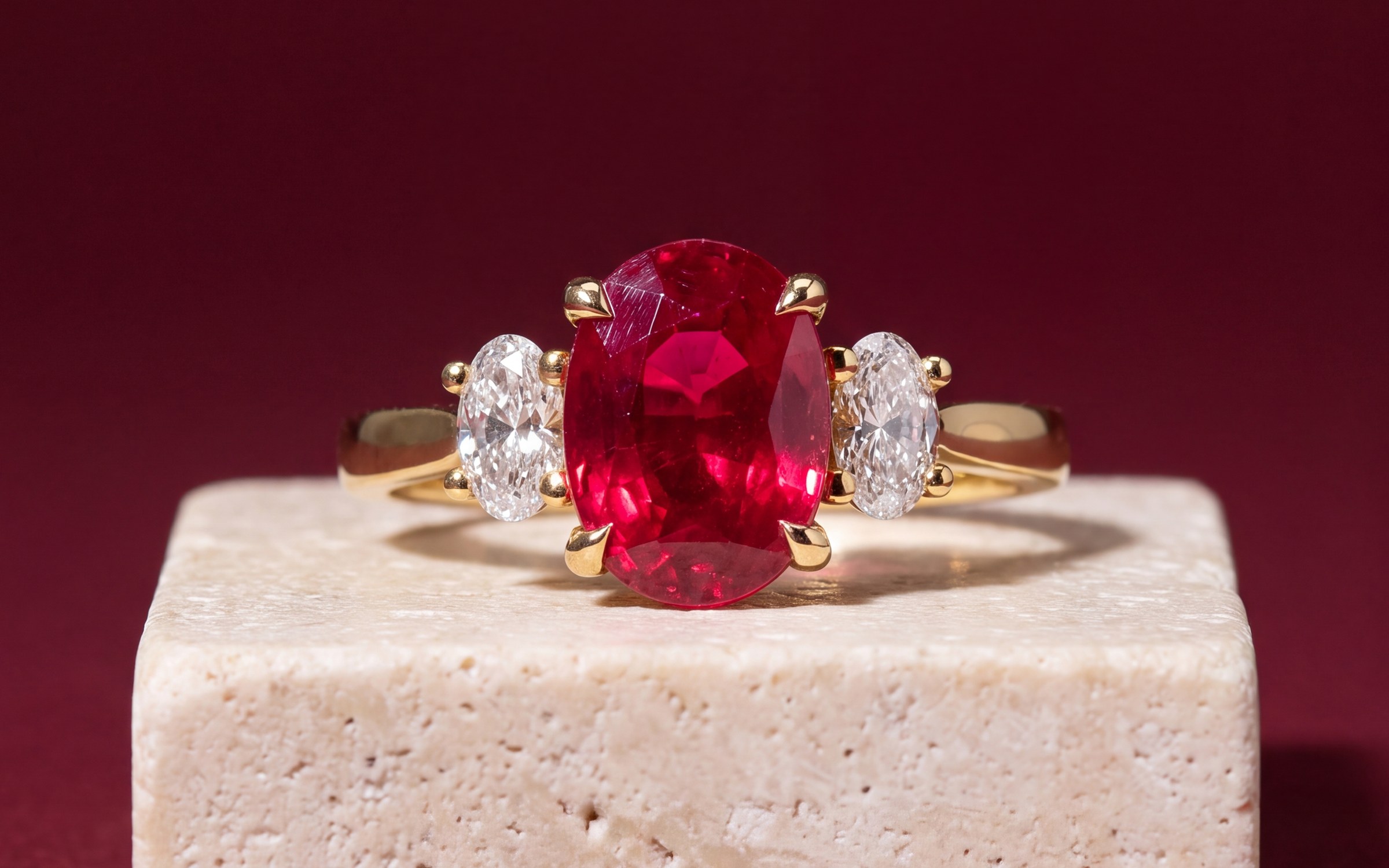
- Front view. The ring standing upright, camera level with the center stone. This is the face of the ring and usually the main photo.
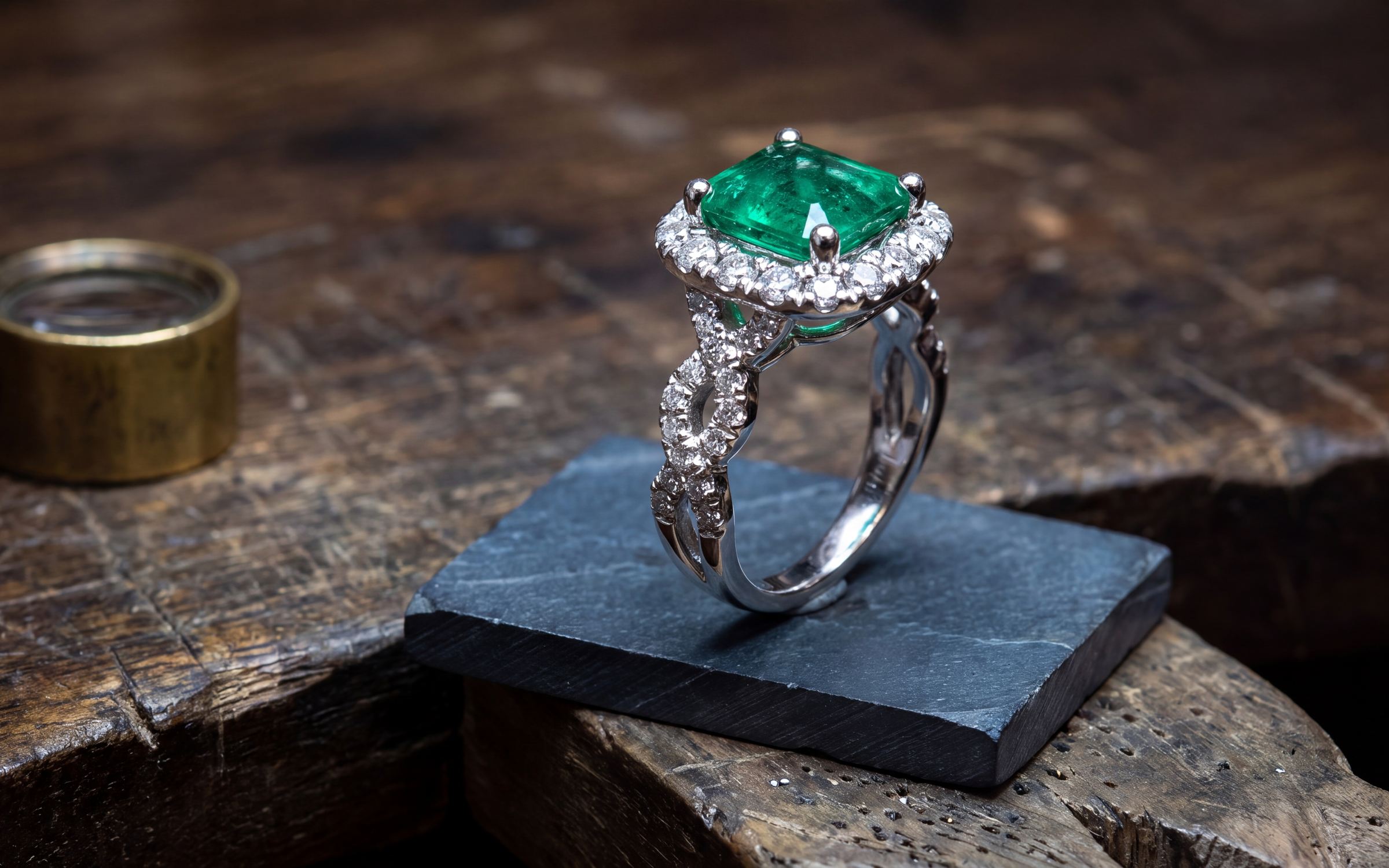
- Three-quarter view. Turn the ring about 45 degrees and raise the camera slightly. This shows the stone and the shank together, and it is the angle most people picture when they think of a ring.
- Side profile. The ring turned sideways, camera level. This answers how high the setting sits, what the gallery under the stone looks like, and whether there are hidden stones on the sides.
- Top down. The camera straight above the stone. This shows the true shape and outline of the center stone and the halo.
- Close-up of the stone. Fill the frame with the center stone and its prongs. Customers zoom here to count prongs and check the halo.
Then add a scale shot. On a hand is best, because it answers how big the ring really looks. For wedding bands, add a shot of the inside of the band if it is comfort fit or engraved, and a shot of the band next to the engagement ring it is meant to sit with.
How to stand a ring up
A ring lying flat on its side reads as a pile of metal. Stand it upright.
- Museum putty or jeweler's wax. Press a pea-sized ball behind the shank where the camera can't see it, and set the ring on it. It holds well and leaves no residue.
- A ring clip or a ring stand, if you shoot a lot of rings. Turn it so the clip sits behind the band.
- A small slit cut into a piece of foam board. Slide the bottom of the shank into the slit. It also gives you a clean surface.
Check that the ring sits straight. A ring leaning a few degrees to one side looks like a mistake once it is on a product page next to other rings.
Light and cards: what makes metal look like metal
Use one soft light source: a window with no direct sun, or a single daylight LED through tracing paper. Turn the room lights off so warm bulbs don't mix in and turn white gold yellow.
Then use cards. A polished band shows whatever is around it, so you control how it looks by controlling what it reflects:
- White cards on the sides. Pieces of white foam board just out of frame fill the metal with soft light and open up the shadow side.
- Black cards for edges. A strip of black card off to one side puts a dark line along the band. That dark line is what makes a polished shank look round and solid. Without it, white metal on a white background turns into a flat grey shape.
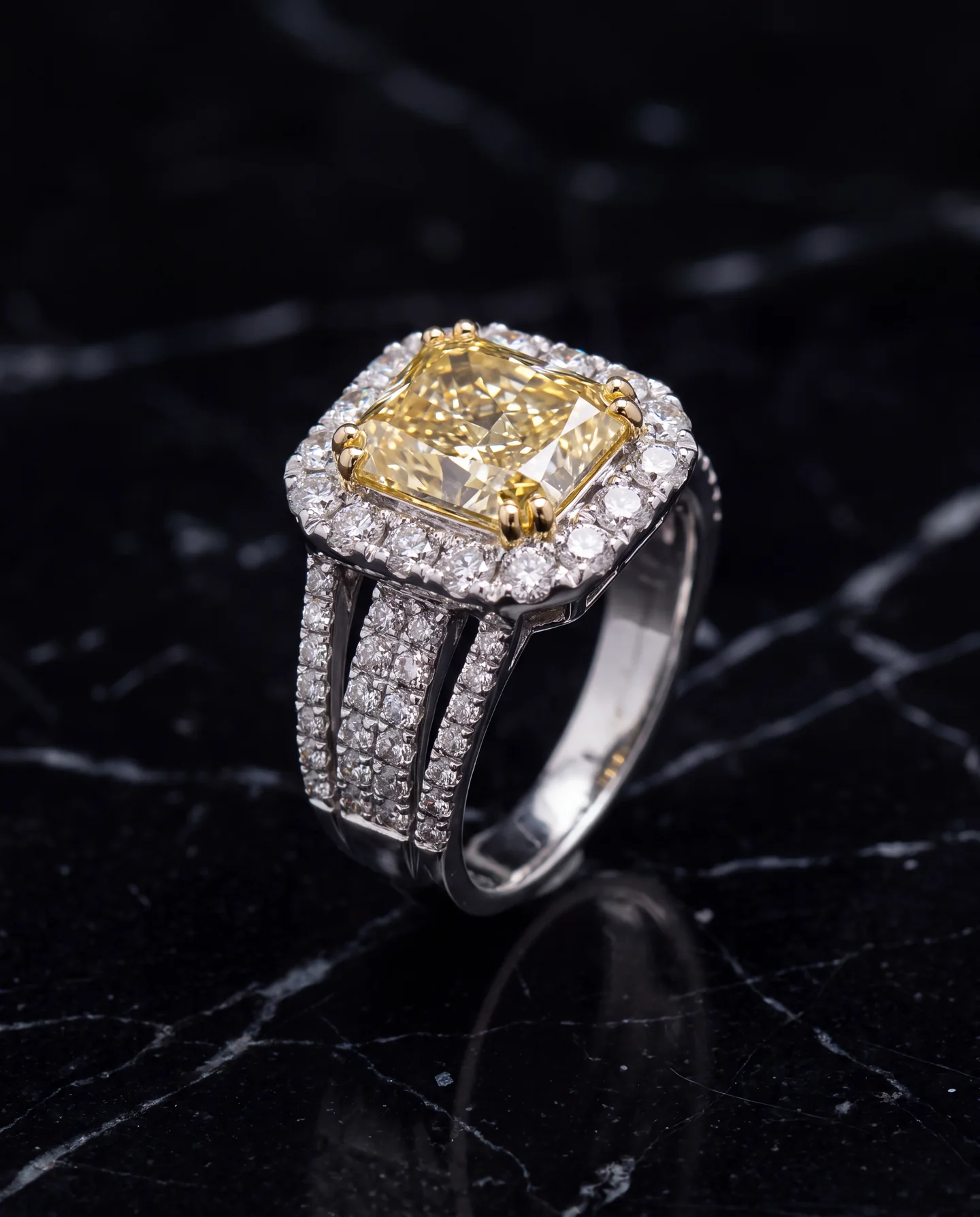
- A small point light for the stones. A pen-sized LED from above or to one side puts bright points in the facets. That is the sparkle. Move it a little at a time and watch the stone on the screen.
Reflections of you and your phone
The most common problem in ring photos is a tiny phone and a hand reflected in the center of a polished shank or a large table facet. Three fixes:
- Step back and use the phone's 2x or 3x lens instead of moving the phone close. The phone's reflection gets much smaller.
- Hold a black card with a hole cut for the lens between you and the ring.
- Change the angle a few degrees. Reflections move fast on a curved surface.
Focus and sharpness
Up close, a phone has very little depth of focus, so the stone can be sharp while the back of the band goes soft. Tap the center stone to focus, then hold your finger to lock focus and exposure. Keep the stone sharp above all else, because that is where the customer will zoom.
Don't use portrait mode. It guesses where the edges of the ring are and blurs prongs and the gaps between shank rows. Don't zoom digitally past 2x either. Use a real lens or move closer and crop later.
Get the metal and stone color right
Customers notice metal color more than anything else. White gold that looks yellow, yellow gold that looks orange, or a sapphire that looks purple will bring the ring back as a return. Shoot in daylight only, put a piece of white paper in the first test shot to check it looks white, and compare the photo to the ring in your hand before uploading. Platinum and white gold are both grey-white and should look that way, not blue.
Keep elongated stones the way they are set. An oval, pear, marquise or emerald cut set north to south should be shown north to south. Rotating the photo so the stone looks east to west shows a different ring.
Clean it first
A camera sees every fingerprint on a polished shank and every speck of dust under a stone. Clean the ring, handle it with a cloth or gloves after that, and blow off dust right before you shoot. A minute of cleaning saves an hour of editing, and some things, like a film over a diamond, can't be edited out convincingly anyway.
Wedding bands
Bands are simpler to light but easy to make boring. Show the band standing upright at a three-quarter angle, a profile that shows the width and the dome or flat surface, the inside if it is comfort fit, and a close-up of any stones or milgrain. Put the width in millimeters in the description. If you sell bands as a set with an engagement ring, photograph them together, the way they will be worn.
Mistakes that make a good ring look cheap
- Flash. It flattens the stone and puts a hot spot in the shank.
- The ring lying on its side, or leaning.
- The phone reflected in the band.
- Velvet trays, wood grain and busy fabrics behind the main photo. Keep image one plain. Our guide to jewelry photography backgrounds covers which ones work.
- A small ring in a big empty frame. Fill most of the frame so the photo holds up when a customer zooms.
- Different light for each ring, so a collection page looks like ten different stores.
- Filters or heavy editing that changes the color of the metal or stone.
From the photo you have to a studio photo
The method above gets you an honest, sharp photo of the ring. A studio photograph with a grounded shadow, consistent framing across the catalog and the ring on a model takes more: more time, more equipment, or a photographer. Aurix Photo Studio starts from the photo you just took, or one you already have, and makes photos of the same ring on a model or in a beautiful setting, with the stone, metal and setting held to your photo. For the size and order of photos on a product page, see Shopify product image size for jewelry.
Want to see one of your own rings on a model or in a studio? Your first 10 photos are free, no card, at getaurix.ai.
Questions jewelers ask
What angles should I use to photograph a ring?
Five covers most rings: a straight-on front view at the height of the stone, a three-quarter view from slightly above, a side profile that shows the setting height and gallery, a top-down view of the stone shape, and a close-up of the center stone. Add a scale shot so the customer can judge size.
How do I make a ring stand up for photos?
Press a small ball of museum putty or jeweler's wax behind the shank, out of the camera's view, and set the ring upright on it. A ring clip or a slit cut into a piece of foam board works too. Keep whatever holds it hidden behind the band.
Why do my ring photos have dark or ugly reflections?
Polished metal is a mirror, so it shows whatever surrounds it, including you and your phone. Shoot from a little farther back with the phone's 2x or 3x lens, put white cards on the sides, and place a black card where you want a dark edge to define the shape of the band.
How do I get diamonds to sparkle in a photo?
Use one soft main light for the metal and add a small, bright point of light, such as an LED penlight, from the side or above. The sparkle comes from small bright highlights in the facets. Flash flattens the stone, so leave it off.