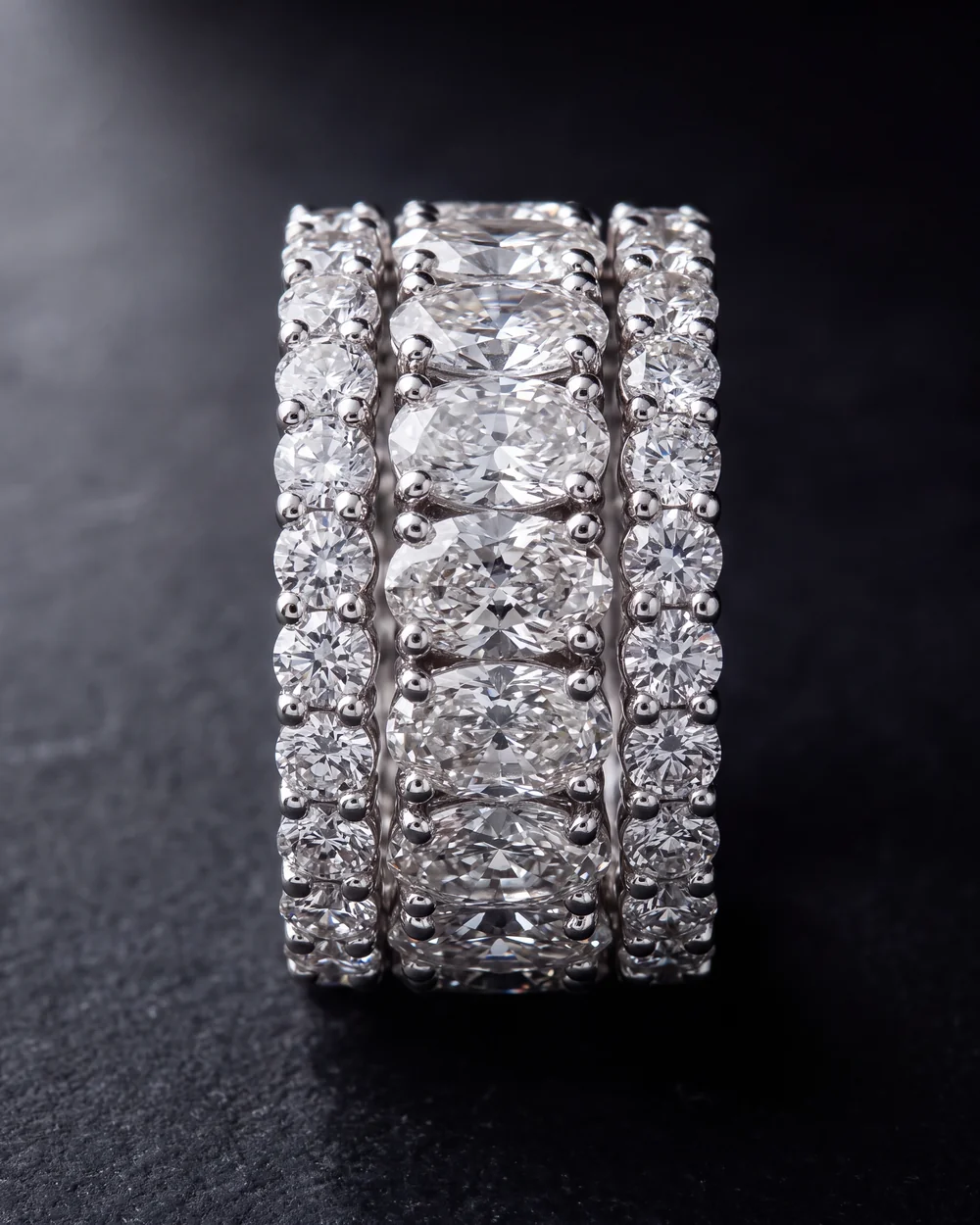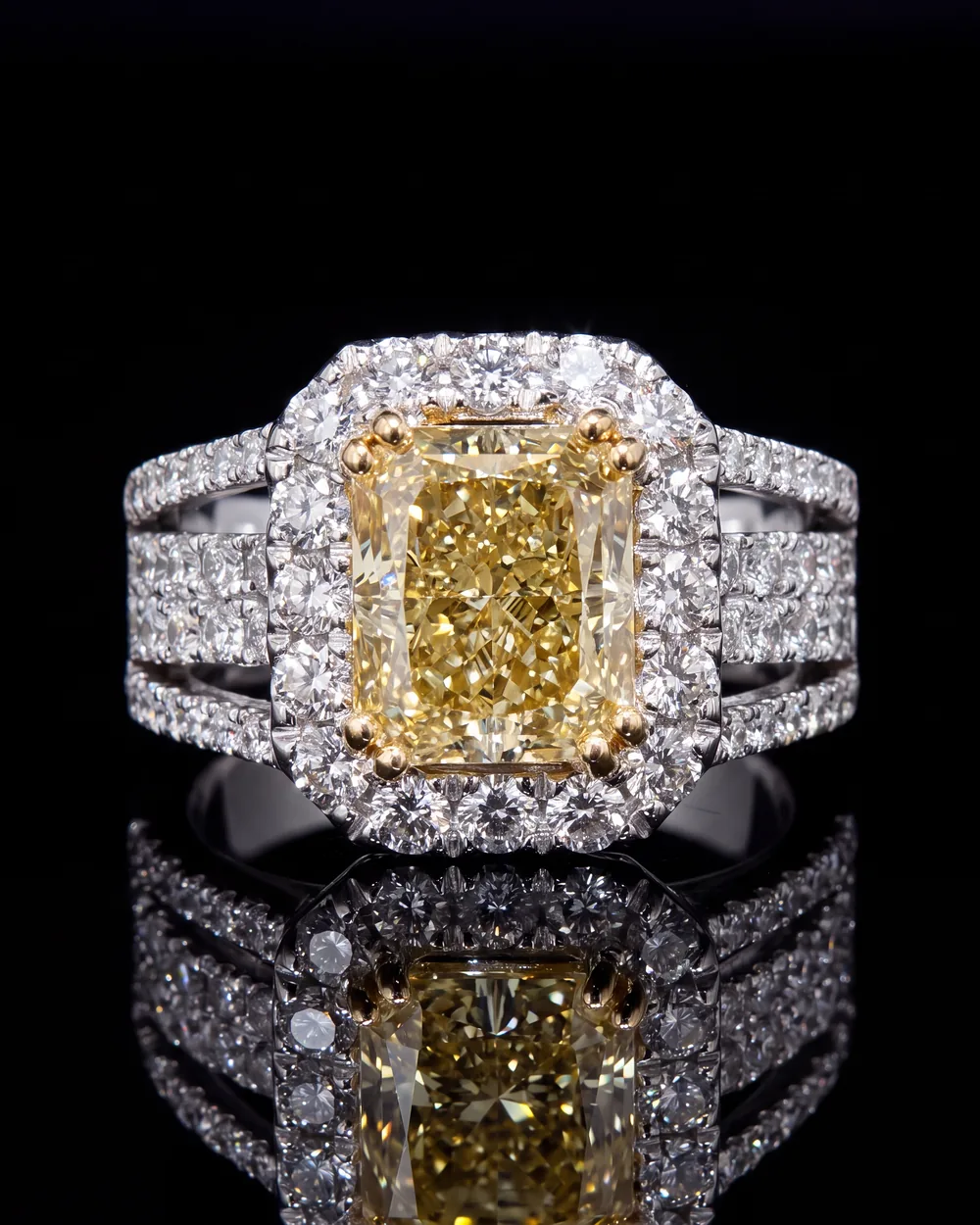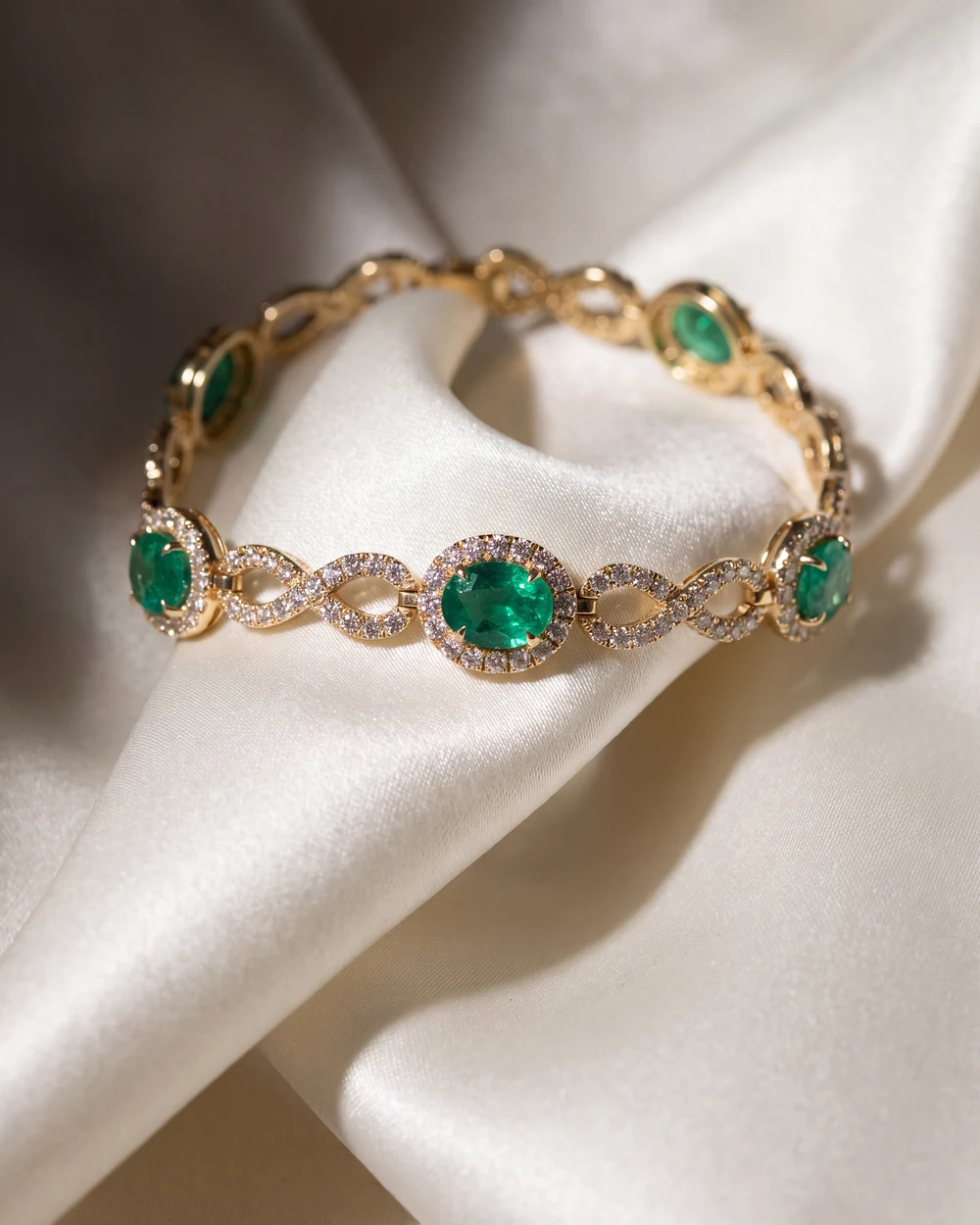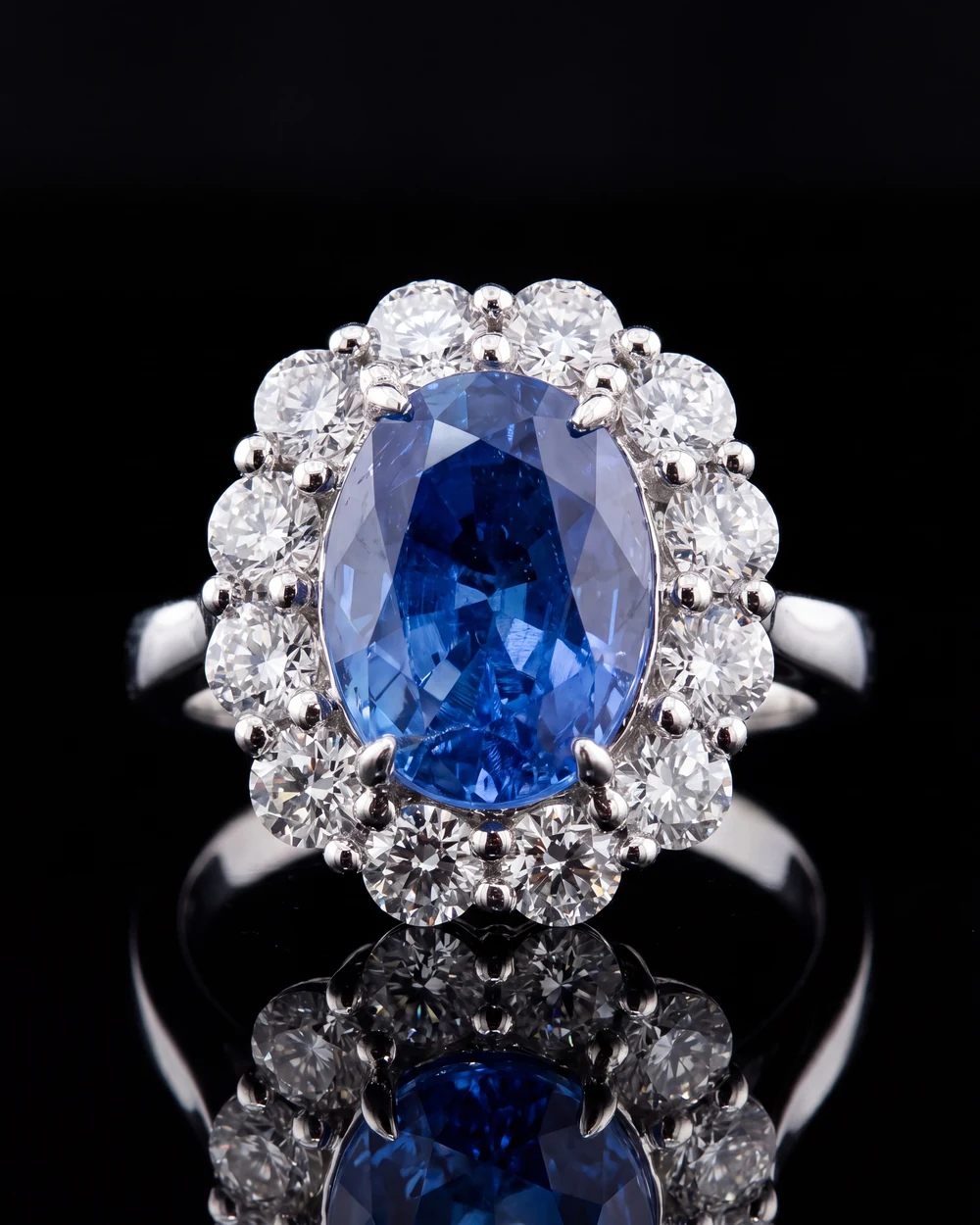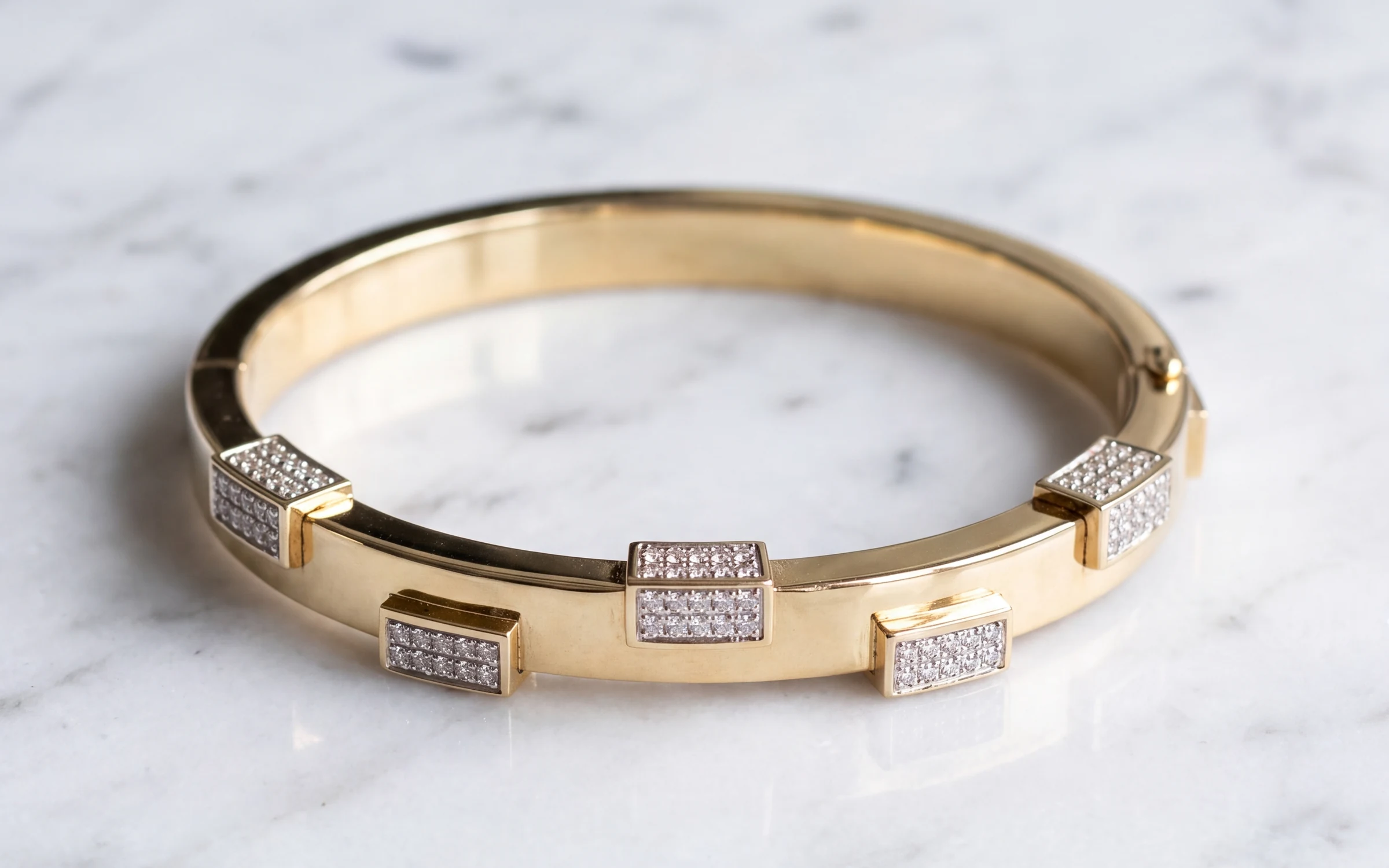
A photo shows what a piece looks like. A short video shows what it does: a diamond throwing light as it turns, a chain moving, a bangle catching a highlight along its edge. For pieces that depend on sparkle and movement, a 10 second clip can answer more questions than three more photos.
You don't need a videographer for this. A phone, a window and a little patience will get you clips good enough for a product page. Here is how.
What to film
Keep each clip simple and short. Five to fifteen seconds, one idea per clip:
- The turn. The piece rotating slowly on a turntable or being turned by hand through about a quarter to half a circle. This is the most useful clip for rings and pendants.
- The light move. The piece stays still and you move a small light slowly across it. The facets light up one after another. This is the best way to show sparkle.
- The movement. A tennis bracelet bending, a chain swinging gently, drop earrings moving. This shows how the piece behaves.
- On the body. A ring on a hand, earrings as a head turns, a necklace on the collarbone. This shows scale better than anything else.
Setup and light
Use the same setup as for photos: soft daylight from a window with no direct sun, or one daylight LED through tracing paper, and the room lights off. Put white cards around the piece for fill. Then add a small, bright LED penlight. In video, the sparkle comes from that small hard light moving across the facets, so it matters more than in a still photo.
A battery-powered turntable is cheap and makes smooth, repeatable turns. Set it to its slowest speed. A turn that takes 10 to 20 seconds for a full circle looks calm. Faster than that looks like a toy.
Phone settings
- Put the phone on a small tripod or prop it on something solid. Handheld video of a small piece shakes.
- Shoot 4K at 30 frames per second. It gives you room to crop for square and vertical versions.
- Lock focus and exposure on the piece before you start recording. On iPhone, press and hold on the piece until AE/AF LOCK shows. Otherwise the phone refocuses and the brightness pumps as the piece turns.
- Turn the exposure down slightly so the highlights on polished metal don't blow out to white.
- Don't zoom while recording. Choose your lens and framing first.
Move the piece or the light, not the camera
Most bad jewelry video comes from a moving camera. Keep the phone still and let the piece or the light do the moving, slowly. If you want a camera move, make it one slow push in, and only after you have the basic clips.
Editing
Trim to the best 5 to 15 seconds and stop there. Product page videos usually autoplay muted, so music adds little. Don't add filters or color presets, and check the metal color against the piece just as you would for a photo. White gold should not turn blue or yellow in a video any more than in a photo.
If you crop, make one square or 4:5 version for the product page and one vertical 9:16 version for Instagram Reels and other short video feeds. Frame the piece in the center when you film so both crops work.
Where the video goes
- Shopify. Product media accepts video, and Shopify's limits are generous, up to 10 minutes and 1 GB at up to 4K. Put the clip after your main photo and worn shot. Our guide to Shopify product image size for jewelry covers the image order.
- Wix. Product galleries accept video too. See Wix product image size for jewelry for the limits.
- Etsy. Listing videos run 5 to 15 seconds and play without sound. Our Etsy jewelry photography guide covers where the video fits among the ten photos.
- Instagram and other short video feeds. Use the vertical version, and post the same piece as a still too.
Keep a still photo in the first slot everywhere. Collection pages, search results, Google Shopping and link previews show the first image, and a frame from a video almost never looks as good as a real photo there.
A simple routine
Video takes longer than photos, so don't try to film everything you carry. Film your best sellers, your bridal pieces and anything that sparkles or moves. One turn clip and one light move per piece, shot right after the photos while the setup is still out, adds a few minutes per piece.
Where Aurix fits
Aurix makes still photographs, not video. Aurix Photo Studio turns a photo you already have of a piece into a photo of it on a model or in a beautiful setting, which is what belongs in the first slot. A short clip you film with the method above can sit right beside it.
Want to see one of your own pieces on a model or in a studio? Your first 10 photos are free, no card, at getaurix.ai.
Questions jewelers ask
How long should a jewelry product video be?
5 to 15 seconds for a product page or a listing. That is long enough to show the piece turning in the light and short enough that shoppers watch all of it. Etsy listing videos run 5 to 15 seconds.
Can I film jewelry videos with a phone?
Yes. A recent phone shooting 4K at 30 frames per second is plenty. Put the phone on a small tripod, use soft window or LED light, lock focus and exposure on the piece, and move the light or the piece slowly instead of moving the phone.
Should the video be the first image on a product page?
No. Keep a clean still photo first, because it is what shows in collection grids, search results and Google Shopping. Put the video second or third, after the main photo and the worn shot.
Does Aurix make jewelry videos?
No. Aurix makes still photographs. It turns a photo you already have of a piece into a studio photo of the same piece, which belongs in the first slot, and a short video you film yourself can sit beside it.